-

-
-
Product

Solutions
One app, all things legal

Compare
-
-
-


 Gmail
Gmail  Microsoft 365
  Wisetime
  Dropbox
  Zapier
  Quickbooks
  vs CosmoLex
  vs PracticePanther
  vs AbacusNext
  vs Caret Legal
  vs Clio
  vs MyCase
  vs Smokeball
  vs Filevine


Feature Release: August 2026
9th September 2026
This release includes 18 enhancements and 28 bug fixes across Lawcus. Highlights include more control over mobile and IP-based access, multiple file uploads, flexible reporting, better invoice visibility, new customization options, and an updated interface. We’ve also fixed issues across matters, contacts, intake forms, email, tasks, billing, Co-Counsel access, and organization management.
Enhancements
More Control Over Mobile App Access
Admins now have more control over who can use the Lawcus mobile app. You can manage mobile app access based on user roles and, if needed, limit access to specific IP addresses. This gives your firm more flexibility while adding an extra layer of security.
Upload Multiple Files at Once
Adding files is now quicker and easier. You can select and upload multiple files at the same time when sending emails or adding expenses from Matters, Leads, Interactions, and Expenses. No need to upload files one by one.
A Simpler Login & Sign-Up Experience
We’ve refreshed the Lawcus login and sign-up experience to make it cleaner, faster, and easier to navigate. You’ll notice smoother loading, clearer controls, better responsiveness, and improved language support when accessing your account.
Flexible Reporting
Lawcus reports now give you more ways to view and understand your firm’s data.
- Events Report: You can now see Practice Area and whether an event Has External Users.
- Matters & Related Contacts Report: Quickly see open matters and the contacts connected to them in one report.
- Invoice Summary Reports:Latest Payment Date is now available in the Invoice Summary and Partially Paid Invoice Summary reports, making it easier to keep track of payments.
Contact Address Management
Contact addresses are now easier to work with in reports. Instead of having the complete address in one field, you can now see Street, City, State/Province, Zip/Postal Code, and Country separately. This makes it easier to find, sort, filter, and manage contact information.
Easier Connections with Long-Life API Tokens
Connecting Lawcus with other tools your firm uses is now easier with Long-Life API Tokens. These tokens allow your firm to securely connect Lawcus with other applications and keep the connection active without needing to reconnect frequently. The token stays active until it is revoked and works with the same permissions as the user who created it. Organization owners can also manage active tokens, giving your firm greater control over connected applications.
More Control with IP-Based Access
Firms can now use IP-based access restrictions for Admin and Member roles along with custom roles. This lets you control where users can access Lawcus and gives your firm another way to keep account access secure.
Personalize Emails with Custom Fields
You can now use Contact and Matter custom fields as email merge tags in both the subject and body of your email templates. This makes it easier to create personalized emails while automatically including the information that matters to your firm.
Better Visibility into Invoice Payments
The Invoices list now shows Last Payment Received Date and Paid Date. You can quickly see when an invoice was last paid and when it was fully paid, making it easier to keep track of your firm’s payments.
Make Your Firm Logo Look Its Best
You can now resize and crop your firm logo in Lawcus. This helps your logo display correctly and consistently across invoices, the Client Portal, and intake forms, giving your firm a more polished and professional look.
Envelope Preview for Invoice Templates
Invoice templates now include an envelope preview that shows how the client’s address will appear when the invoice is printed, tri-folded, and placed inside a #10 window envelope. This makes it easier to prepare invoices for printing and mailing.
Find the Lawcus Mobile App Easily
Getting the Lawcus mobile app is now even easier. A dedicated Mobile App page in Lawcus lets you scan a QR code and quickly download Lawcus from the App Store or Google Play Store.
Multilingual Support
Lawcus now supports multiple languages, making it easier for teams to work in the language they are most comfortable with. Firms can choose a default language for the organization, while individual users can select their preferred language from Profile Settings.
Matters Insights
All Matter Insights gives you a clearer picture of what’s happening across your firm’s matters. You can explore matter activity, workload, client engagement, and financial performance, and drill down into the details when you need a closer look. A dedicated permission also lets firms decide who can access these insights.
Delete Your Organization
Organization owners can now delete their organization directly from Manage Subscription. Once deleted, access is turned off immediately, while the data is kept for 30 days before it is permanently deleted.
Bulk Update & Export
You can now bulk update and export records directly from list views. This makes it easier to make changes across multiple records and export information without having to work with each record individually. Admins can also use permissions to control who can perform these actions.
Personalize Your Matter, Lead & Contact Top Bars
Admins and Owners can now customize the Top Bar for Matters, Leads, and Contacts. Choose which fields appear on the first or second line so the most useful information is always easy to find.
Updated Lawcus Interface
We’ve refreshed the Lawcus interface across Firm Settings, Billing, User Settings, Apps & Integrations, Manage Organization, and Manage Subscription. The updated design provides a cleaner, more organized experience, making it easier to find what you need and manage your firm’s settings.
Bug Fixes
Matters
Duplicate Matter Number Issue Fixed
Lawcus now provides an added confirmation step when a matter number is already in use. When a duplicate matter number is entered, users can review the message and choose whether to cancel or continue, helping firms keep matter numbering organized and consistent.
Matter Export Issue Fixed
Matter exports from Settings → Apps & Integrations → Export Matters now display information in the correct columns, making exported matter data easier to review, organize, and use.
Unrelated Tasks Appearing in Matters Fixed
Fixed an issue where newly created tasks could temporarily appear in the task list of an unrelated matter or lead when another user had that page open. Task lists now display only the tasks associated with the relevant matter or lead.
Large Matter File Download Issue Fixed
Large matter file downloads are now more reliable. ZIP files containing more than 5 GB can now be generated successfully, with the download link delivered by email so users can easily access their files.
Leads & Contacts
Duplicate Related Contact Issue Fixed
Related contacts are now added only once when an intake form is submitted from a lead, helping firms maintain clean and accurate contact records.
Company Contact Name in Intake Form Download Fixed
Downloaded intake form responses now include the company name when the Lead Information question is submitted for a company-type lead, making it easier to identify the organization associated with the response.
Contact Export Issue Fixed
Contact exports from Settings → Apps & Integrations → Import/Export now work as expected, making it easier for firms to access and manage their contact information outside of Lawcus.
Easier Management of Company Contacts
Employees can now be added to company-type contacts correctly, making it easier to keep company and employee information organized in Lawcus.
Intake Forms & Files Sharing
Intake Form Resend Link Issue Fixed
Resending an intake form from the Request Sent column now takes recipients directly to the correct form, making it easier for clients to access and complete their forms.
Shared Folder Files Issue Fixed
Fixed an issue where files from multiple matters with the same name could temporarily appear together when sharing folder files through the Client Portal. Shared files now correctly display only the files from the selected matter.
Email & Templates
Email Recipient & CC Handling Fixed
Emailing from Lawcus is now more reliable and flexible. You can send emails to new recipients using manually entered email addresses, even when they are not already saved in Lawcus. We’ve also improved CC recipient handling when sending emails from Leads and Interactions, ensuring that the teammates you select are correctly added to the email.
Email Template Formatting Issue Fixed
We fixed an issue where additional blank spaces and line breaks could appear between content in emails sent from templates. Email content now maintains the intended formatting. This helps firms send cleaner and more professional communications.
Email Template Attachment Issue Fixed
Attachments added to email templates are now saved correctly and remain available when the template is used, making it easier to include frequently used documents in email communications.
Tasks & Calendar
Task Reminder Issue Fixed
Task reminders now remain saved when a stage is added or updated on a task, helping users keep important reminders in place as tasks progress.
Task Completion Permission Issue Fixed
The Mark Complete option is now shown only to users with the appropriate permission, providing a clearer task management experience and ensuring users see the actions available to them.
Improved Task Due Date Handling
Task due dates now work more smoothly when they are based on another task or event. The reference task’s due date automatically populates, while the Quantity field is limited to 999 days to support reliable task scheduling.
Subtask Title Display Issue Fixed
Long subtask titles now display correctly when creating multiple subtasks, making it easier to read and manage detailed task information.
Billing & Invoicing
Duplicate Invoice Number Issue Fixed
Invoice numbering now works more reliably when existing invoice numbers are updated, helping ensure that newly created invoices receive the correct unique number.
Matter Rate for Time Entries Fixed
When creating an invoice, the billing rate configured for the matter now automatically populates for associated time entries, making the invoicing process more efficient and helping ensure the appropriate rate is applied.
Non-Billable Time Entry Issue Fixed
Time entries created from tasks now retain their selected billable or non-billable status, helping ensure that non-billable work is handled correctly during invoicing.
Co-Counsel
Improved Co-Counsel Access & Permissions
We’ve enhanced the Co-Counsel experience to provide clearer, more consistent access across matters, calendars, forms, tasks, and the Client Portal.
- Calendar events: Prevented duplicate calendars and duplicate event entries when events are created for Co-Counsel.
- Matter access: Co-Counsel can no longer add members or change a matter’s Private/Public visibility.
- Forms: Time, Expense, Task, Calendar, and Flat Fee forms now retain the relevant Matter and Client when opened from a matter.
- Timekeeper security: Co-Counsel cannot change the timekeeper in applicable forms, preventing unauthorized visibility into other users’ billing rates.
- Tasks: Fixed task visibility issues so Co-Counsel only sees permitted tasks.
Organization Management & User Experience
Manage Organization Filter Issue
We fixed an issue where the Billing Status and 2FA filters in Manage Organization did not retain their selected values. The filters now work correctly, and the page displays the total user count.
Lawcus Interface Improvements
- Company contacts: Employees can now be added correctly to company-type contacts, making it easier to maintain complete company information.
- Dark theme: Tag names are now clearly visible in dark mode, providing a more comfortable and readable experience when working with tagged records.
Categories
Automation BlogsBilling & Accounting BlogsGeneral PracticeMarketing BlogsNews & UpdatesPractice Management BlogsRecent Posts
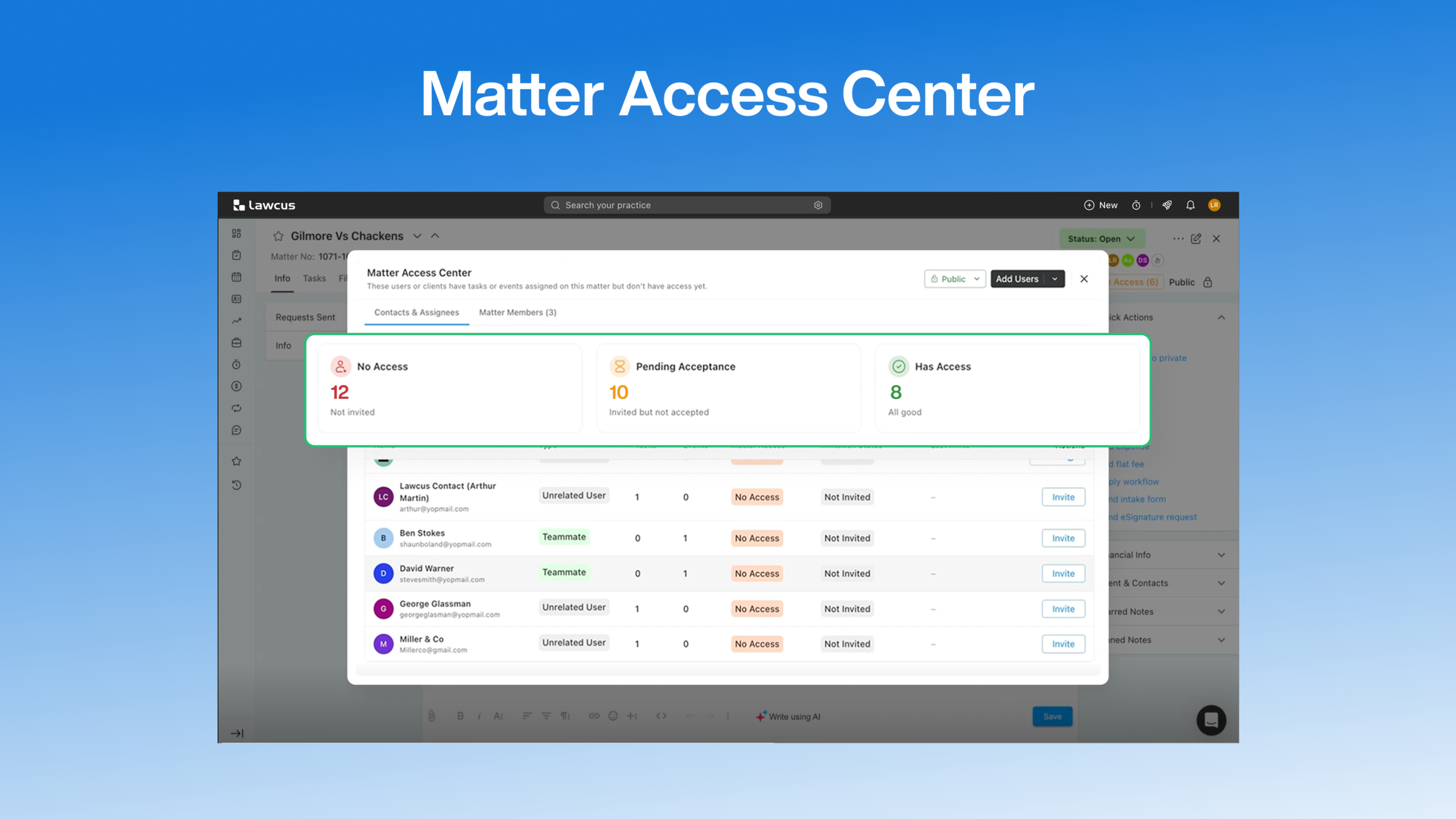
Introducing Matter Access Center: Manage Matter Participants and Access in One Place

Client Portal Communication for Law Firms
How to Choose Legal Billing Software for a Law Firm
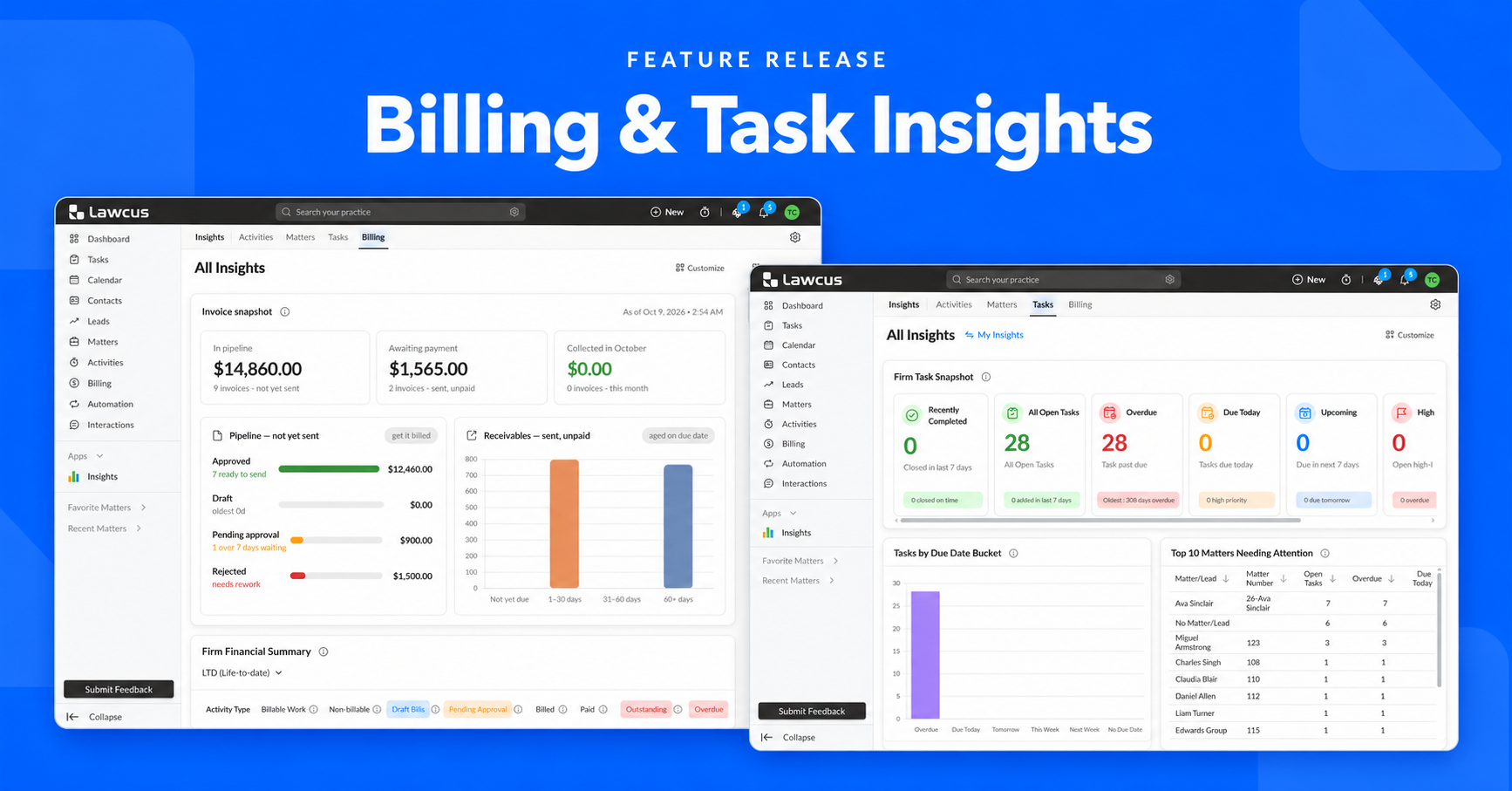
Introducing Billing and Task Insights in Lawcus

Law Firm KPIs: The Metrics Every Managing Partner Should Track
Practice Management
Automation
Client Intake & CRM
Billing & Accounting
Practice Area
Compare
Resources
Lawcus Inc.
4445 Eastgate Mall, Suite 200,
San Diego, CA 92121


