-

-
-
Product

Solutions
One app, all things legal

Compare
-
-
-


 Gmail
Gmail  Microsoft 365
  Wisetime
  Dropbox
  Zapier
  Quickbooks
  vs CosmoLex
  vs PracticePanther
  vs AbacusNext
  vs Caret Legal
  vs Clio
  vs MyCase
  vs Smokeball
  vs Filevine


 Case Management
Legal Case Management Software for Law Firms
Organize matters, deadlines, documents, client communication, billing, and team workflows in one connected legal case management system.

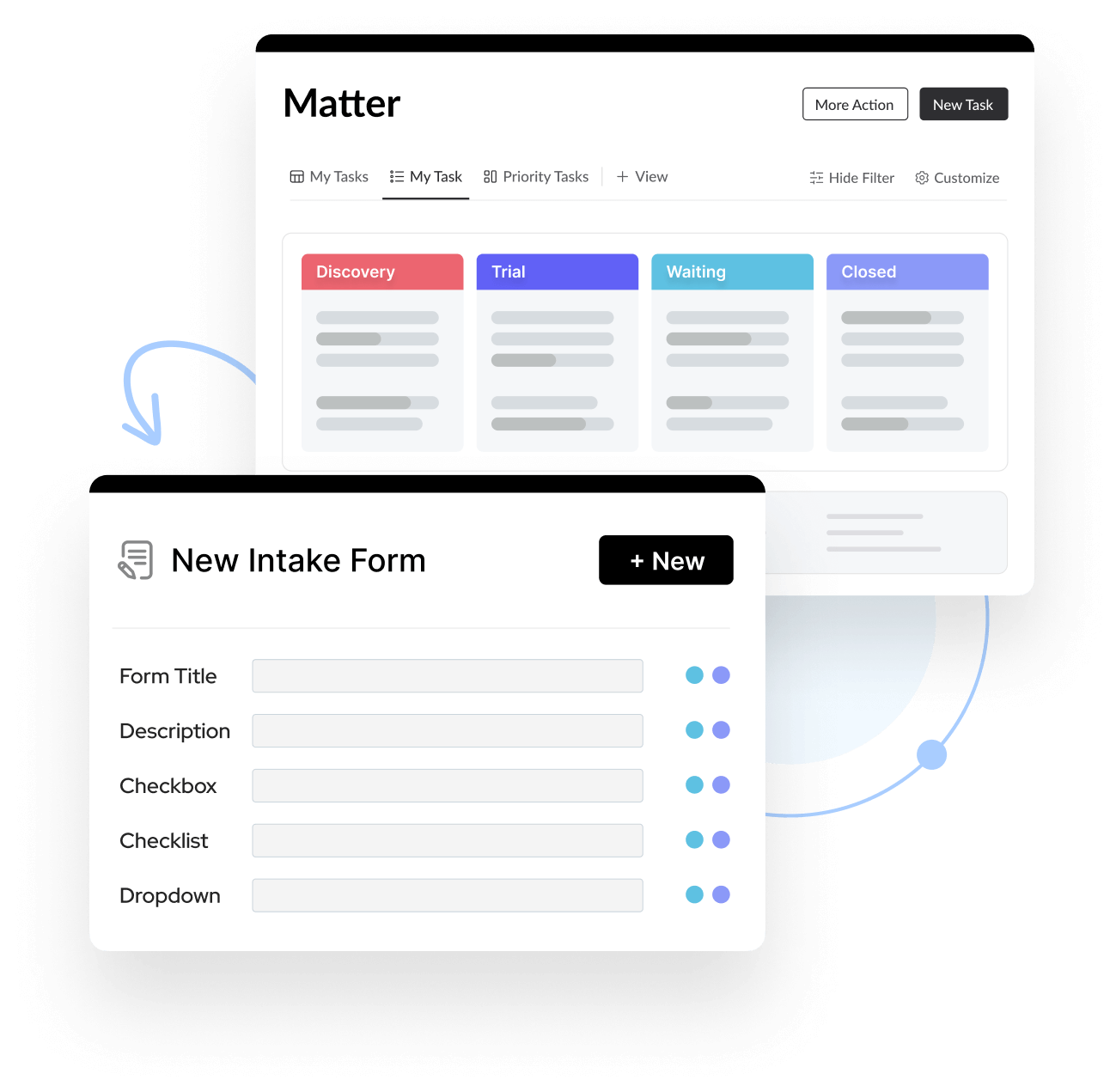
Manage Every Matter
from One Connected Workspace
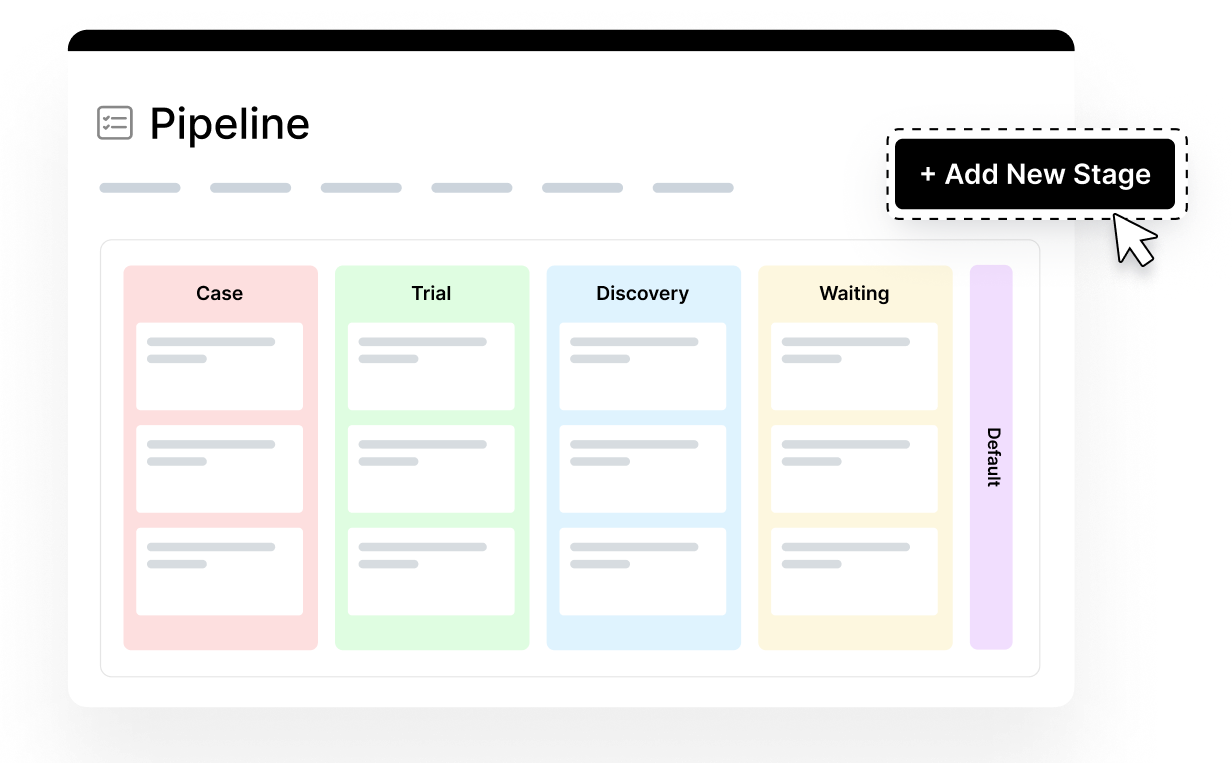
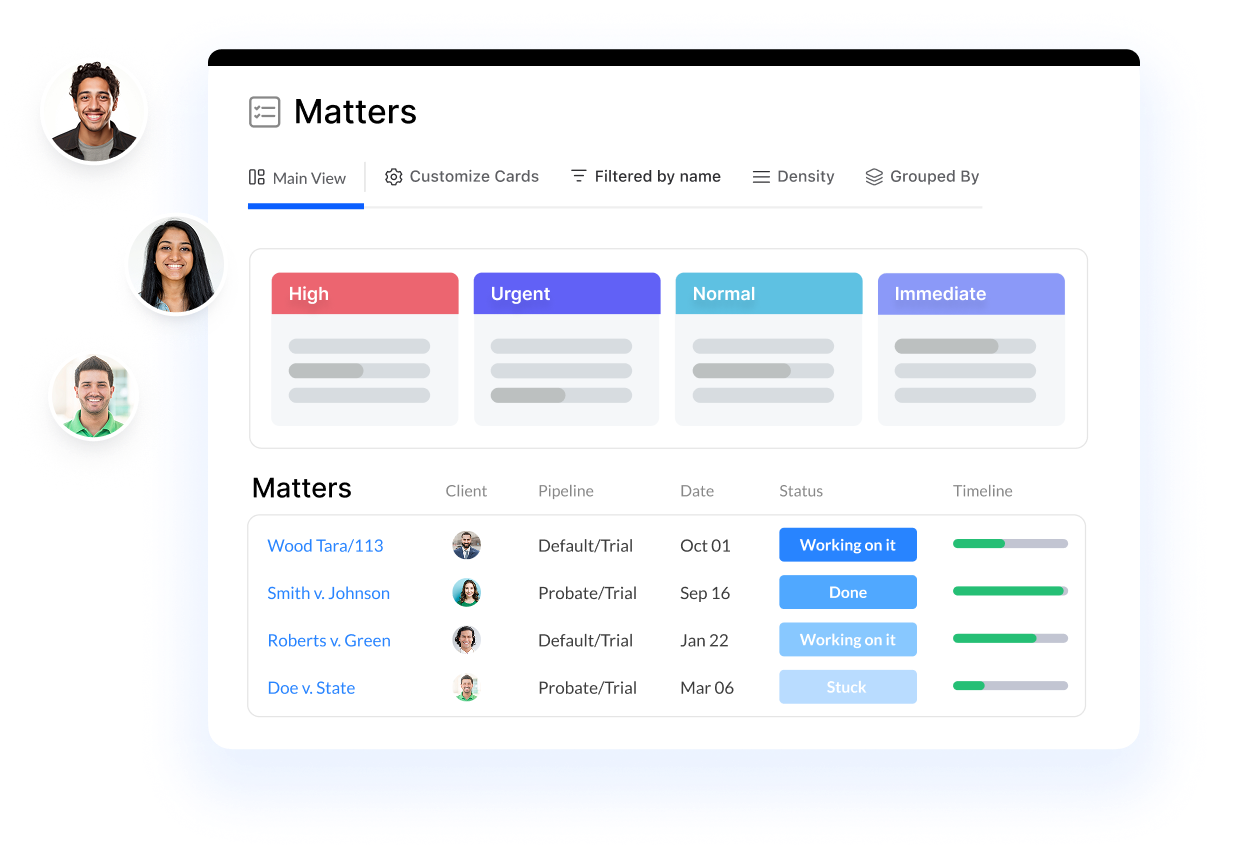
Visual Matter Pipelines
View every matter on customizable Kanban boards or switch to a traditional list. Track each matter’s stage and next action so your team can see what needs attention.
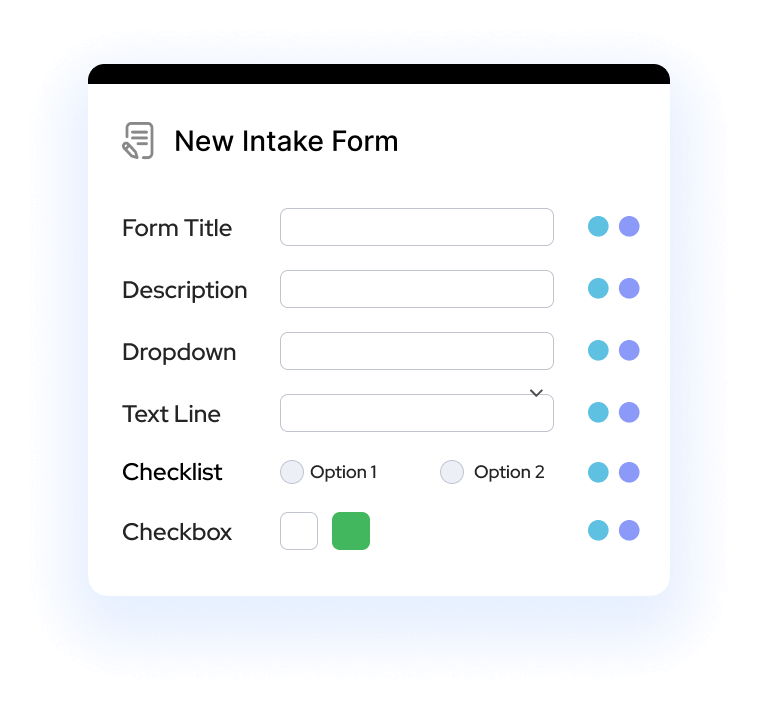
Intake Forms
Use forms to collect consistent information from clients, third parties, or your internal team. Mark forms as internal when responses should stay within the firm, or keep them client-facing to support legal client intake and matter setup.
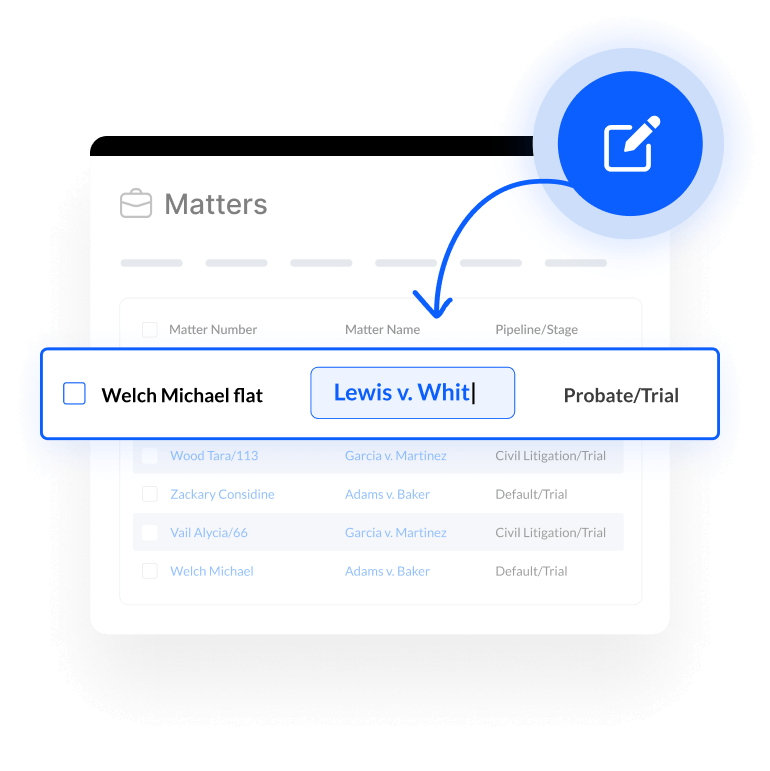
Inline Editing
Update matter fields directly from the list view without opening each record. Keep statuses, owners, and matter details current while reducing repetitive clicks.
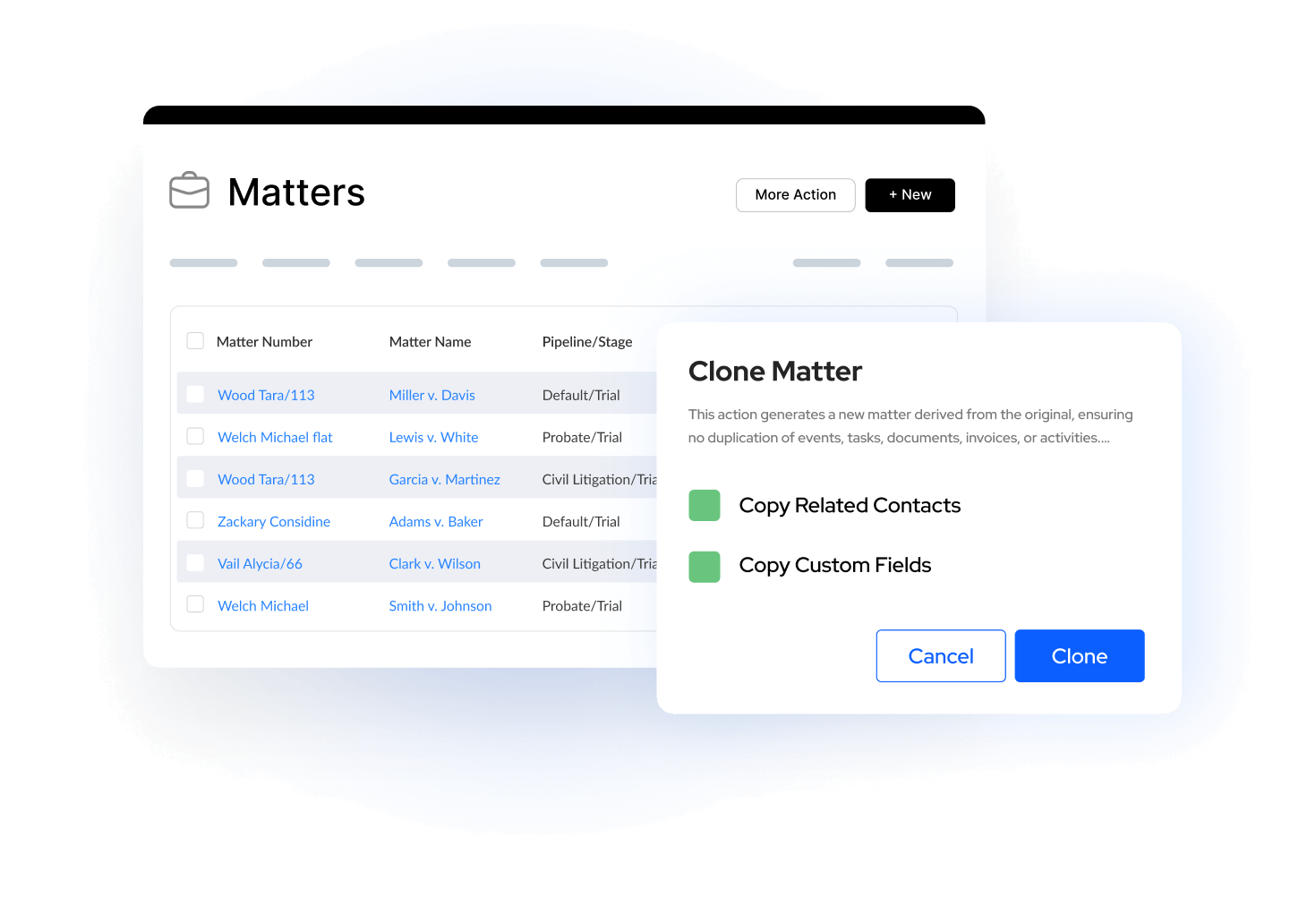
Matter Clone
Duplicate an existing matter and choose which details to carry into the new record. Reuse proven structures without rebuilding common matter setups from scratch.
One Legal Platform for Global Law Firms
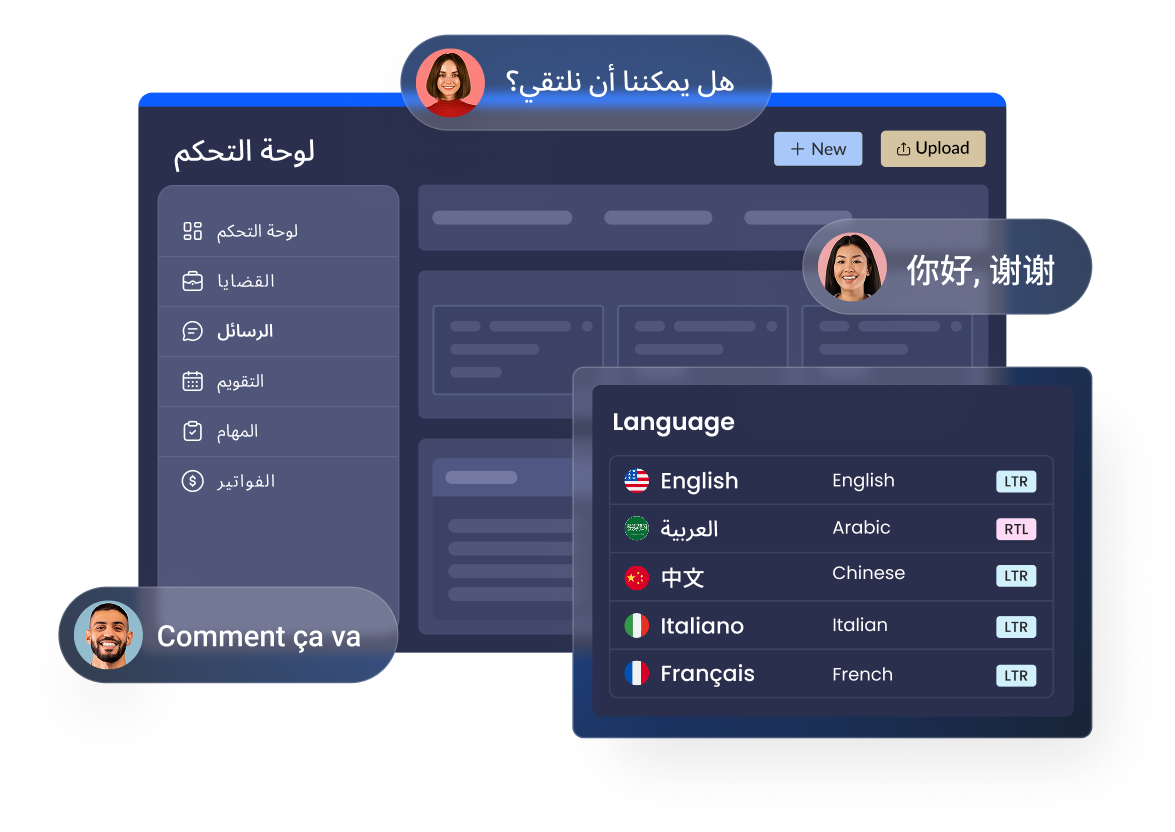
Serve global clients and collaborate across borders with 12 languages and 21 regional variants. From multilingual teams to international clients, everyone can work in their preferred language while staying connected in one unified workspace.
Customizable, Searchable,
and Built for Collaboration
Conflict Search
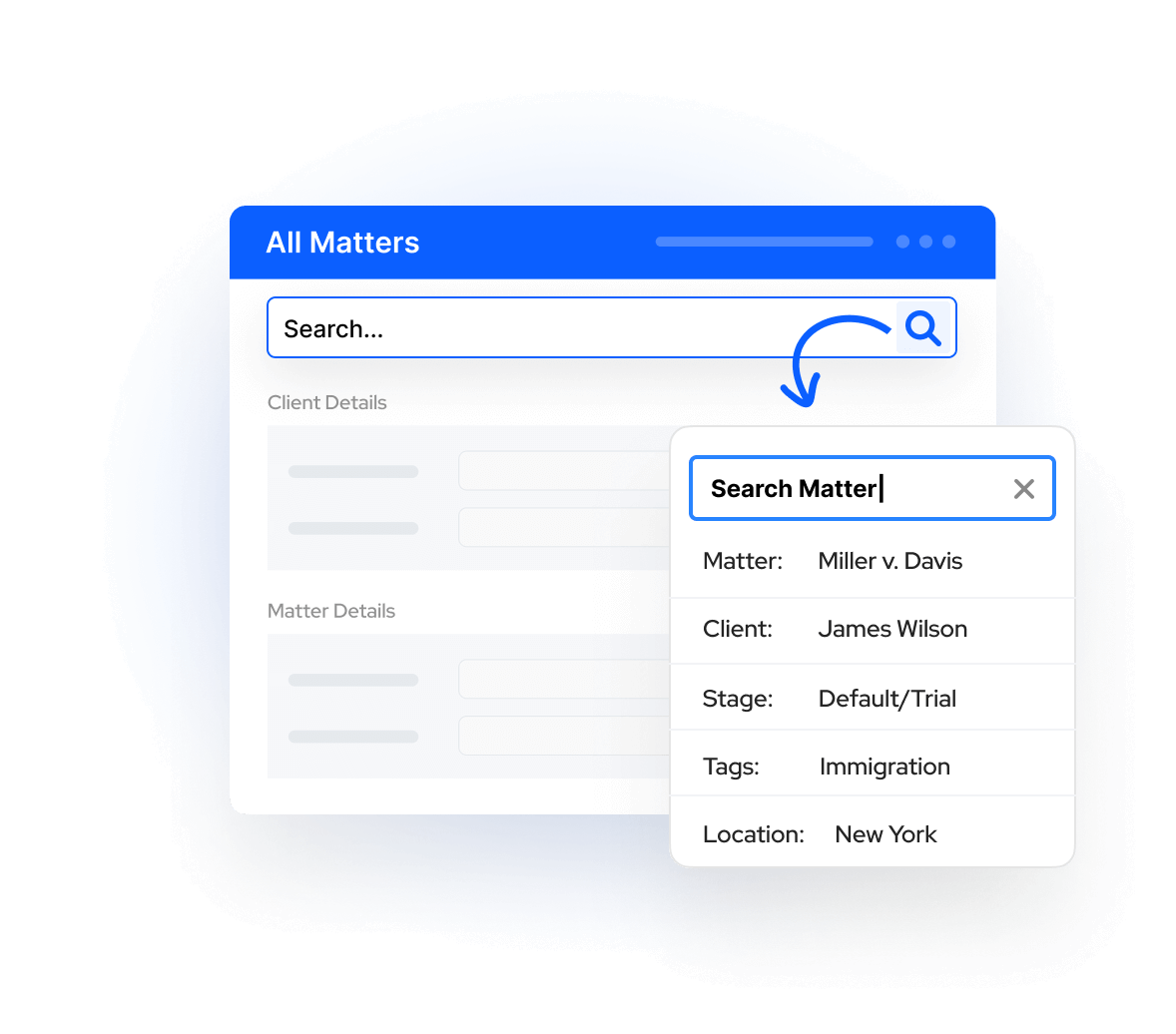
Search standard and custom fields across matters, contacts, and communications to surface possible name matches and support your firm’s conflicts-review process.
Custom Fields
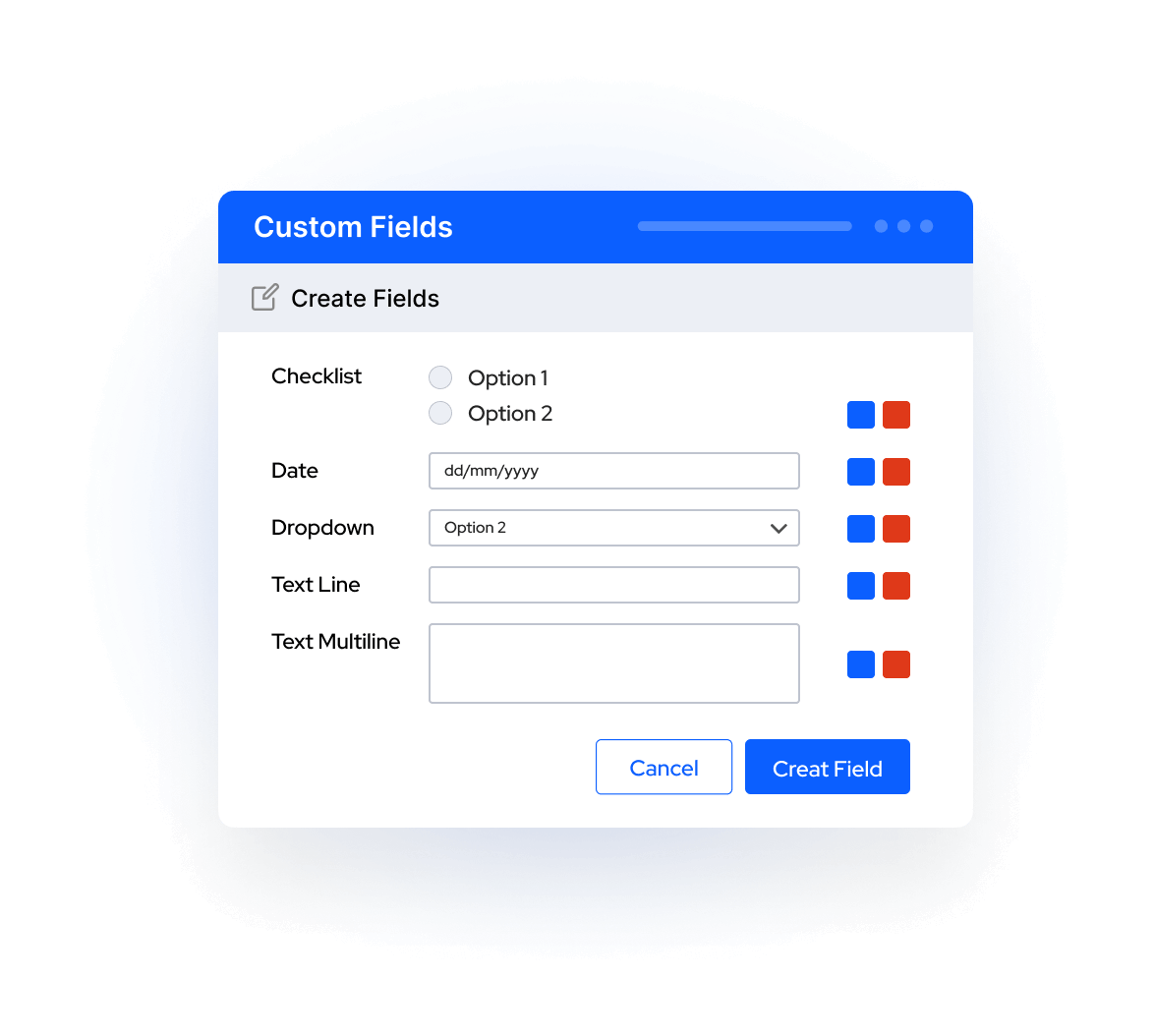
Lawcus allows you to tailor your workflow with custom fields and field groups for both contacts and matters. Capture the exact data your firm needs, organize it your way, and ensure consistency across your team.
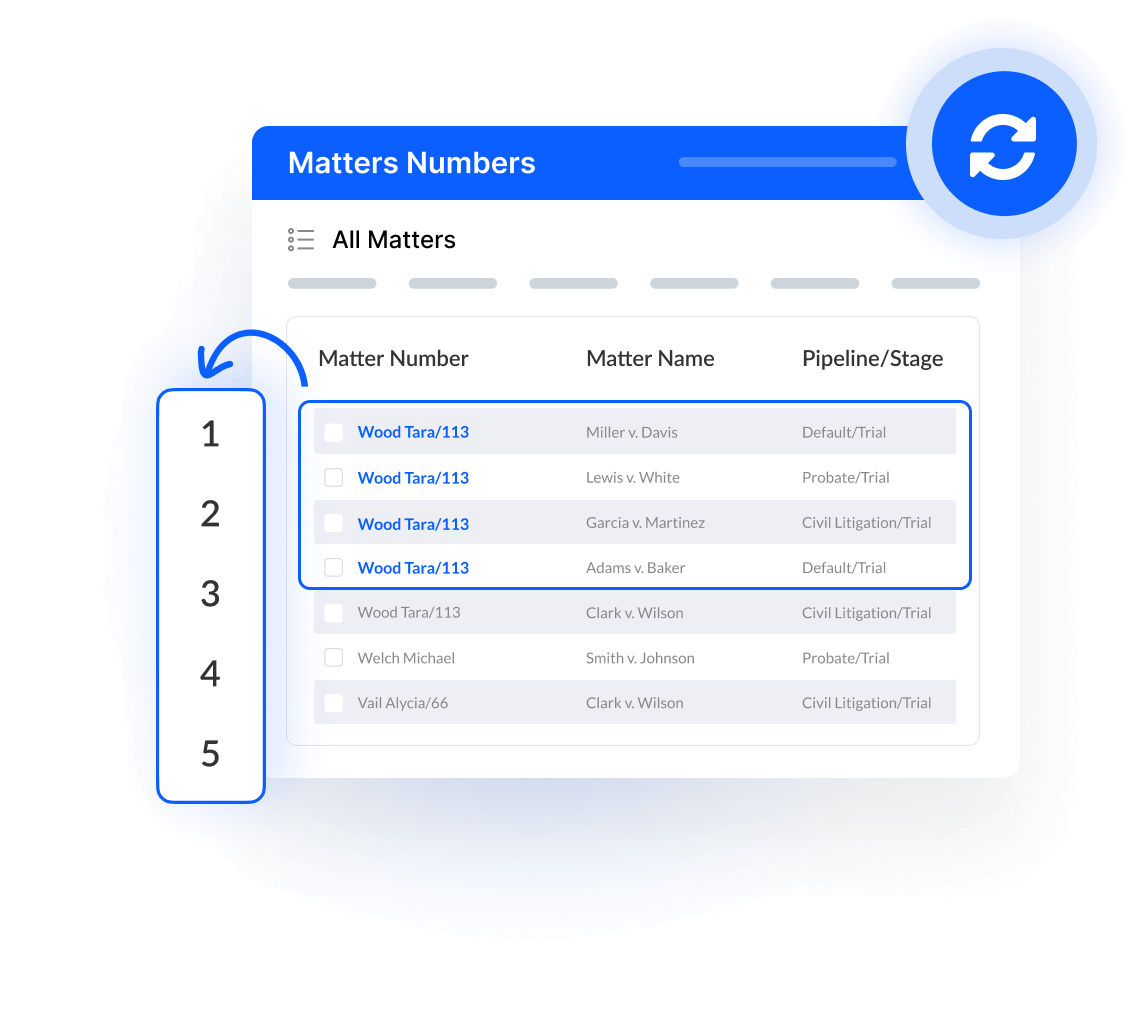
Matter Numbering
Automatically generate matter numbers from a saved numbering scheme so new files follow a consistent naming convention across the firm.
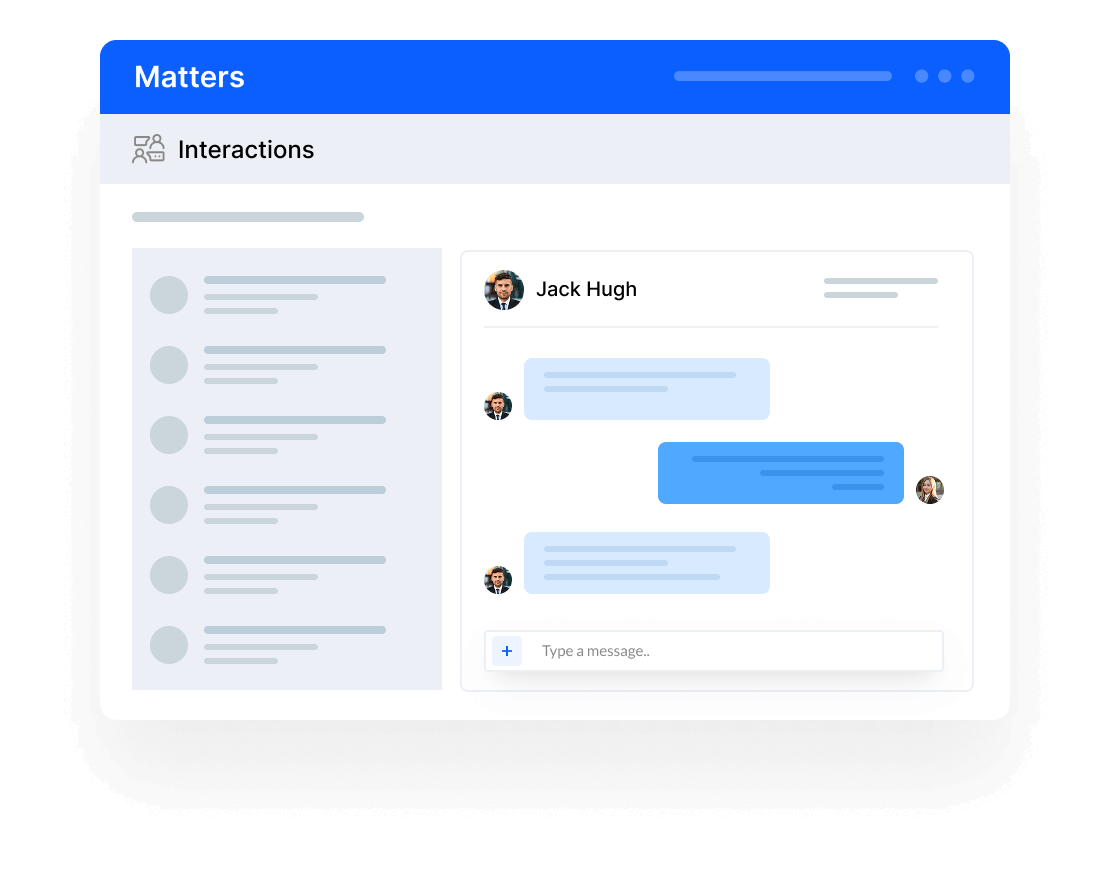
Matter-Centric Collaboration
Keep matter-related conversations alongside the work they reference. Teammates can collaborate in context and pin or star important notes and interactions, while clients can stay connected through the client portal.
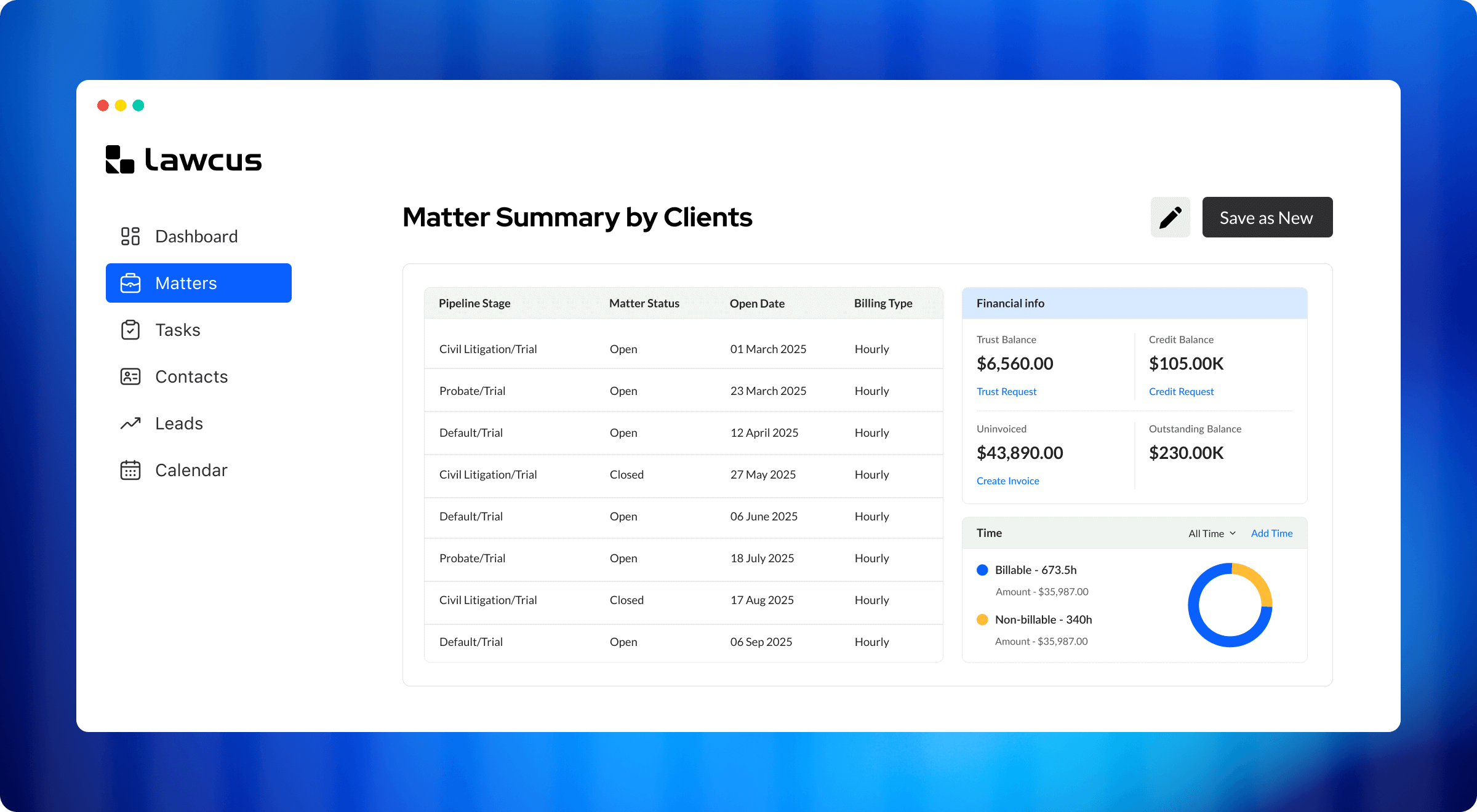
Matter and Client Summary Reports
Review trust balances, outstanding balances, and uninvoiced work in progress
at the matter or client level through Lawcus reporting.
Connected Tools for
Every Matter
Matter-Centric Workflows
Bring task management, matter communication, and workflow automation together so recurring work is easier to assign, track, and complete.
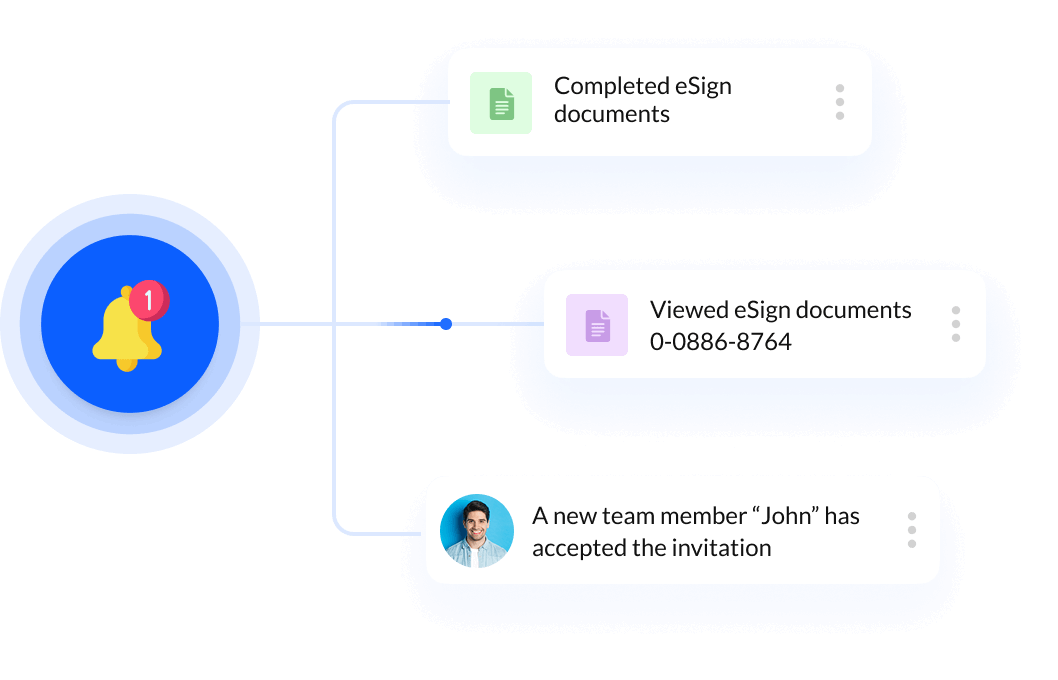
Real-time Notifications
Receive notifications when a matter or task is assigned, a payment is received, an intake form is submitted, or a workflow sends an email or text message.
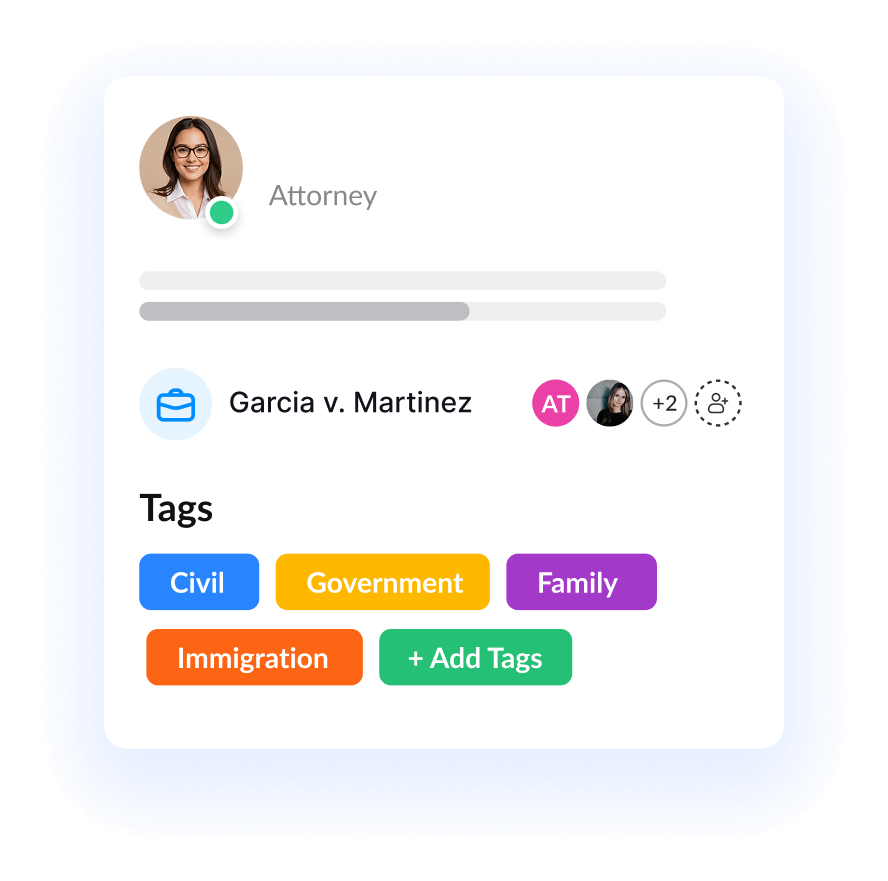
Matter & Contact Tags
Tags give your firm added flexibility to organize matters and contacts beyond standard fields. Use tags as custom labels to group cases by client type, urgency, jurisdiction, or any criteria that fit your workflow.
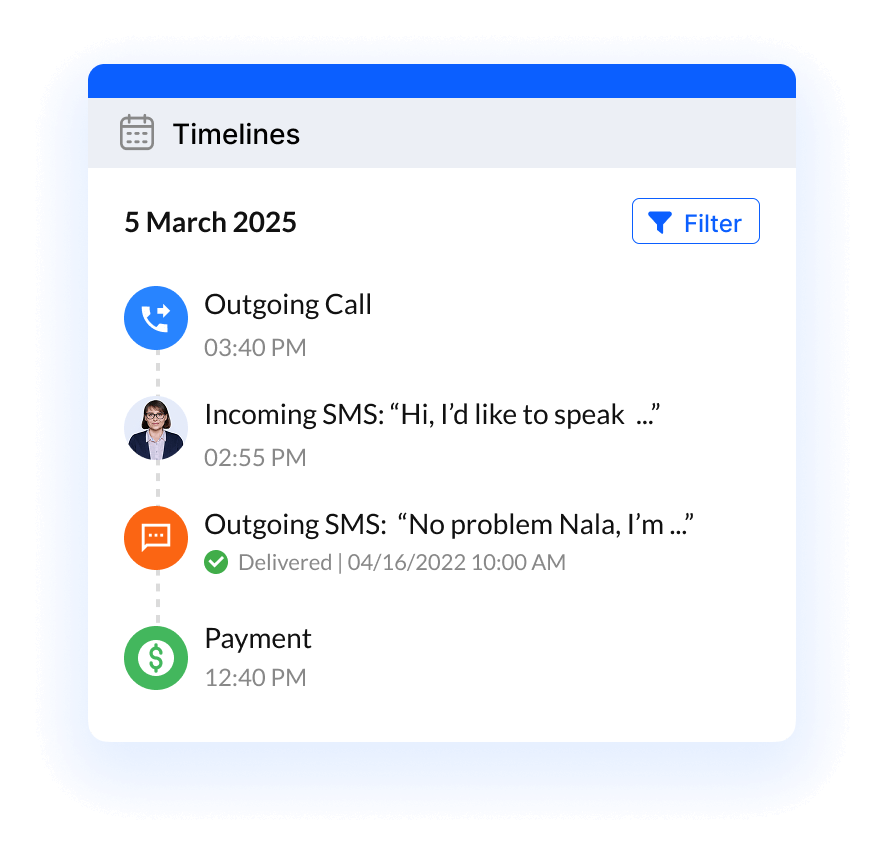
Matter Timelines
Record key matter events, including calls, meetings, facts, and issues. Use the searchable, filterable activity stream to find entries by type and give the team a clearer history of what happened and what comes next.
Practice Management
Automation
Client Intake & CRM
Billing & Accounting
Practice Area
Compare
Resources
Lawcus Inc.
4445 Eastgate Mall, Suite 200,
San Diego, CA 92121


