-

-
-
Product

Solutions
One app, all things legal

Compare
-
-
-


 Gmail
Gmail  Microsoft 365
  Wisetime
  Dropbox
  Zapier
  Quickbooks
  vs CosmoLex
  vs PracticePanther
  vs AbacusNext
  vs Caret Legal
  vs Clio
  vs MyCase
  vs Smokeball
  vs Filevine


Legal Workflow Automation
Software for Law Firms
Build no-code workflows with triggers, conditions, and actions for
intake, matters, tasks, documents, billing, and follow-ups

Build Consistent Workflows
Across Your Law Firm
Legal Workflow Automation Built for Law Firms
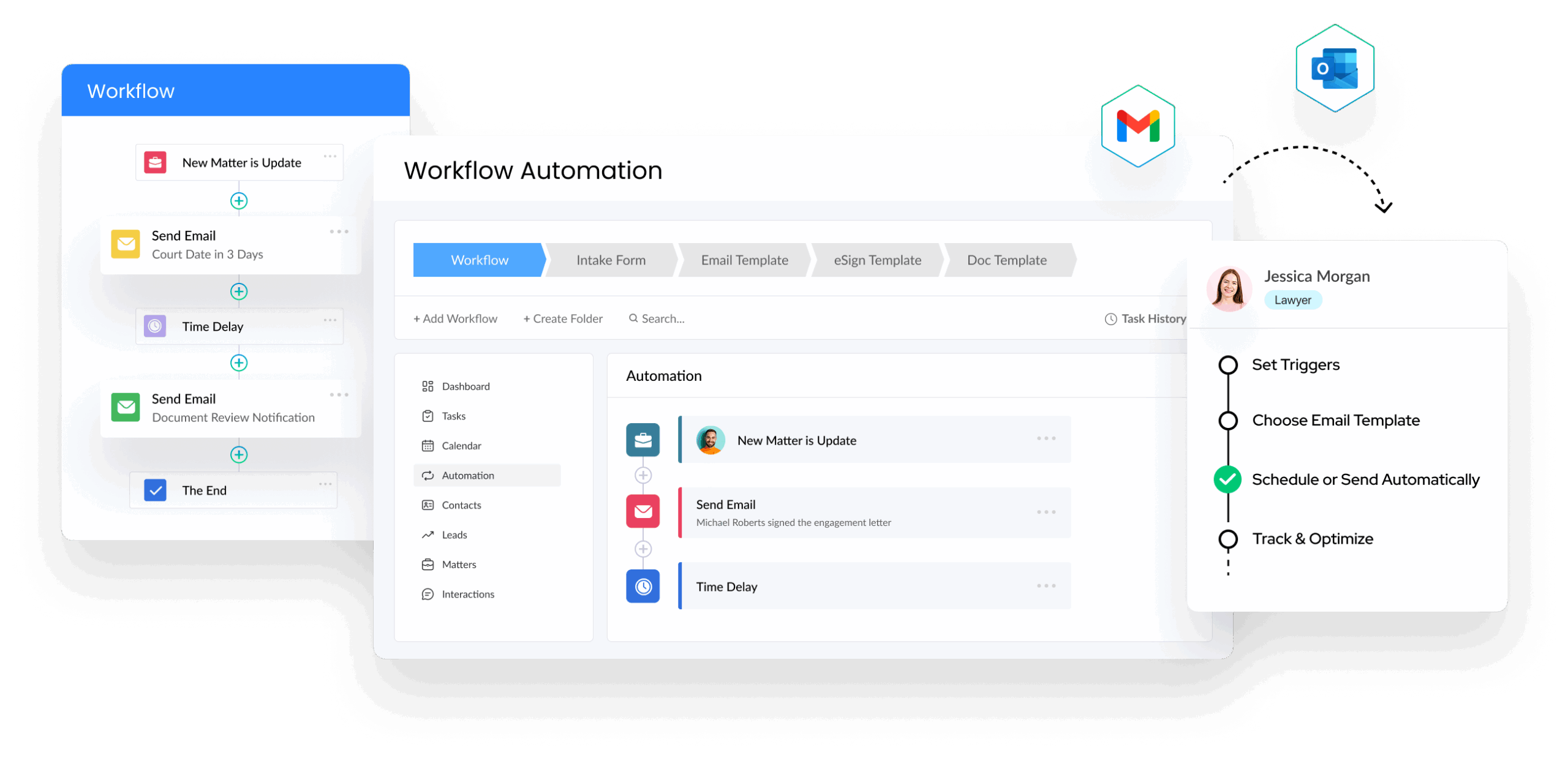
Connect legal case management with rules that respond to real work. Start a workflow when a lead or matter is created, a stage changes, a task is completed, an intake form is submitted, an eSign document is signed, or a payment is received. Lawcus can then create or update records, assign work, send communications, generate documents, and move the next step forward.
Start Free Trial
Organize and Control Every Automation
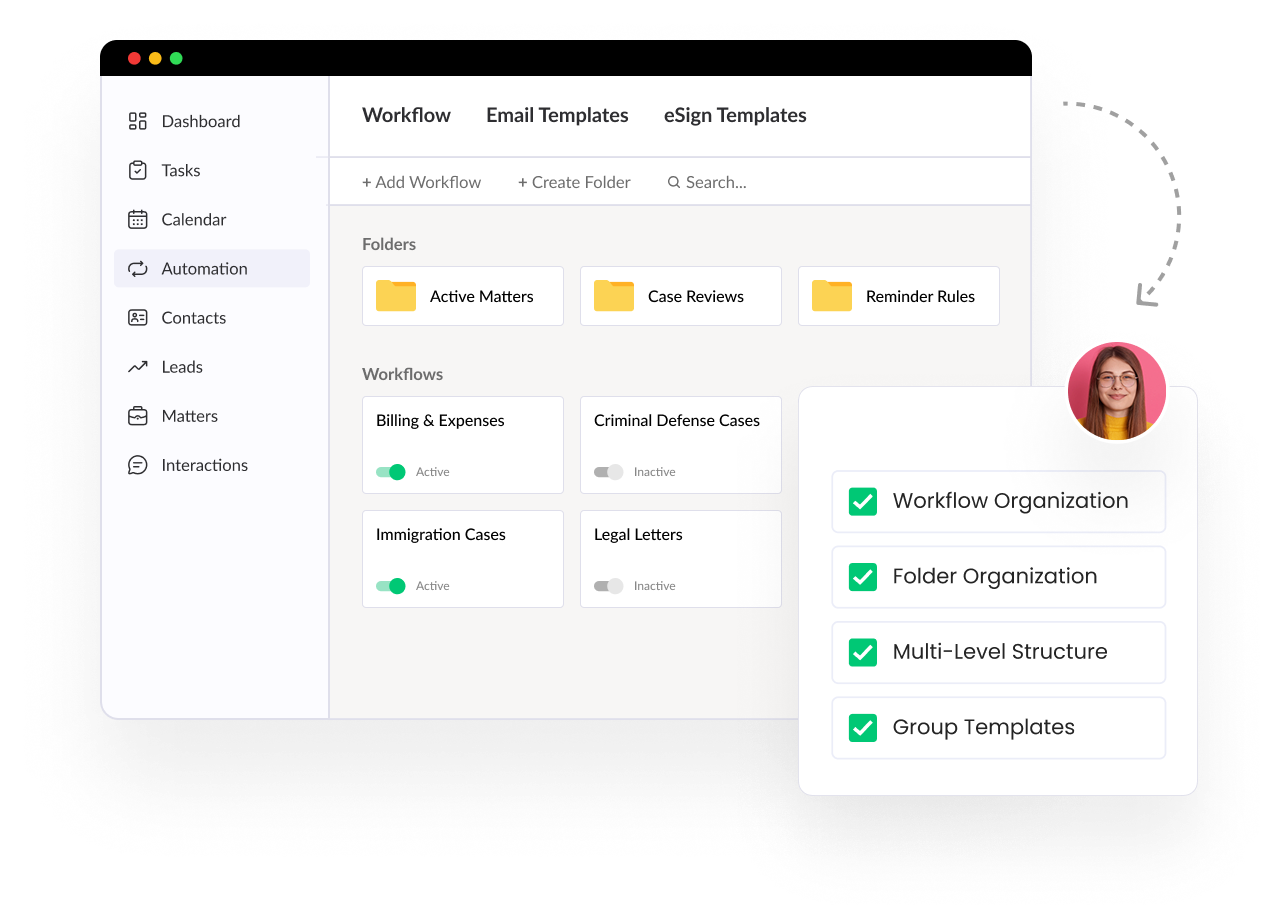
Group workflows, intake forms, and action templates in searchable folders. Use entry and exit rules, logic conditions, and workflow history to control when automations run and review what happened before expanding them across the firm.
Start Free Trial
Automate Repetitive Work
From Intake to Matter Close
-
 Automate Tasks and Matter Progress
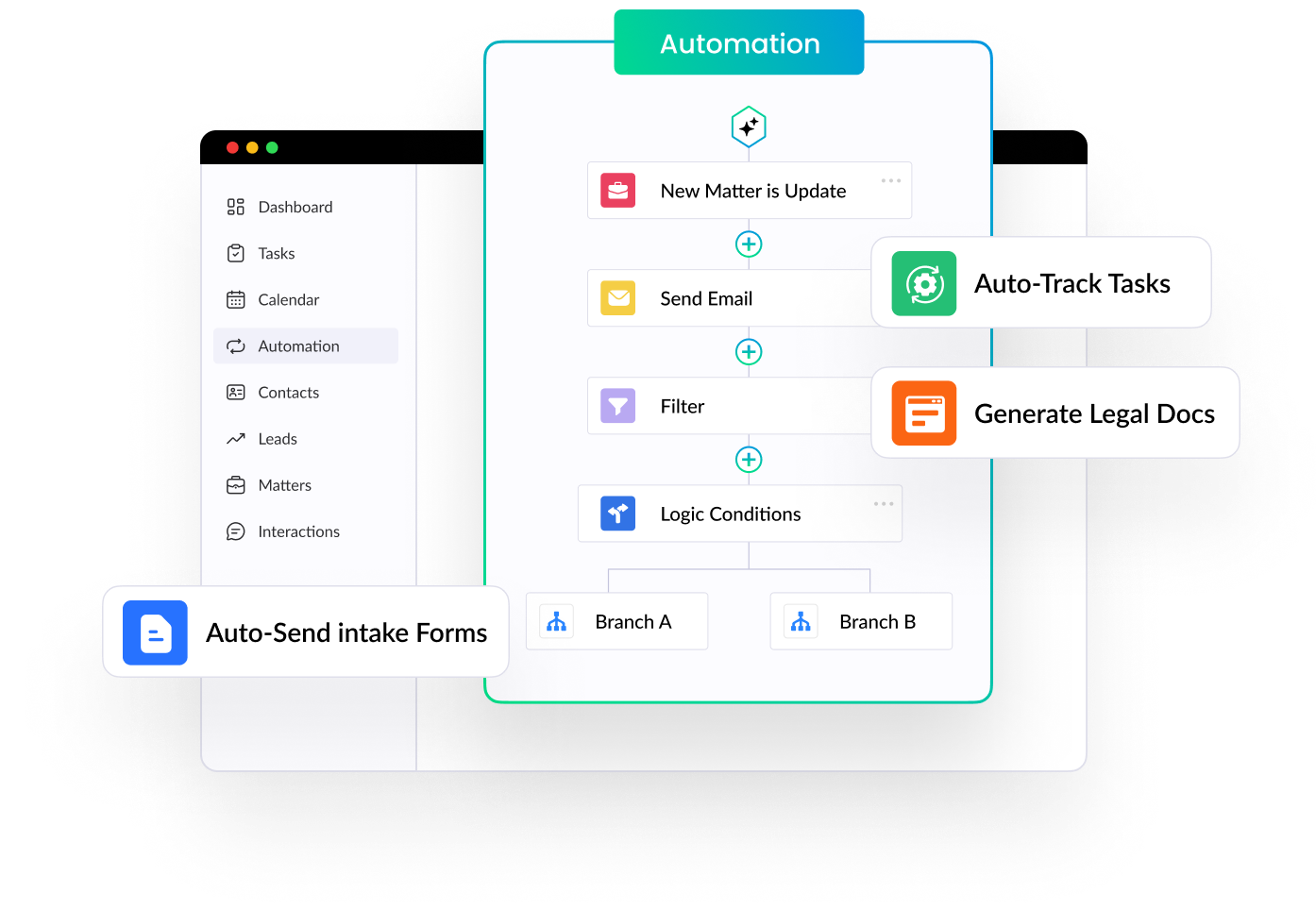
When a matter changes stage or a task is completed, automatically assign the next task, add an event, set a reminder, or update the matter. Connect the process with Lawcus legal task management software so each person can see the owner and next action.
Automate Tasks and Matter Progress
When a matter changes stage or a task is completed, automatically assign the next task, add an event, set a reminder, or update the matter. Connect the process with Lawcus legal task management software so each person can see the owner and next action.
-
 Automate Client Communication
Send personalized emails or SMS messages, appointment confirmations, reminders, intake requests, and follow-ups from predefined workflow actions. Use email automation to keep communication consistent while your team focuses on clients instead of repetitive sending.
Automate Client Communication
Send personalized emails or SMS messages, appointment confirmations, reminders, intake requests, and follow-ups from predefined workflow actions. Use email automation to keep communication consistent while your team focuses on clients instead of repetitive sending.
-
 Automate Intake and Onboarding
When a prospect submits a form or books a consultation, create or update a lead, notify the team, generate an intake link, send an eSign document, invite the client to the portal, or convert an approved lead into a matter. Explore Lawcus legal client intake software.
Automate Intake and Onboarding
When a prospect submits a form or books a consultation, create or update a lead, notify the team, generate an intake link, send an eSign document, invite the client to the portal, or convert an approved lead into a matter. Explore Lawcus legal client intake software.
Use Rules, Actions, and Alerts
to Stay in Control
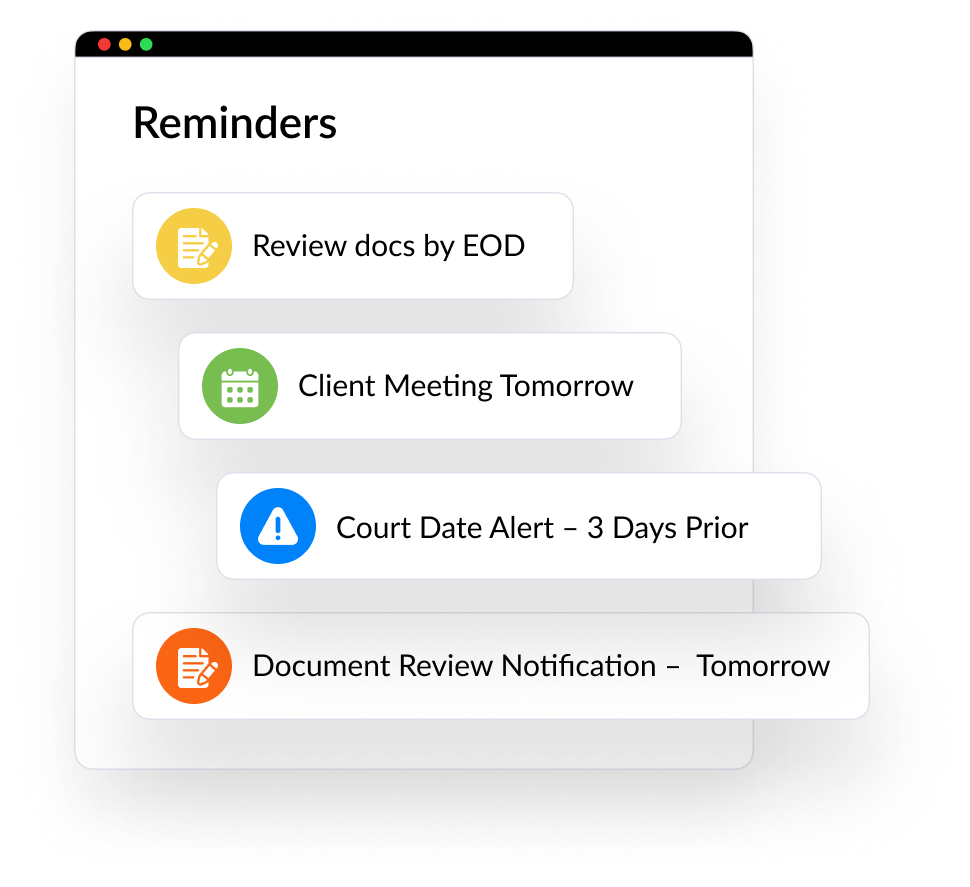
Never Miss a Deadline
Schedule reminders, emails, and tasks around appointments, matter stages, or completed work. Repeatable steps stay visible and assigned without relying on memory.
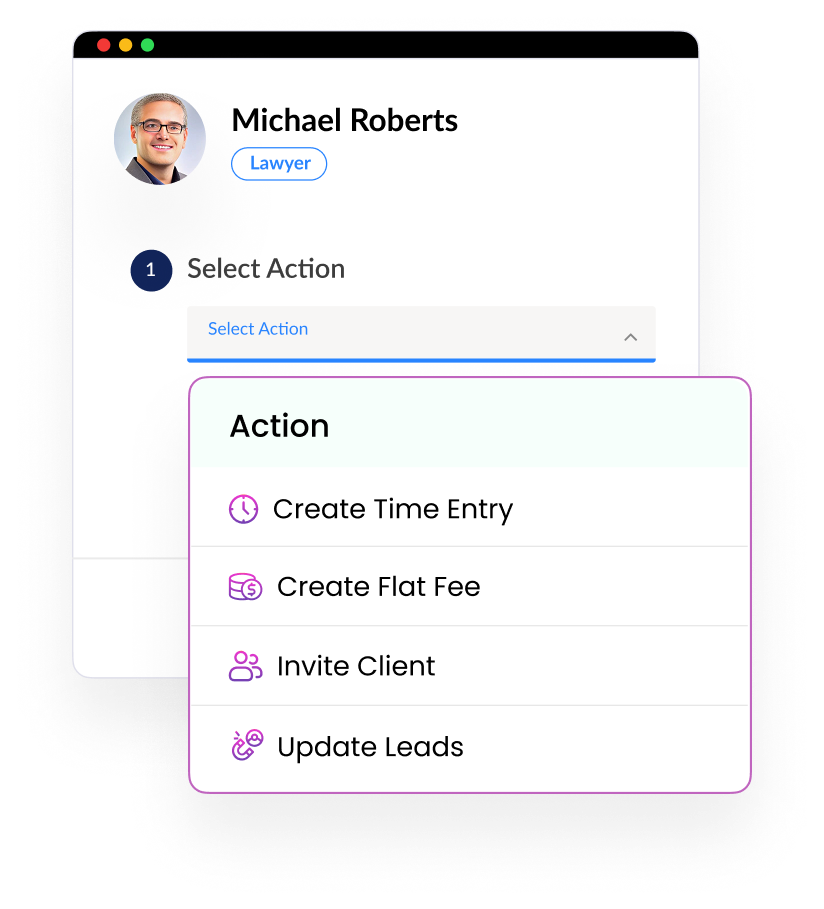
Automate Matter and Billing Updates
Create time or expense entries, update matter stages, generate flat fees or invoices, and respond when a payment is received. Connect workflow steps with Lawcus legal billing software when financial events should trigger the next action.
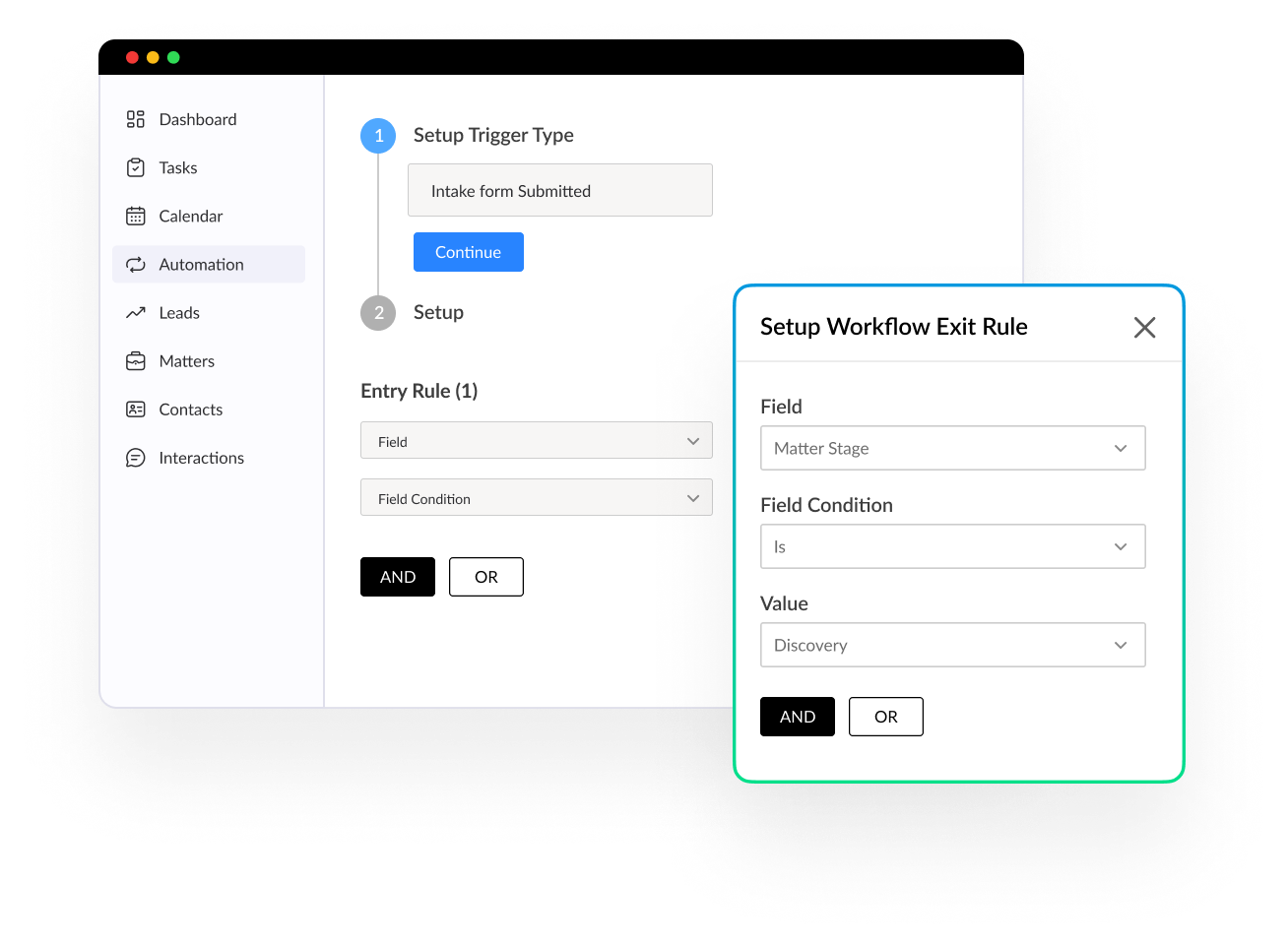
Control When Workflows Start and Stop
Use entry rules, exit rules, logic conditions, custom fields, tags, and user-activated triggers to decide exactly when an automation should run. Review the Lawcus workflow documentation for current triggers, actions, and setup guidance.
Can Lawcus automate legal workflows without coding?
Yes. Lawcus uses triggers, conditions and actions to automate repeatable intake and matter processes, including tasks, emails, document creation and reminders. Your team retains responsibility for legal decisions and reviewing exceptions. During a demo, ask to see your actual workflow and any connected services it needs.
Extend Your Workflows with Nova AI
Pair repeatable workflow automation with Nova AI to help your team move from information to action faster while keeping human review at the center of legal work. Explore Nova AI.
Monitor Workflows and
Resolve Issues Faster
See Workflow Context at a Glance
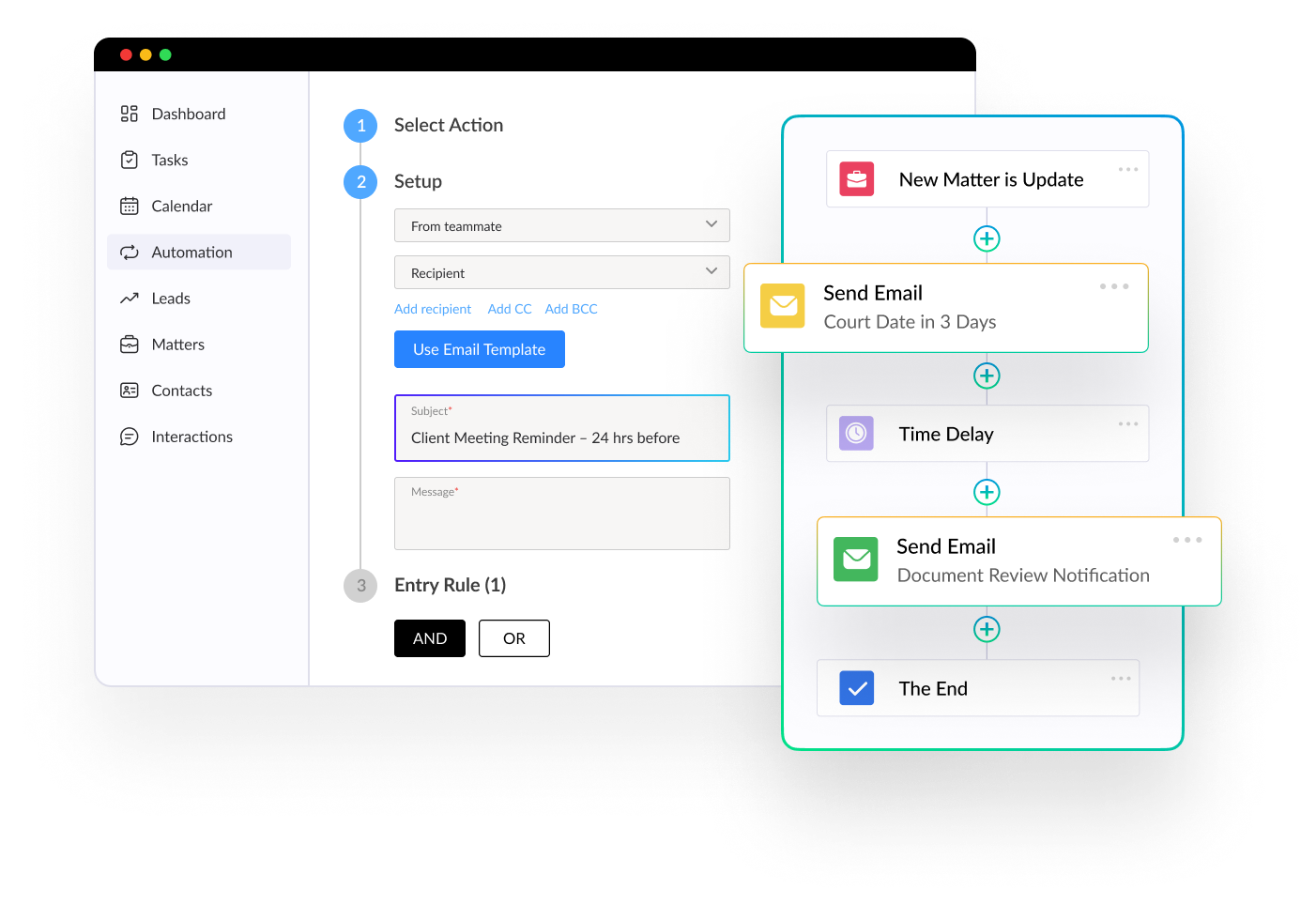
View outgoing email subject lines and related workflow items in context so your team can understand what each action is doing without opening multiple screens. Review workflow history when you need to trace how an automation ran.
Start Free Trial
Catch Workflow Errors in Real Time
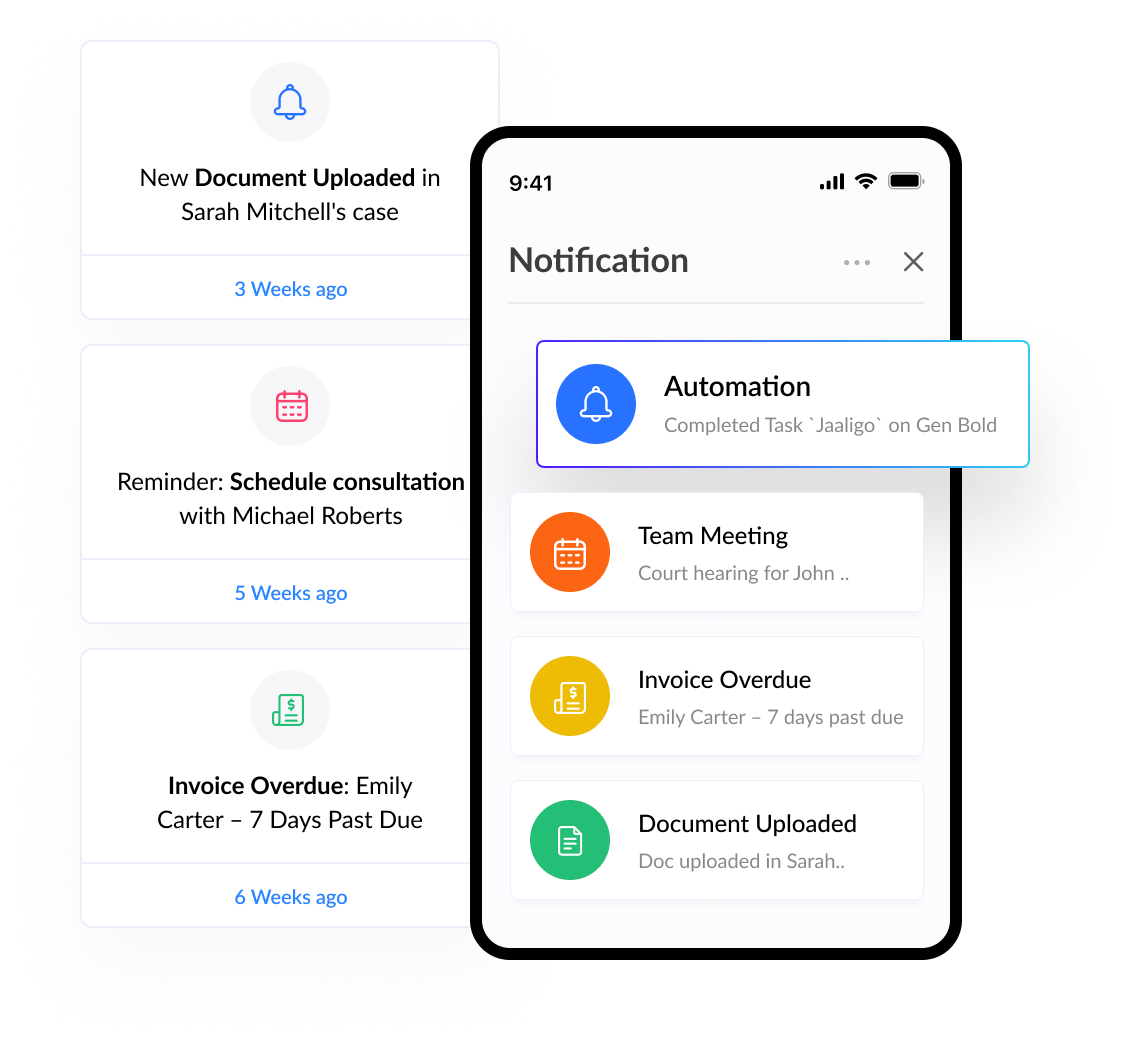
Receive email alerts when a workflow error is detected so the responsible person can review the issue and correct it promptly. Stay informed without repeatedly checking every automation.
Start Free Trial
Practice Management
Automation
Client Intake & CRM
Billing & Accounting
Practice Area
Compare
Resources
Lawcus Inc.
4445 Eastgate Mall, Suite 200,
San Diego, CA 92121


