-

-
-
Product

Solutions
One app, all things legal

Compare
-
-
-


 Gmail
Gmail  Microsoft 365
  Wisetime
  Dropbox
  Zapier
  Quickbooks
  vs CosmoLex
  vs PracticePanther
  vs AbacusNext
  vs Caret Legal
  vs Clio
  vs MyCase
  vs Smokeball
  vs Filevine


 Billing and Invoicing
Legal Billing Software
for Modern Law Firms
Create accurate invoices, track payments, manage retainers, and understand cash flow in one legal billing system.

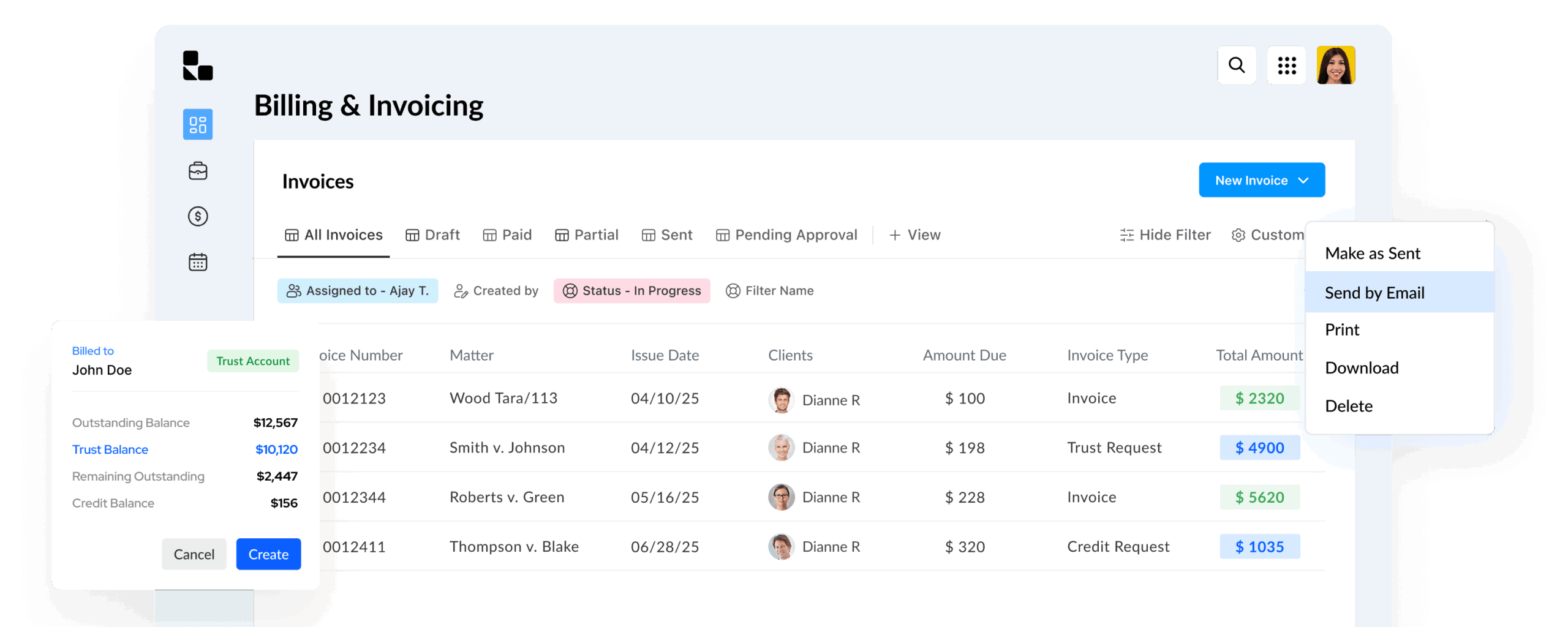
Simplify Legal Billing from Time Entry
to Payment, All in One Place.
Legal Billing Software Built for Law Firms
Turn billable work into clear, professional invoices without juggling disconnected tools. Lawcus brings time tracking, expenses, approvals, payments, and reporting into one legal billing workflow.
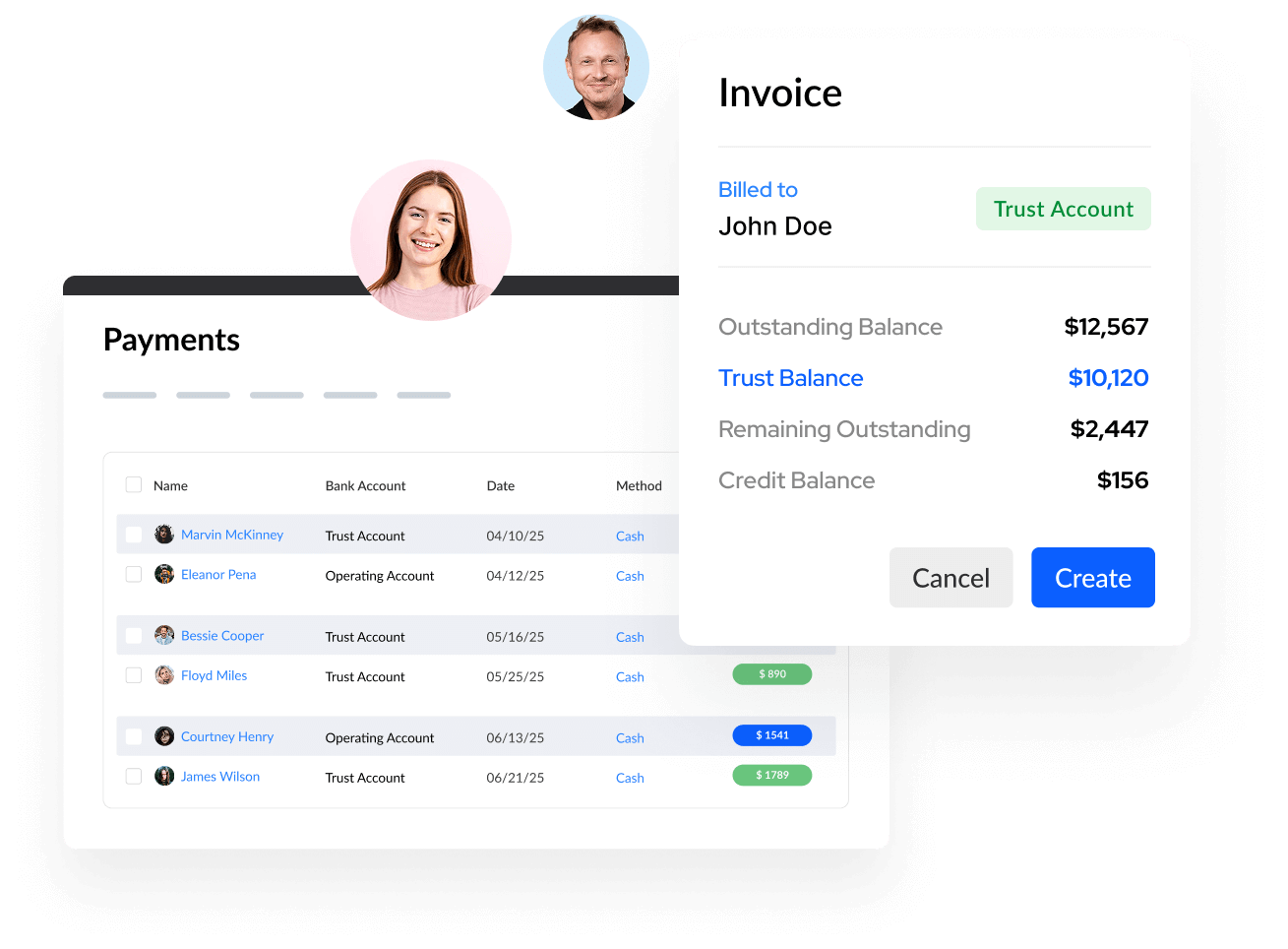
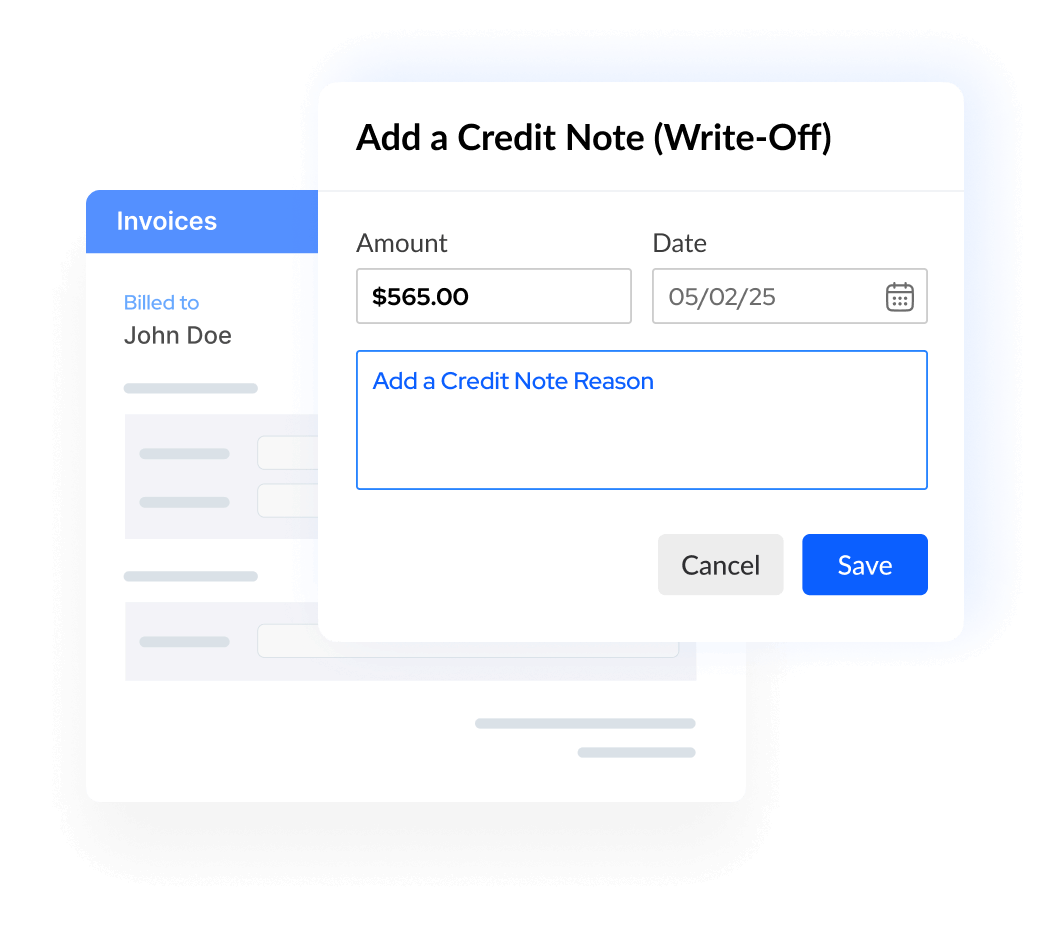
Write Offs
Record write-offs against overdue or partially paid invoices while keeping financial records accurate, transparent, and easy to review.
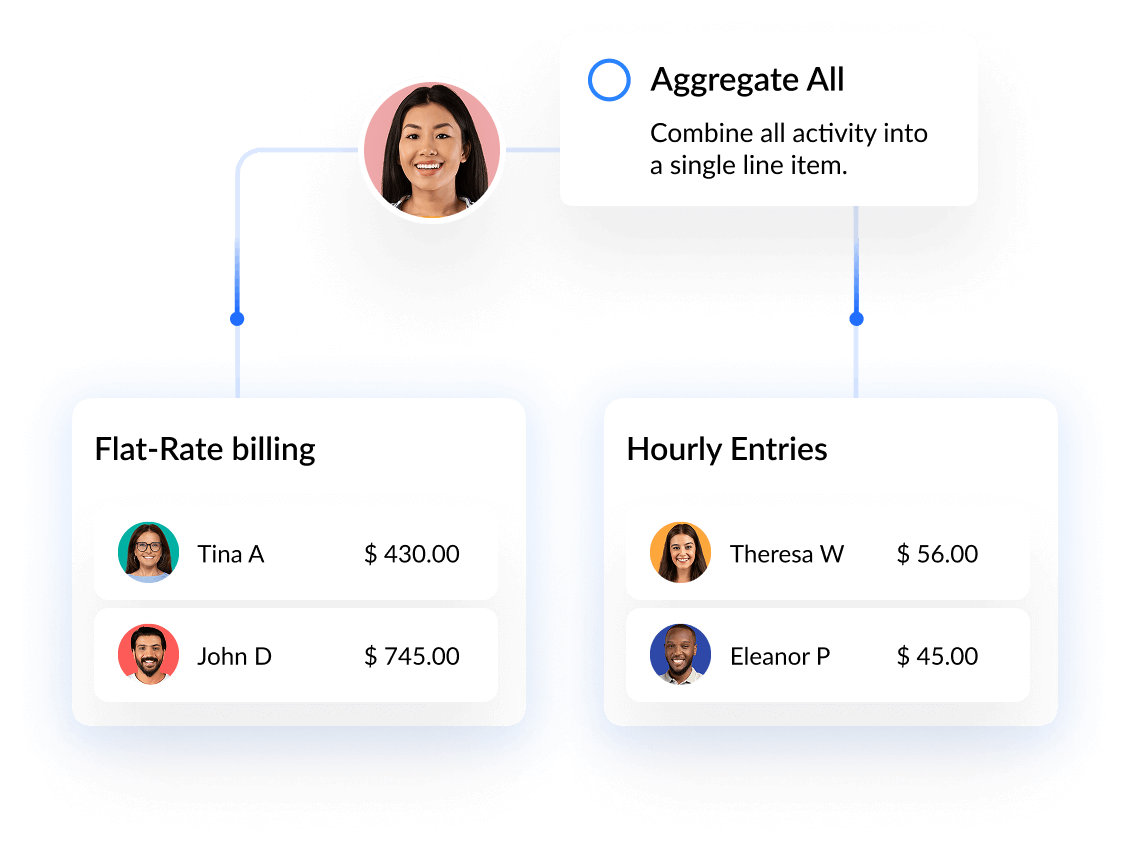
Invoice Activity Summaries
Group time and expense entries into clear invoice summaries. Give clients the right level of detail while keeping bills consistent and easier to review.
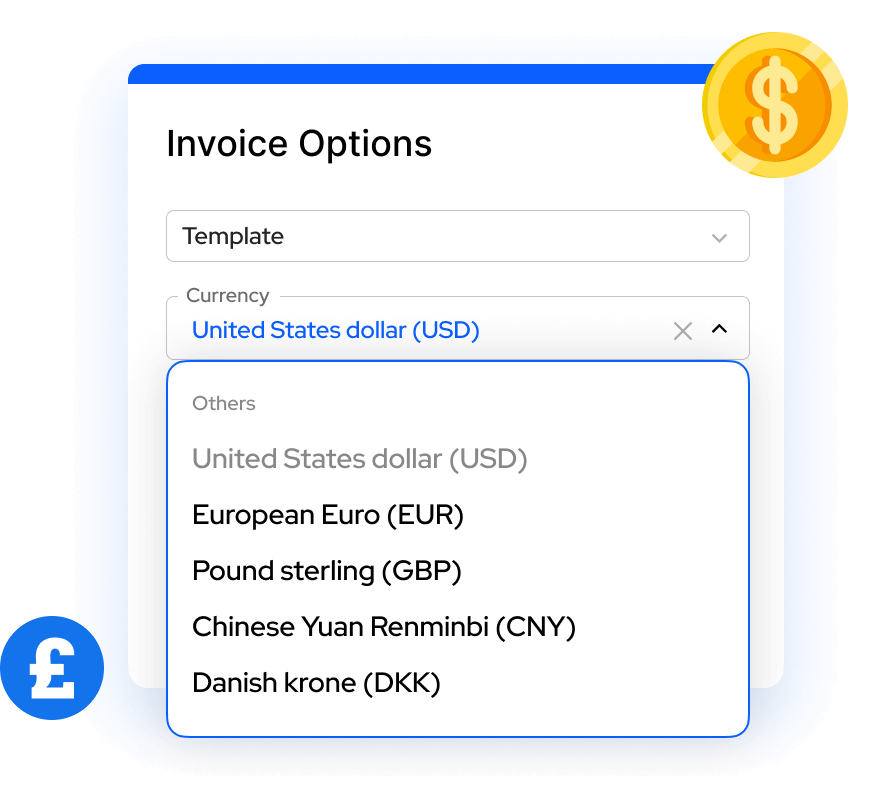
Multicurrency Billing
Create invoice templates for clients who pay in different currencies and manage currency settings from one place.
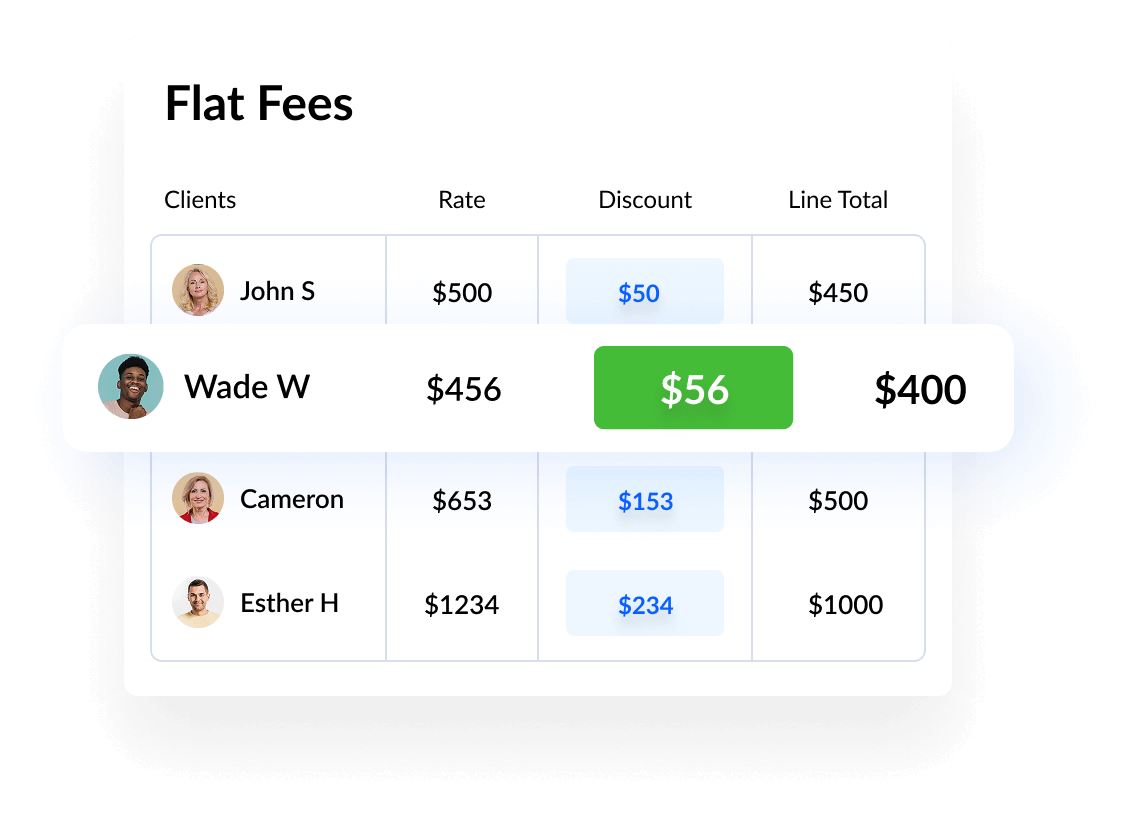
Contingency Billing
Track settlement amounts and contingency fees within the matter so percentage calculations and related billing details stay connected.
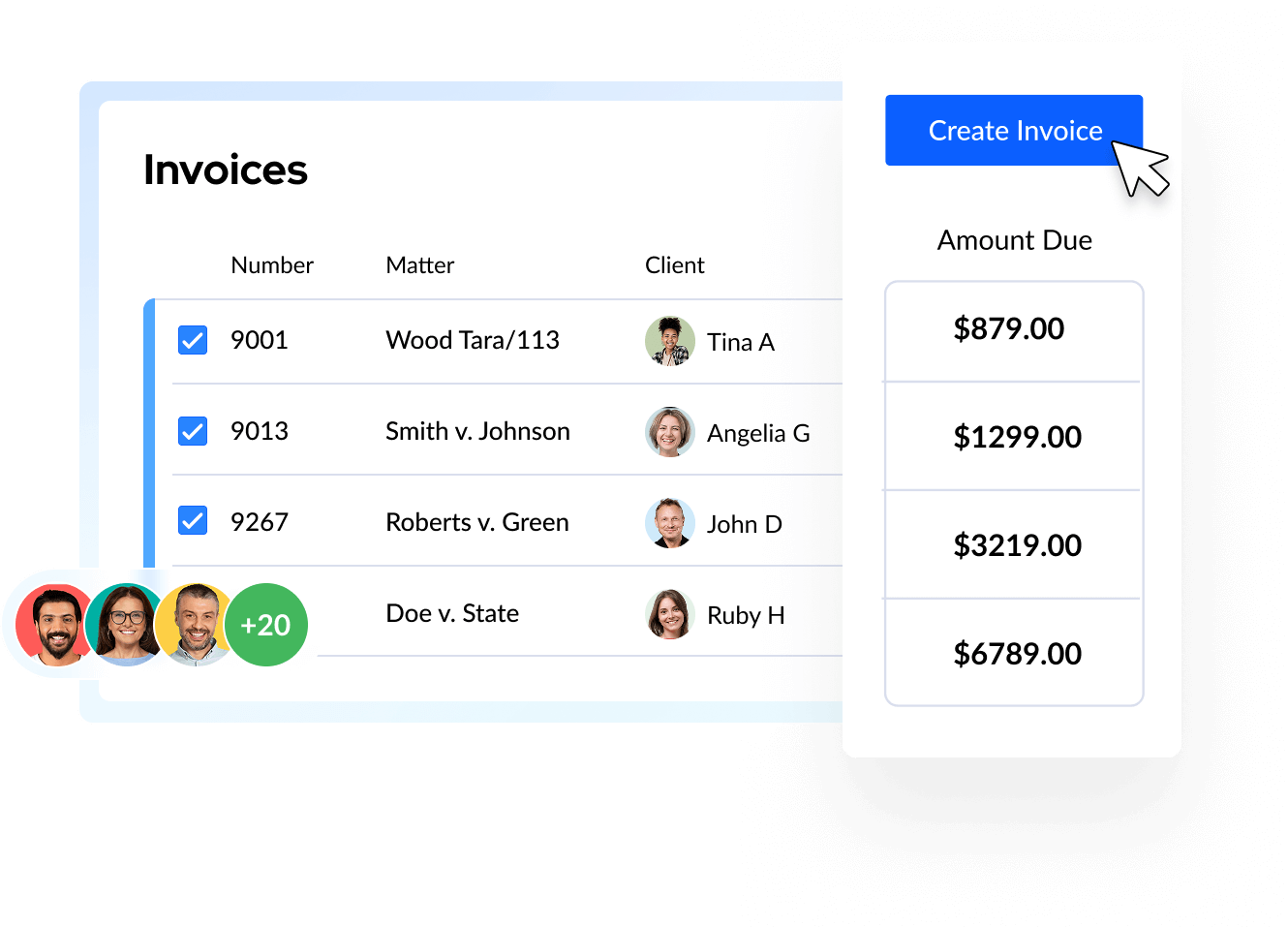
Batch Invoicing
Create invoices in bulk to reduce repetitive billing work and help your team complete each billing cycle faster.
Bill Smarter, Faster, and More
Accurately, All from One Dashboard.
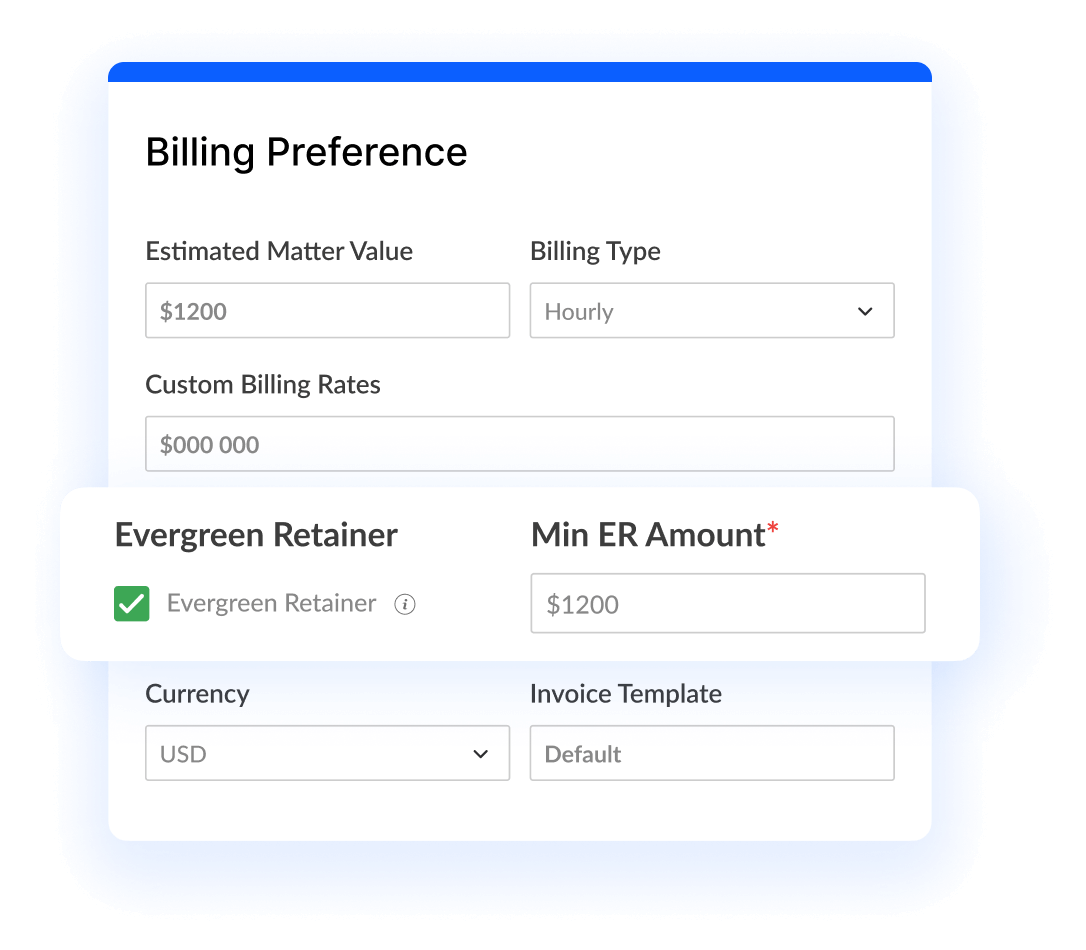
Evergreen Retainer
Set a minimum retainer amount for a matter and receive a notification when the balance falls below that threshold.
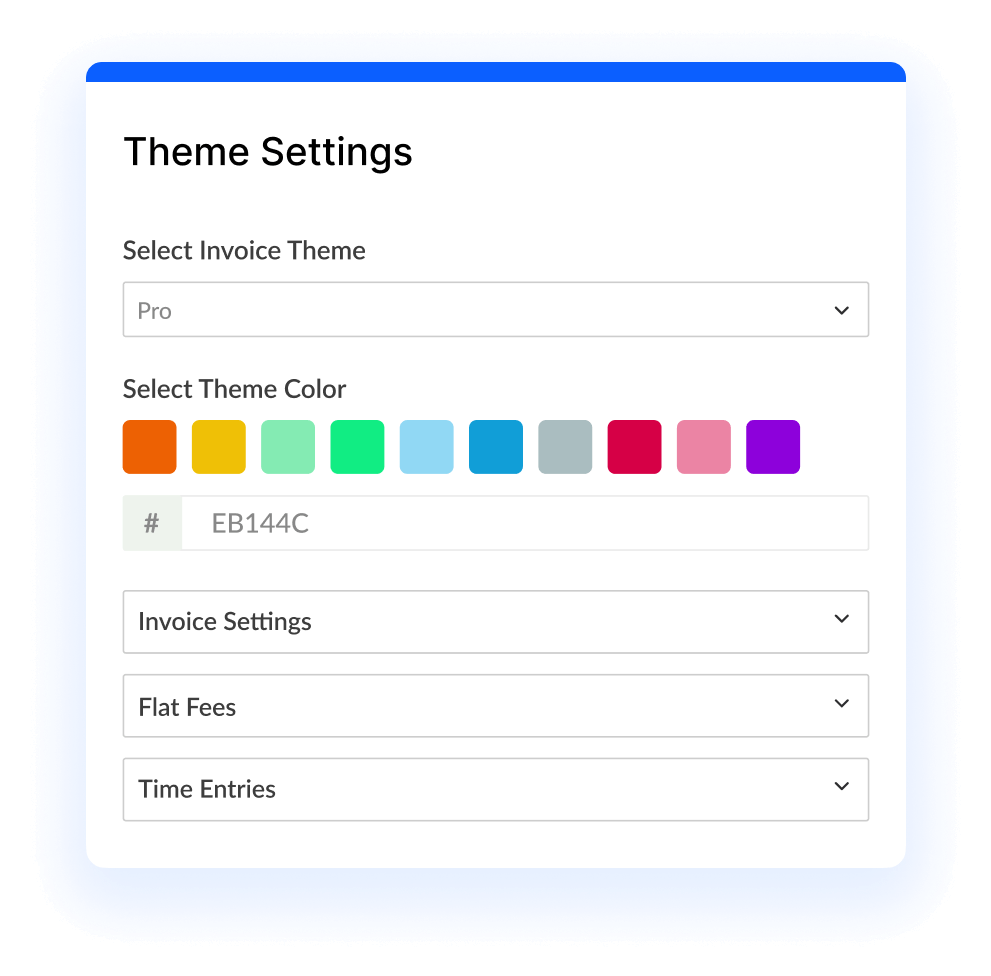
Invoice Templates
Create reusable invoice templates for hourly, contingency, and flat-fee matters so every bill stays consistent with your firm’s workflow and brand.
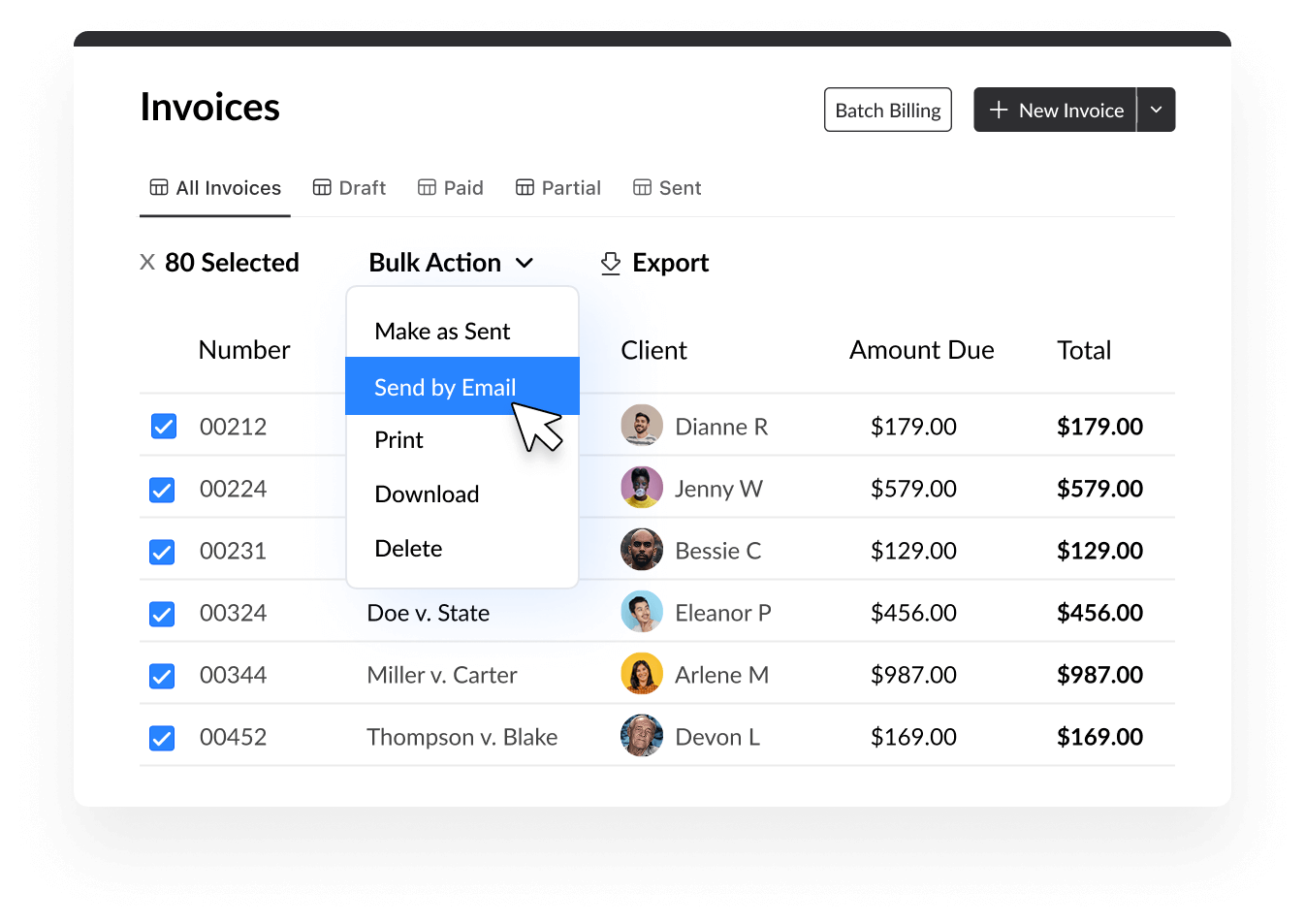
Bulk Email Invoices
Email open invoices in bulk and keep sent messages visible in your connected email account, helping the billing team follow up from one workflow.
How Legal Billing Software Helps Your Firm Get Paid
What is legal billing software?
Legal billing software helps law firms capture billable work, organize time and expenses, create invoices, collect payments, and monitor outstanding balances. A purpose-built law firm billing software platform keeps billing connected to matters and client records, helping teams reduce manual entry and see the status of each bill more clearly.
Flexible billing for different matters
For firms evaluating legal office billing software or law practice billing software, flexibility matters. Use hourly, flat-fee, and contingency billing workflows without maintaining separate spreadsheets. Lawcus also supports invoice approvals, custom rates, taxes, discounts, credit notes, and payment tracking.
LEDES and UTBMS billing support
For firms that work with corporate legal departments, Lawcus supports UTBMS billing codes for LEDES-formatted invoices. Standardized task, activity, and expense coding can make e-billing review more consistent.
Billing connected to trust and matter data
Keep billing, retainers, trust balances, matters, and client details connected. Learn more about trust accounting software, or use our law practice management software buyer’s guide to compare the capabilities your firm needs.
Connect Billing, Payments, and Accounting
Keep the tools your firm already uses connected to the billing workflow, from invoice creation and approval through payment and reporting.
QuickBooks Online
Send financial data from Lawcus to QuickBooks Online through a one-way sync, helping reduce duplicate entry across invoices, payments, and expenses.
LawPay
Connect LawPay with Lawcus so payment links can be included with invoices and payment status can be reflected in the billing workflow.
Lawcus Payments
Lawcus Payments, powered by Confido Legal, connects payment collection with your firm’s operating and trust-account workflows.
Financial Reporting
Use law firm reporting to review billed work, collections, outstanding balances, and the financial performance behind each matter.
Legal Billing Software Buyer Checklist
Before choosing a billing platform, confirm that it supports how your firm records work, reviews invoices, manages trust funds, accepts payments, and measures collections.
Multiple Fee Arrangements
Confirm support for hourly, flat-fee, and contingency billing, including custom rates, taxes, discounts, and matter-level billing rules.
Invoice Review and Control
Look for batch invoicing, reusable templates, approval workflows, write-offs, credit notes, and a clear record of invoice activity.
E-Billing and Compliance
If your firm bills corporate clients, verify support for LEDES invoices and UTBMS task, activity, and expense codes.
Retainers and Collections
Review how the system handles evergreen retainers, trust balances, online payments, payment links, and automated reminders for unpaid invoices.
Accounting and Reporting
Confirm that billing data connects with your accounting and payment tools and that reports show billed work, collections, and outstanding balances.
Connected Firm Operations
Choose software that keeps intake, matters, billing, and client records connected. See how law firm CRM and practice management software should work together across the client lifecycle.
Legal Billing Software FAQs
Yes. Teams can record time, fees, and expenses against matters and use those entries when creating invoices.
Yes. Lawcus includes an invoice approval workflow so firms can control who reviews and approves bills before they are sent to clients.
Yes. Lawcus supports multiple billing approaches, including hourly, flat-fee, and contingency matters.
Yes. Firms can configure automated invoice reminders to follow up on unpaid balances and keep collection activity consistent.
Yes. Lawcus supports UTBMS task, activity, and expense codes for firms that need to produce LEDES-formatted invoices. Review the supported billing codes.
Lawcus connects with QuickBooks Online, LawPay, and Lawcus Payments, powered by Confido Legal.
Practice Management
Automation
Client Intake & CRM
Billing & Accounting
Practice Area
Compare
Resources
Lawcus Inc.
4445 Eastgate Mall, Suite 200,
San Diego, CA 92121


