-

-
-
Product

Solutions
One app, all things legal

Compare
-
-
-


 Gmail
Gmail  Microsoft 365
  Wisetime
  Dropbox
  Zapier
  Quickbooks
  vs CosmoLex
  vs PracticePanther
  vs AbacusNext
  vs Caret Legal
  vs Clio
  vs MyCase
  vs Smokeball
  vs Filevine


Lawcus – New Features End Of August 2025
27th August 2025-
Required Fields: Enforce Matter and Description on Time, Expense, and Fee entries for cleaner records and fewer billing disputes.
-
Client-First Matter Selection: Pick a client first, and see only their matters—fewer mistakes, faster entries.
-
Rate Type Override: Manually select the right billing rate when needed.
-
Nova AI Narratives: Turn quick notes into polished, professional time entries.
-
Smarter Categories & Taxes: Classify Fees, Flat Fees, Hard/Soft Costs, and set tax rules per category for accurate invoicing.
-
Redesigned UI: A sleek new look across Time, Expense, Flat Fee, and Trust forms.
-
Exported Reports: Smarter filenames now include report name, date, and time.
-
Invoice Controls: Disable reminders or skip approvals—even in workflow-generated invoices—for greater flexibility.
Read more
Categories
Automation BlogsBilling & Accounting BlogsGeneral PracticeMarketing BlogsNews & UpdatesPractice Management BlogsRecent Posts

Law Firm Referral Marketing: Build a Relationship and Follow-Up System
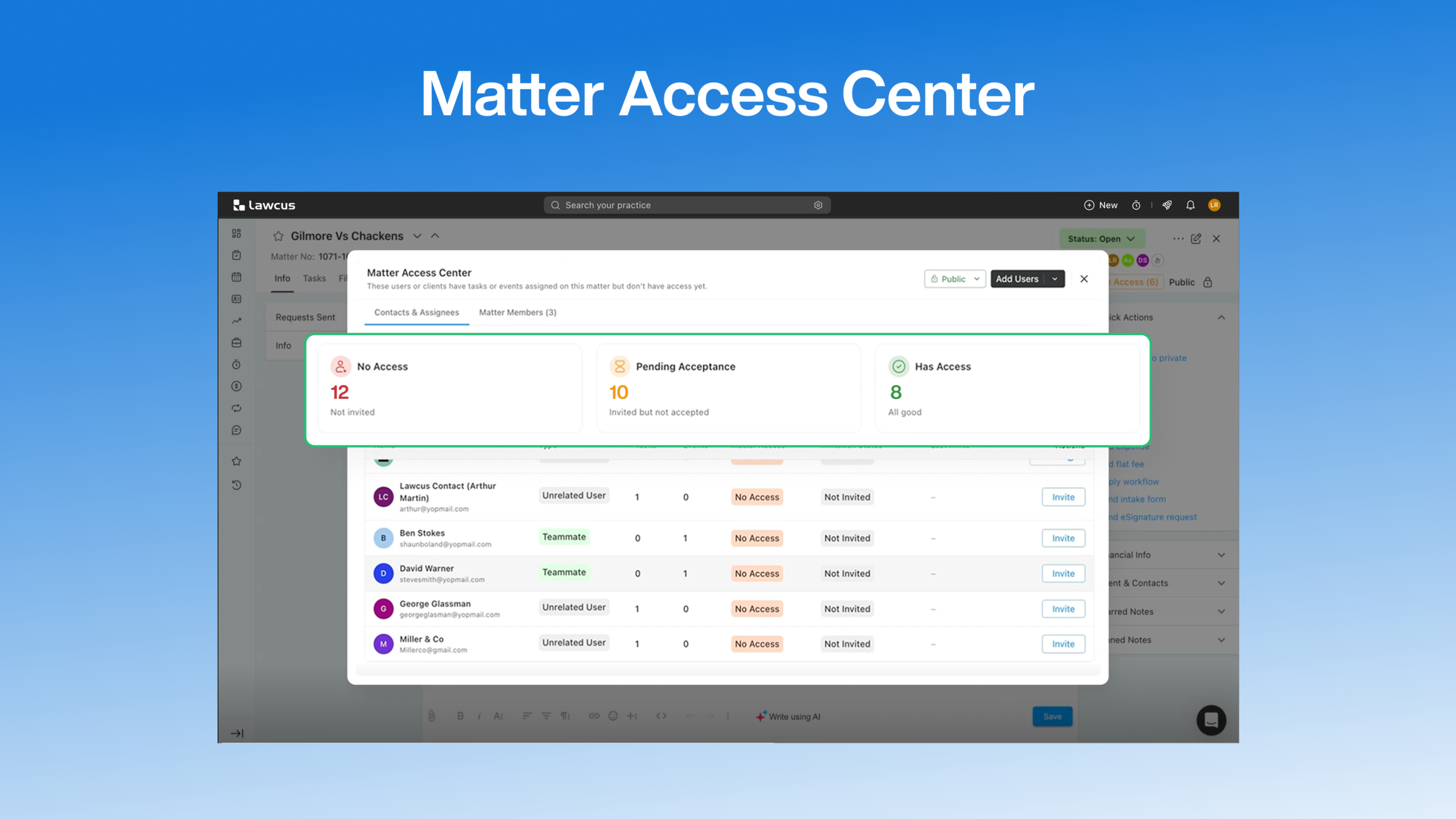
Introducing Matter Access Center: Manage Matter Participants and Access in One Place

Client Portal Communication for Law Firms
How to Choose Legal Billing Software for a Law Firm
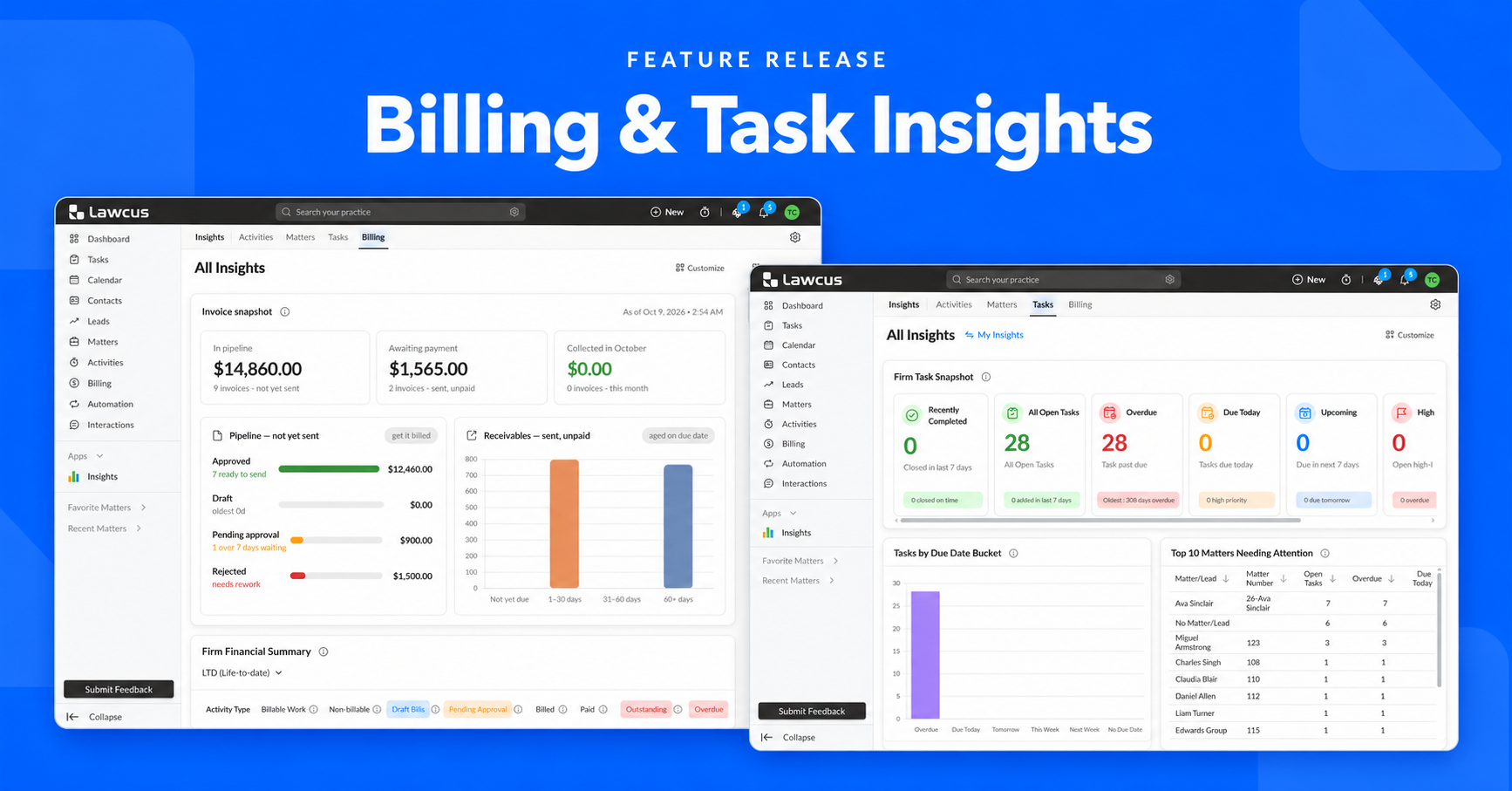
Introducing Billing and Task Insights in Lawcus
Practice Management
Automation
Client Intake & CRM
Billing & Accounting
Practice Area
Compare
Resources
Lawcus Inc.
4445 Eastgate Mall, Suite 200,
San Diego, CA 92121


