-

-
-
Product

Solutions
One app, all things legal

Compare
-
-
-


 Gmail
Gmail  Microsoft 365
  Wisetime
  Dropbox
  Zapier
  Quickbooks
  vs CosmoLex
  vs PracticePanther
  vs AbacusNext
  vs Caret Legal
  vs Clio
  vs MyCase
  vs Smokeball
  vs Filevine


Feature Release: Mobile App Access Permission
31st August 2026Firms can now control who within the firm can use the Lawcus mobile app. A new Mobile App permission governs access and is enabled for Owners and Admins by default. Manage this under [Settings → Roles & Permissions].
Improved: Role-level IP restrictions now apply on mobile. IP restrictions configured on a role are now enforced in the mobile app, not just on the web. Any network rules you’ve already set automatically apply to mobile sign-ins, with no extra configuration needed.
Note for administrators: phones on cellular data use carrier-assigned IP addresses that rotate and won’t match your allowlist. In practice, this means roles with IP restrictions will be limited to approved networks such as office Wi-Fi. If a role is meant to work in the field, review the allowlist or lift the restriction for that role before granting mobile access.
Categories
Automation BlogsBilling & Accounting BlogsGeneral PracticeMarketing BlogsNews & UpdatesPractice Management BlogsRecent Posts

Law Firm Referral Marketing: Build a Relationship and Follow-Up System
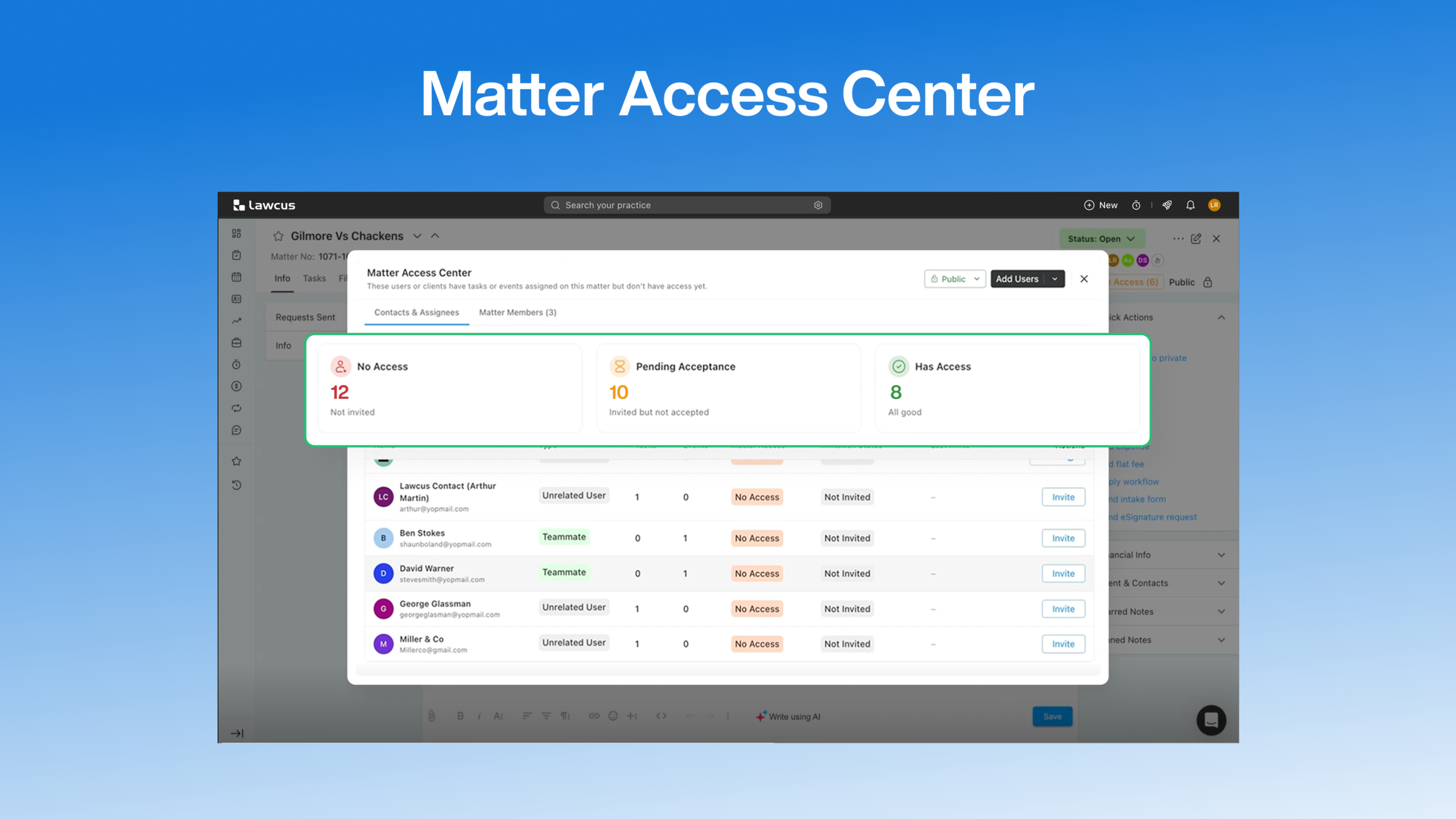
Introducing Matter Access Center: Manage Matter Participants and Access in One Place

Client Portal Communication for Law Firms
How to Choose Legal Billing Software for a Law Firm
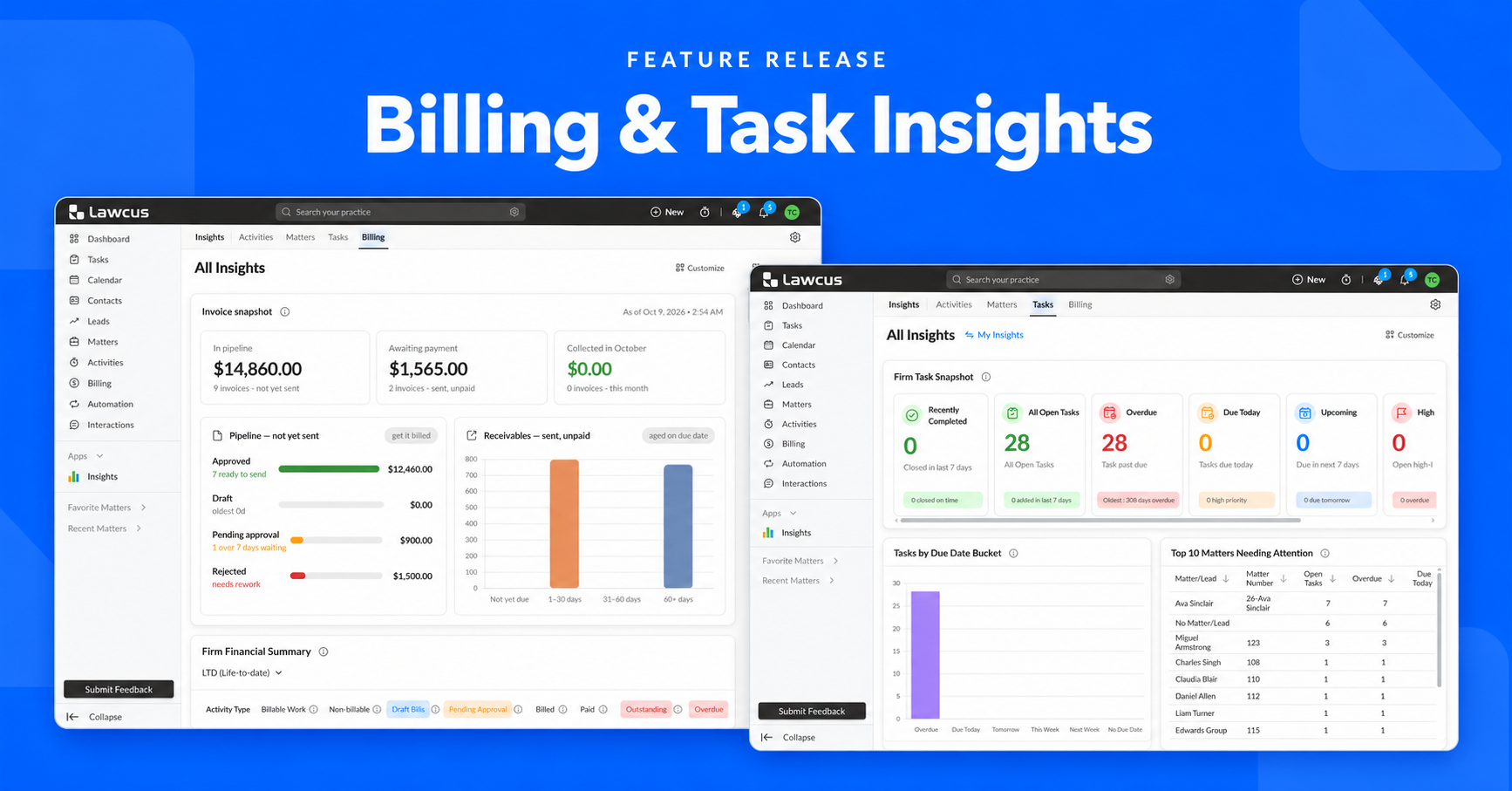
Introducing Billing and Task Insights in Lawcus
Practice Management
Automation
Client Intake & CRM
Billing & Accounting
Practice Area
Compare
Resources
Lawcus Inc.
4445 Eastgate Mall, Suite 200,
San Diego, CA 92121


