-

-
-
Product

Solutions
One app, all things legal

Compare
-
-
-


 Gmail
Gmail  Microsoft 365
  Wisetime
  Dropbox
  Zapier
  Quickbooks
  vs CosmoLex
  vs PracticePanther
  vs AbacusNext
  vs Caret Legal
  vs Clio
  vs MyCase
  vs Smokeball
  vs Filevine


How to Choose Legal Practice Management Software Your Firm Won’t Outgrow
19th June 2024
Choosing legal practice management software is not simply a feature comparison. It is a decision about how your firm will handle matters, communicate with clients, collect payment, automate routine work, and grow over the next several years.
The wrong platform may look impressive in a demo but create more clicks, more workarounds, and more disconnected tools. The right one should make everyday legal work easier for attorneys, paralegals, intake teams, billing staff, and firm leaders.
This guide explains how to evaluate legal practice management software based on real workflows, usability, security, automation, integrations, reporting, implementation, and total cost.
Quick Checklist: What Should Legal Practice Management Software Include?
- Centralized matter and contact management
- Document organization and secure access
- Time tracking, billing, payments, and trust accounting
- Client intake and lead management
- Workflow and communication automation
- Calendar, task, and deadline management
- A secure client portal
- Useful reports and operational insights
- Integrations with the tools your firm already uses
- Mobile access, onboarding, migration, and dependable support
A checklist is only the beginning. Two products may offer the same feature while delivering very different experiences. The best evaluation focuses on how each capability works in practice.
1. Start With Your Firm’s Workflows, Not a Vendor’s Feature List
Before comparing products, map the work your firm performs every day. Follow a matter from the first inquiry through intake, conflict checking, engagement, active work, billing, and closure.
If intake and lead nurturing are part of the evaluation, compare CRM vs. practice management software before deciding whether the firm needs separate systems or one connected platform.
Look for the places where work currently slows down:
- Staff re-enter the same information in several systems.
- Leads wait too long for a response.
- Tasks depend on someone remembering the next step.
- Attorneys delay time entry until the end of the day or week.
- Clients call for updates that should be available automatically.
- Billing teams chase missing information before sending invoices.
- Firm leaders cannot see workload, pipeline, or financial performance clearly.
Turn these problems into evaluation scenarios. Instead of asking whether a product has matter management, ask the vendor to show exactly how your team would open, update, search, and close a matter. A strong legal case management system should reduce the number of handoffs and manual steps required to keep work moving.
2. Judge Usability by Completing Real Tasks
A long feature list does not guarantee adoption. If the interface is slow or confusing, attorneys and staff will fall back to spreadsheets, email, and memory.
During each demo or trial, ask several team members to complete common tasks:
- Create a new lead and convert it into a matter.
- Find a client using a name, phone number, address, or custom field.
- Record time while working.
- Assign a task with a due date and dependency.
- Generate and send an invoice.
- Share a document securely with a client.
- Find matters that have not had recent activity.
Count the clicks, note where users hesitate, and test the speed of navigation and search. Software that feels simple during a realistic workflow is more likely to be adopted consistently.
3. Evaluate Search as a Core Productivity Feature
Legal teams rarely remember an exact matter number. They may remember a client’s name, an opposing party, an email address, a phone number, or a phrase from a document.
Test whether search works across contacts, matters, leads, documents, emails, notes, phone numbers, and custom fields. Results should appear quickly and make it easy to move directly to the relevant record. Good search reduces interruptions and prevents staff from rebuilding information that already exists.
4. Look for Automation That Removes Repetitive Work
Automation should eliminate administrative steps while keeping people in control. It should not require a developer every time your process changes.
Useful legal workflow automation can handle:
- Lead acknowledgements and follow-up sequences
- Intake forms and consultation reminders
- Task creation and assignment
- Document generation and signature requests
- Matter-stage changes
- Client status updates
- Invoice reminders
- Internal alerts when work is overdue or stalled
Ask the vendor to build one of your actual workflows during the evaluation. This reveals how flexible the automation is and whether your team can maintain it. Learn more about legal workflow automation software and the types of work firms can standardize.
5. Make Reporting Actionable
Dashboards are useful only when they help someone make a decision. Identify the questions partners and managers need answered every week:
- Which leads need follow-up?
- Which matters have gone quiet?
- Which invoices are unpaid?
- Where is work getting delayed?
- How is workload distributed across the team?
- Which practice areas or referral sources produce the strongest results?
Confirm that reports can be filtered, scheduled, exported, and adapted to your firm’s terminology. The goal is not more charts. It is earlier visibility into work that requires attention.
6. Treat the Client Experience as Part of the Product
Clients should not need to search through email threads to find updates, documents, invoices, or requests from your firm. A well-designed legal client portal can give clients one secure place to communicate, upload documents, complete forms, review tasks, and stay informed.
Test the client experience from a phone as well as a computer. Ask whether invitations are clear, whether the portal is easy to navigate, and whether clients can complete common actions without staff assistance.
7. Examine Security, Permissions, and Accountability
Law firms handle confidential and financially sensitive information. Security should be evaluated as an operational requirement, not a line item on a checklist.
Ask each vendor about encryption, multi-factor authentication, role-based permissions, audit trails, backups, data residency, incident response, and employee access controls. Confirm that the platform lets administrators restrict access by role and review important activity when necessary.
Your firm’s specific professional obligations and client requirements may vary, so involve the appropriate legal, security, or compliance stakeholders before making a final decision.
8. Check Integrations and Data Portability
Practice management software should reduce fragmentation, not become another silo. List the systems your firm depends on, including email, calendars, document storage, accounting, payment tools, intake services, phone systems, and automation platforms.
For every critical integration, confirm what information moves between systems, how often it syncs, which plan includes it, and who supports it when something fails. Review the available Lawcus integrations as an example of the connections firms may want to assess.
Also ask how your data can be exported. A vendor should explain what you can take with you, the available formats, and whether attachments, notes, communications, and custom fields are included.
9. Evaluate Mobile Access and AI With Real Use Cases
Mobile access should support the work attorneys actually perform away from a desk, such as reviewing matters, recording time, managing tasks, viewing calendars, accessing documents, and capturing notes.
AI should also be tested against specific problems. Ask what it can draft, summarize, classify, retrieve, or surface. Verify where information is processed, what data is retained, and how users review the output. A useful AI feature should save measurable time without weakening confidentiality or professional judgment.
10. Plan for Migration, Onboarding, and Adoption
Even strong software can fail if implementation is rushed. Ask who owns the migration, what data will be cleaned, how custom fields will be mapped, and how the new system will be tested before launch.
Your implementation plan should cover:
- A named project owner inside the firm
- Data cleanup and migration responsibilities
- Workflow configuration
- Role-specific training
- A pilot group before full rollout
- A clear cutover date and support plan
- Post-launch adoption reviews
Ask vendors to explain the onboarding timeline and the support available after implementation, not just during the sale.
11. Calculate Total Cost, Not Just the Monthly Price
Subscription price is only one part of the investment. Compare the cost of required add-ons, implementation, data migration, training, storage, electronic signatures, text messaging, payment processing, premium support, and future user growth.
Balance those costs against the time the platform can save, the tools it can replace, and the revenue leakage it can reduce. A lower-priced system can be more expensive if it requires additional products or creates manual work.
A Practical Demo Scorecard
| Evaluation area | What to test | Suggested weight |
|---|---|---|
| Core workflows | Intake, matters, tasks, documents, billing | 25% |
| Usability and speed | Clicks, navigation, search, daily adoption | 20% |
| Automation | Real workflow built during the demo | 15% |
| Security and permissions | Access controls, auditability, safeguards | 15% |
| Reporting | Actionable operational and financial insight | 10% |
| Integrations and portability | Data flow, reliability, export options | 10% |
| Implementation and support | Migration, training, ongoing help | 5% |
Adjust the weights to match your firm’s priorities. Score every product against the same scenarios so a polished presentation does not outweigh day-to-day fit.
Questions to Ask Every Legal Software Vendor
- Can you demonstrate our intake-to-matter workflow using realistic data?
- Which capabilities require a higher plan or separate fee?
- How does search work across matters, contacts, documents, and communications?
- Can our team change workflows without vendor or developer assistance?
- What security controls and permission levels are available?
- Which integrations are native, and which depend on another service?
- What exactly is included in migration and onboarding?
- How can we export our complete data if we leave?
- How often is the product updated?
- What support is available after implementation?
Frequently Asked Questions
What is legal practice management software?
Legal practice management software is a central system for managing matters, contacts, documents, tasks, calendars, time, billing, client intake, communications, and firm reporting. The exact capabilities vary by platform and subscription plan.
How long does it take to implement legal practice management software?
The timeline depends on the amount and quality of existing data, the number of users, workflow complexity, integrations, and training requirements. A smaller firm with clean data may move quickly, while a larger or highly customized firm should plan a phased implementation.
When should a law firm replace its current software?
Common signs include duplicate data entry, widespread spreadsheet workarounds, slow search, poor adoption, disconnected billing or intake systems, limited reporting, and difficulty supporting new users or practice areas.
What is the most important feature to test?
There is no single feature that matters most for every firm. Test the complete workflow your team performs most often. This exposes whether matter management, automation, communication, billing, and reporting work together effectively.
Choose Software That Makes Work Easier
The best legal practice management software should help your firm complete work with fewer manual steps, clearer accountability, better client communication, and stronger visibility into performance.
Evaluate products using your own workflows, people, data, and growth plans. When you focus on usability, automation, security, reporting, integrations, and implementation, you are more likely to choose a platform your team will still value years from now.
If you want to see how Lawcus brings case management, client intake, billing, automation, and reporting together, explore Lawcus and schedule a product walkthrough.
Categories
Automation BlogsBilling & Accounting BlogsGeneral PracticeMarketing BlogsNews & UpdatesPractice Management BlogsRecent Posts

Feature Release: October 2026

AI Client Communication for Law Firms: A Human Review Workflow

Law Firm Referral Marketing: Build a Relationship and Follow-Up System
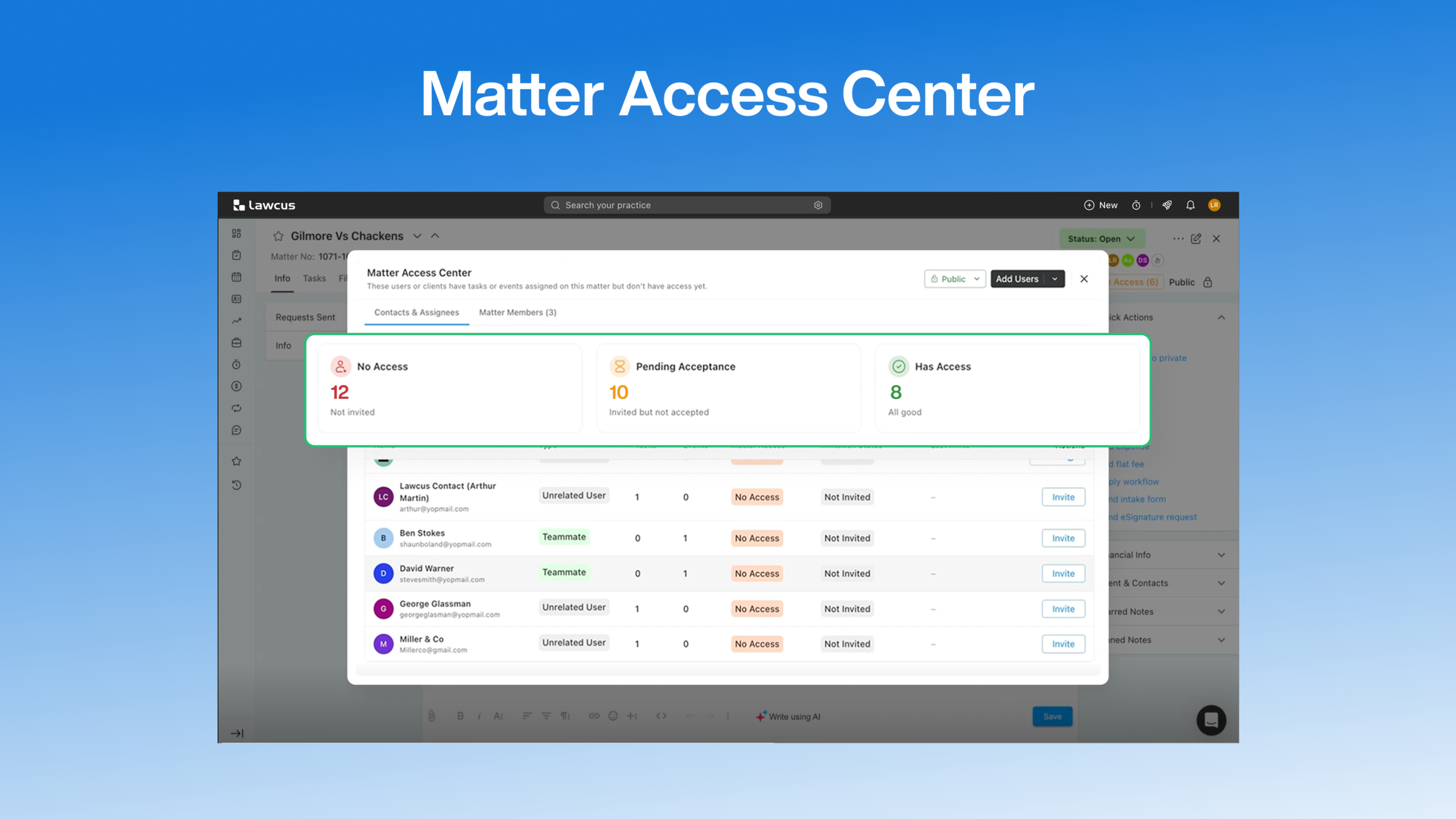
Introducing Matter Access Center: Manage Matter Participants and Access in One Place

Client Portal Communication for Law Firms
Practice Management
Automation
Client Intake & CRM
Billing & Accounting
Practice Area
Compare
Resources
Lawcus Inc.
4445 Eastgate Mall, Suite 200,
San Diego, CA 92121


