-

-
-
Product

Solutions
One app, all things legal

Compare
-
-
-


 Gmail
Gmail  Microsoft 365
  Wisetime
  Dropbox
  Zapier
  Quickbooks
  vs CosmoLex
  vs PracticePanther
  vs AbacusNext
  vs Caret Legal
  vs Clio
  vs MyCase
  vs Smokeball
  vs Filevine


Lawcus – New Features July 2024
31st July 2024-
Outlook Plugin: Say goodbye to manual email logging. Our new Outlook plugin lets you log emails directly into Lawcus. With this advancement, you can:
-
Add time entries in the logs
-
Configure integration settings and pre-save them to fit your business needs.
-
Log a single email or an entire thread, with or without attachments.
-
Access these emails from the matter info section
-
Automatically tag the logged emails as “logged to Lawcus”
-
Enhanced Invoicing: The Outstanding Invoices list will now default to displaying by matter for all new invoices created without a custom invoice template. This change makes it easier to track and manage invoices related to specific cases, providing clearer visibility into outstanding payments.
-
Improved Reporting: We have introduced a new “Matter Responsible Attorney” column in the Client Trust Balance Report, ensuring you have a clear and organized view of trust balances across your firm.
-
Billing Enhancement: We have added dedicated Billable and Non Billable entry columns in the activities section, ensuring you get an easy and precise overview of your time entries and ensuring accurate billing.
Categories
Automation BlogsBilling & Accounting BlogsGeneral PracticeMarketing BlogsNews & UpdatesPractice Management BlogsRecent Posts
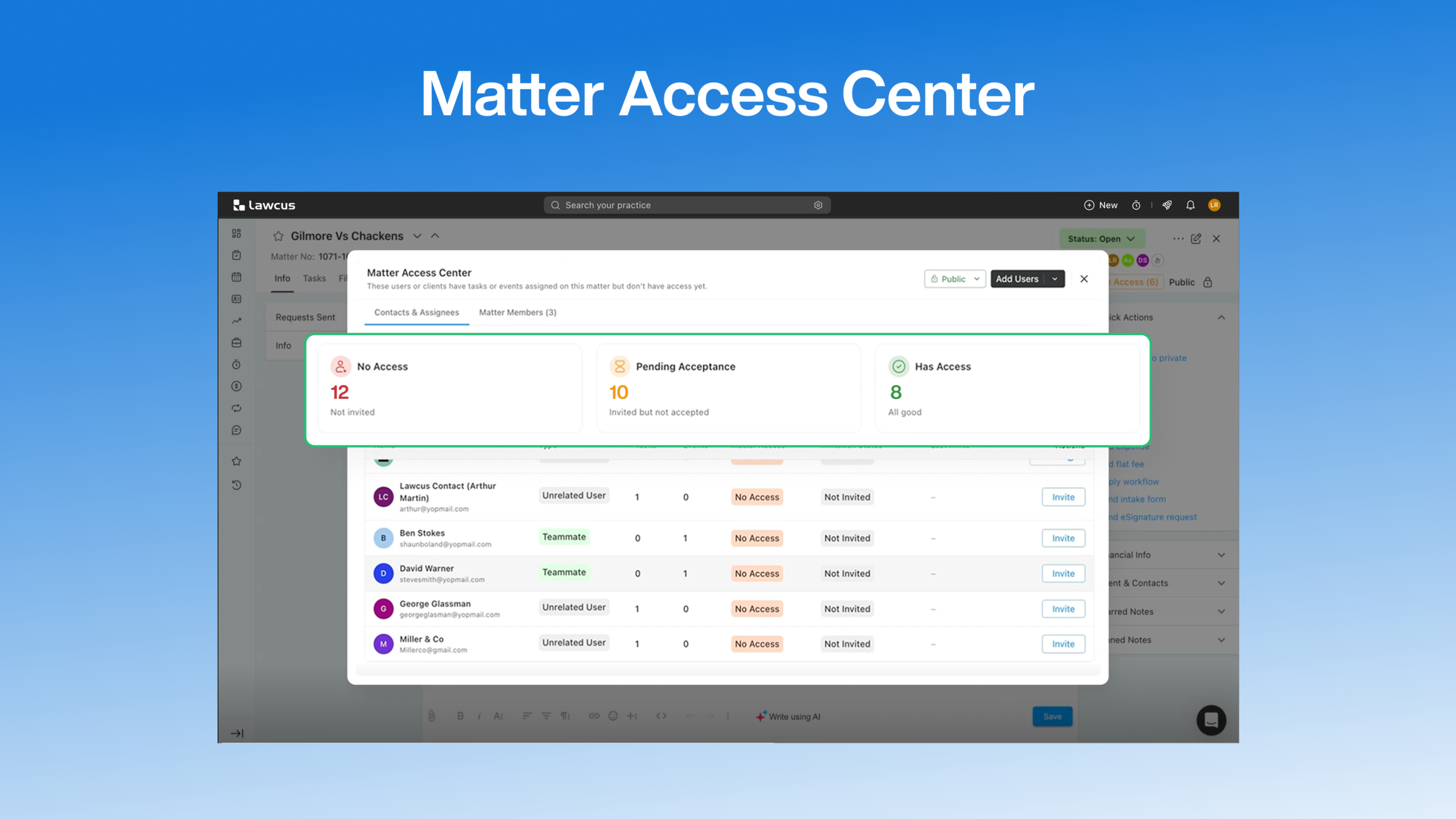
Introducing Matter Access Center: Manage Matter Participants and Access in One Place

Client Portal Communication for Law Firms
How to Choose Legal Billing Software for a Law Firm
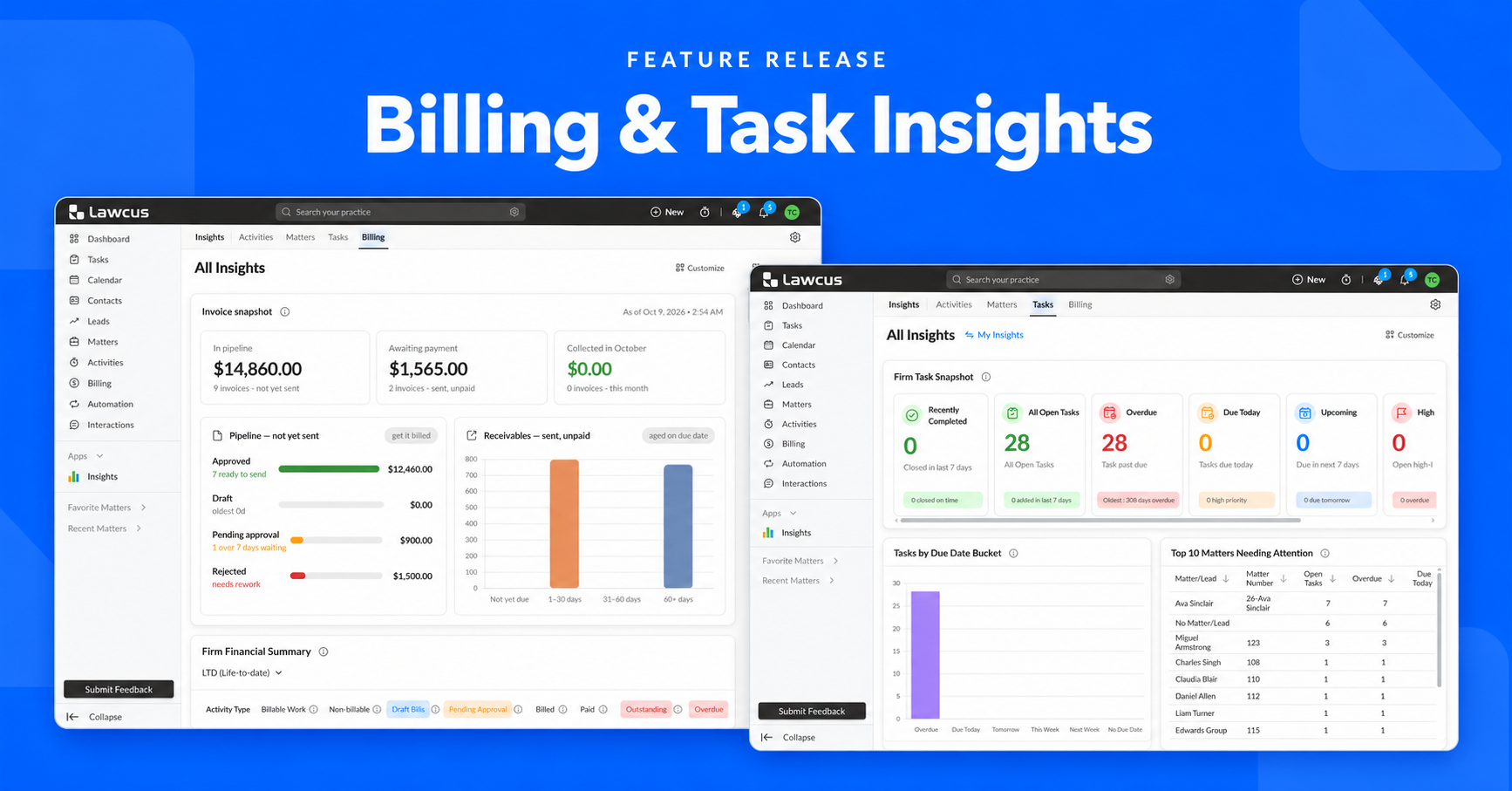
Introducing Billing and Task Insights in Lawcus

Law Firm KPIs: The Metrics Every Managing Partner Should Track
Practice Management
Automation
Client Intake & CRM
Billing & Accounting
Practice Area
Compare
Resources
Lawcus Inc.
4445 Eastgate Mall, Suite 200,
San Diego, CA 92121


