-

-
-
Product

Solutions
One app, all things legal

Compare
-
-
-

 Gmail
 Microsoft 365
 Wisetime
 Dropbox
 Zapier
 Quickbooks
 vs CosmoLex
 vs PracticePanther
 vs AbacusNext
 vs Caret Legal
 vs Clio
 vs MyCase
 vs Smokeball
 vs Filevine


 Case Management
Legal Case Management Software for Law Firms
Organize matters, deadlines, documents, client communication, billing, and team workflows in one connected legal case management system.

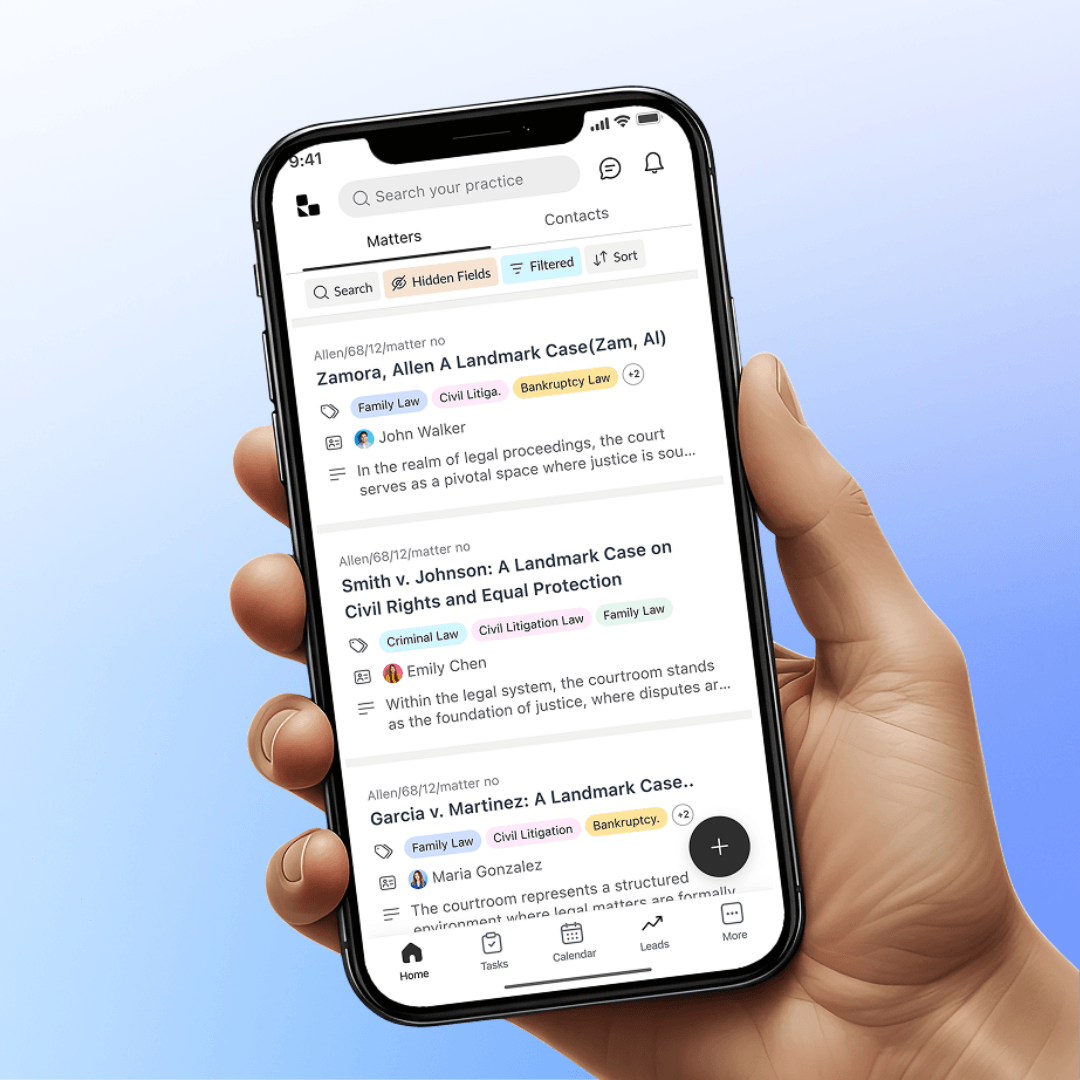
Manage Every Matter
from One Connected Workspace
Visual Matter Pipelines
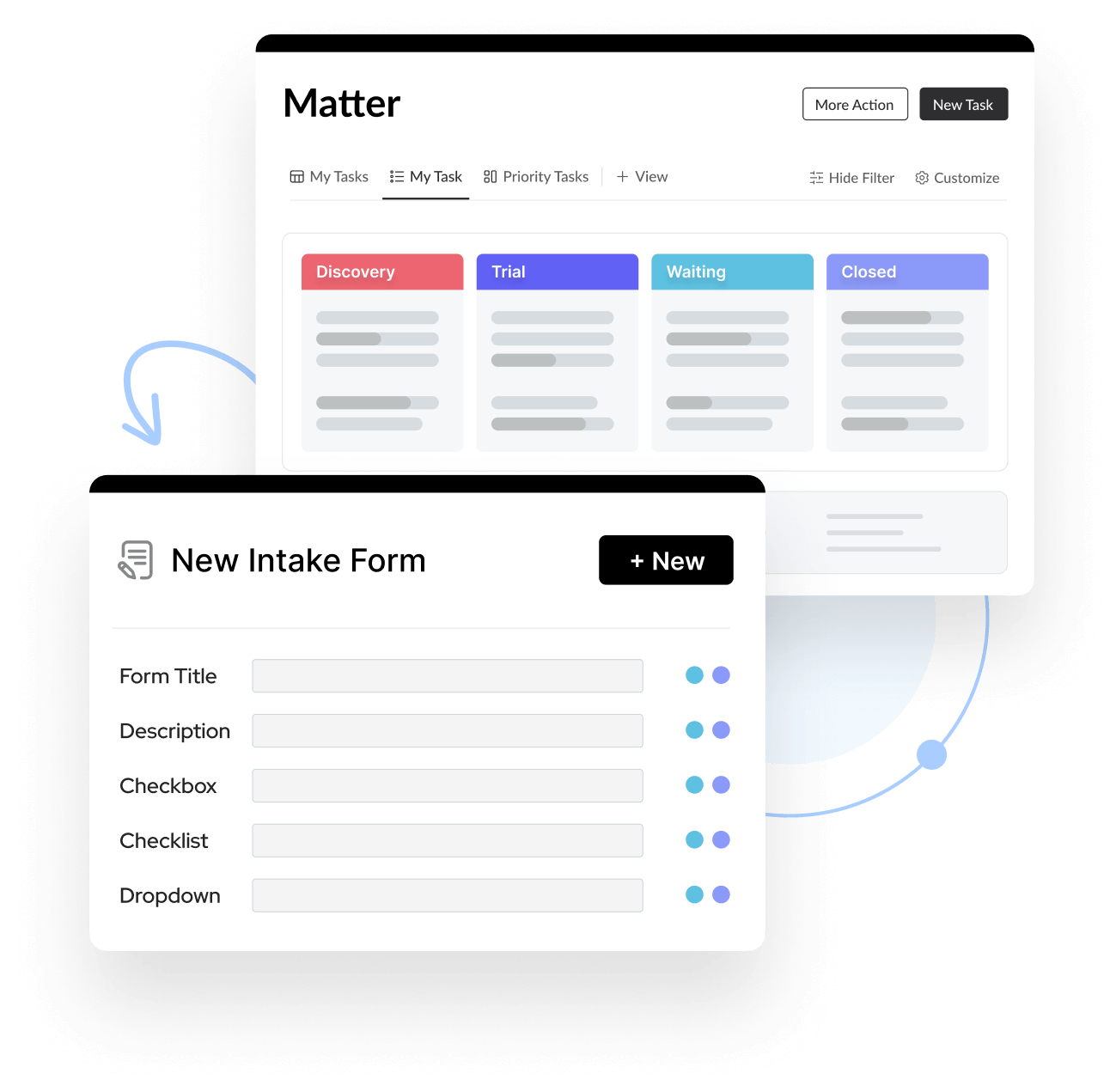
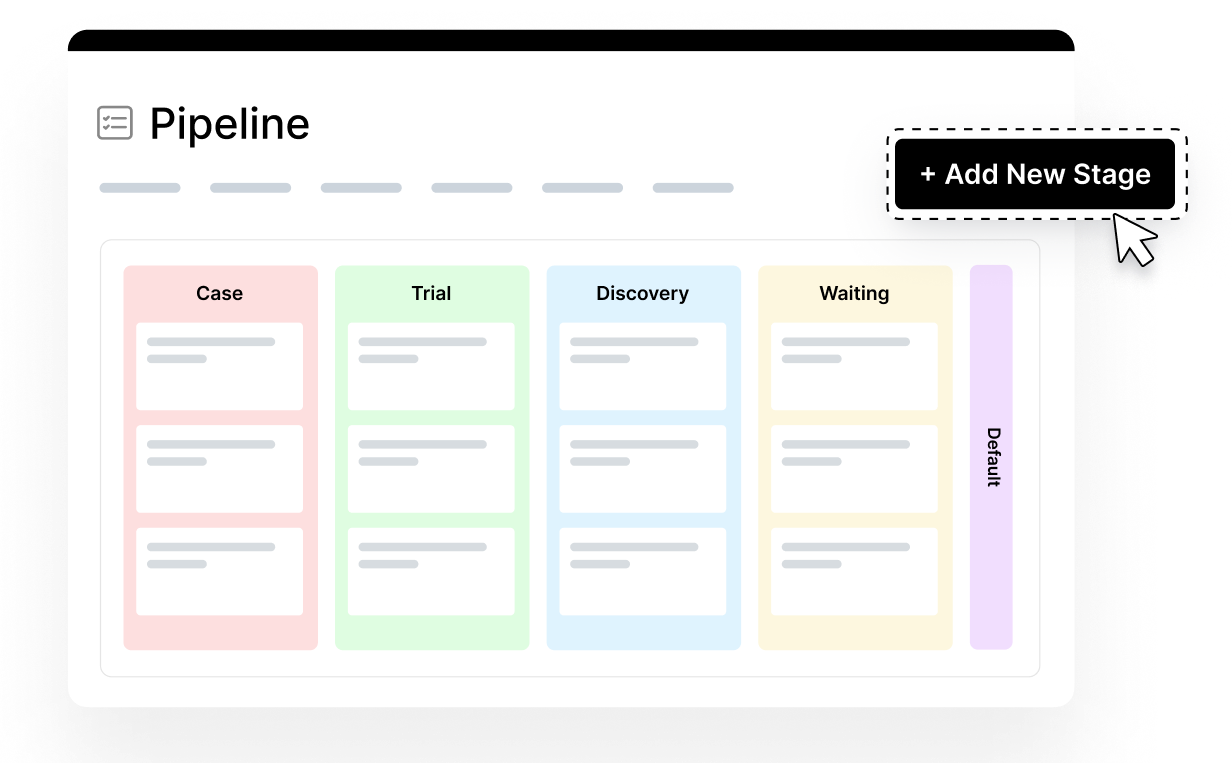
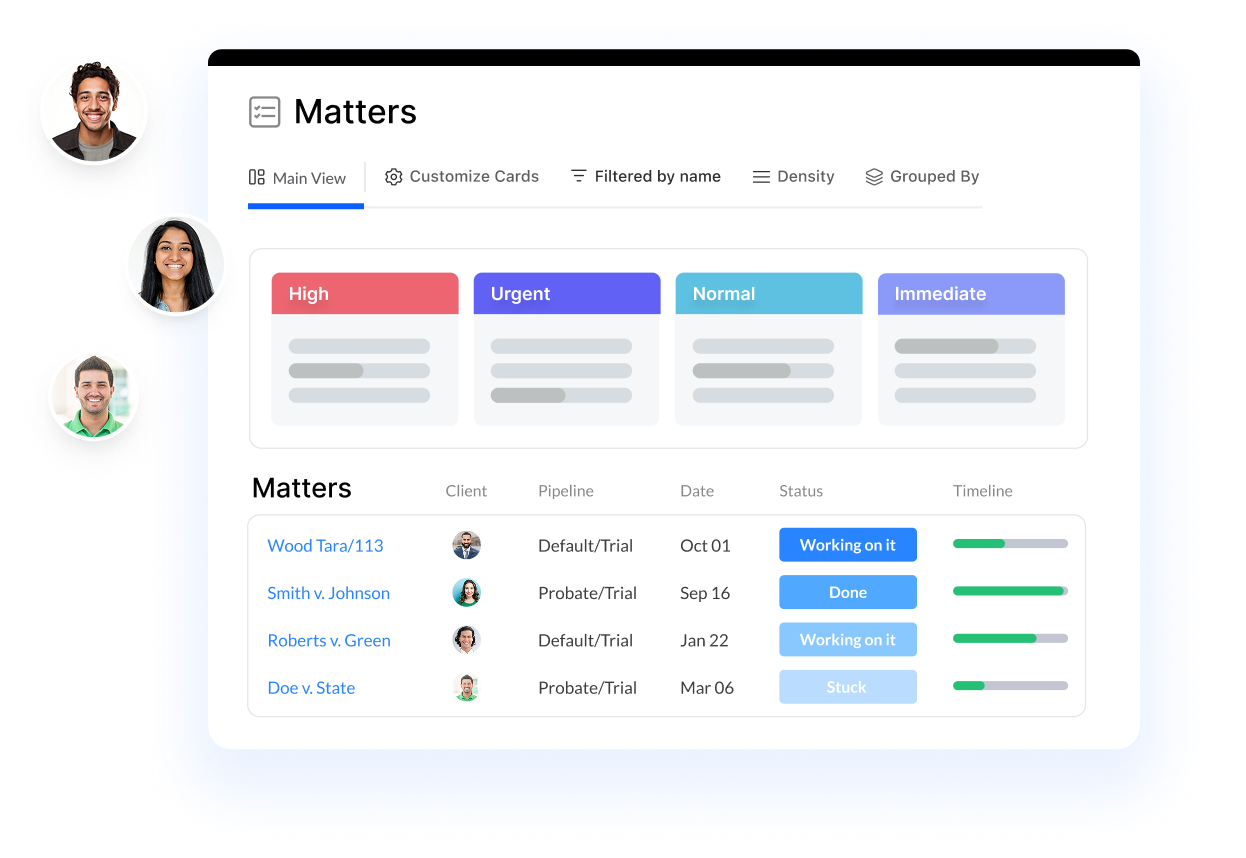
View every matter on customizable Kanban boards or switch to a traditional list. Track each matter’s stage and next action so your team can see what needs attention.
Intake Forms
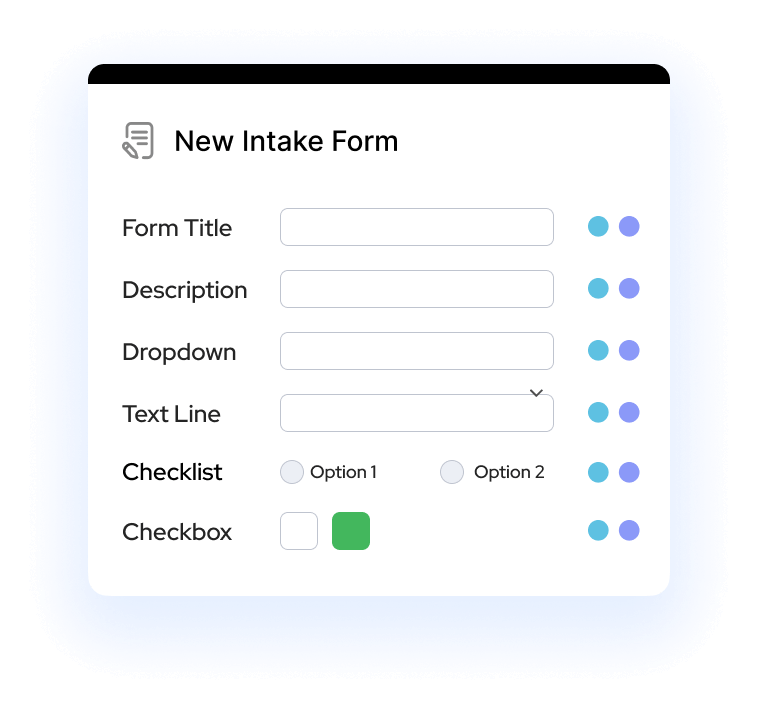
Use forms to collect consistent information from clients, third parties, or your internal team. Mark forms as internal when responses should stay within the firm, or keep them client-facing to support legal client intake and matter setup.
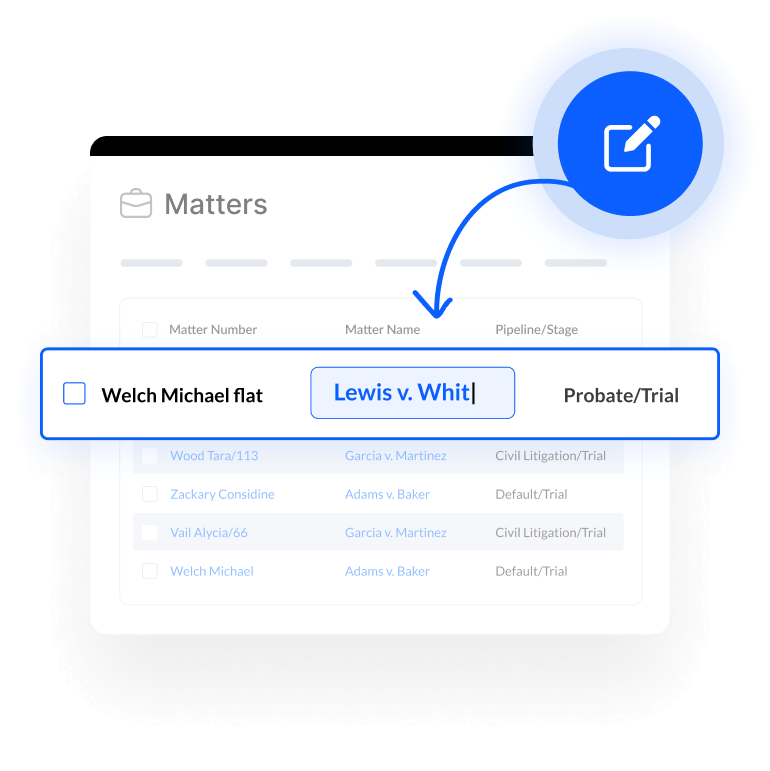
Inline Editing
Update matter fields directly from the list view without opening each record. Keep statuses, owners, and matter details current while reducing repetitive clicks.
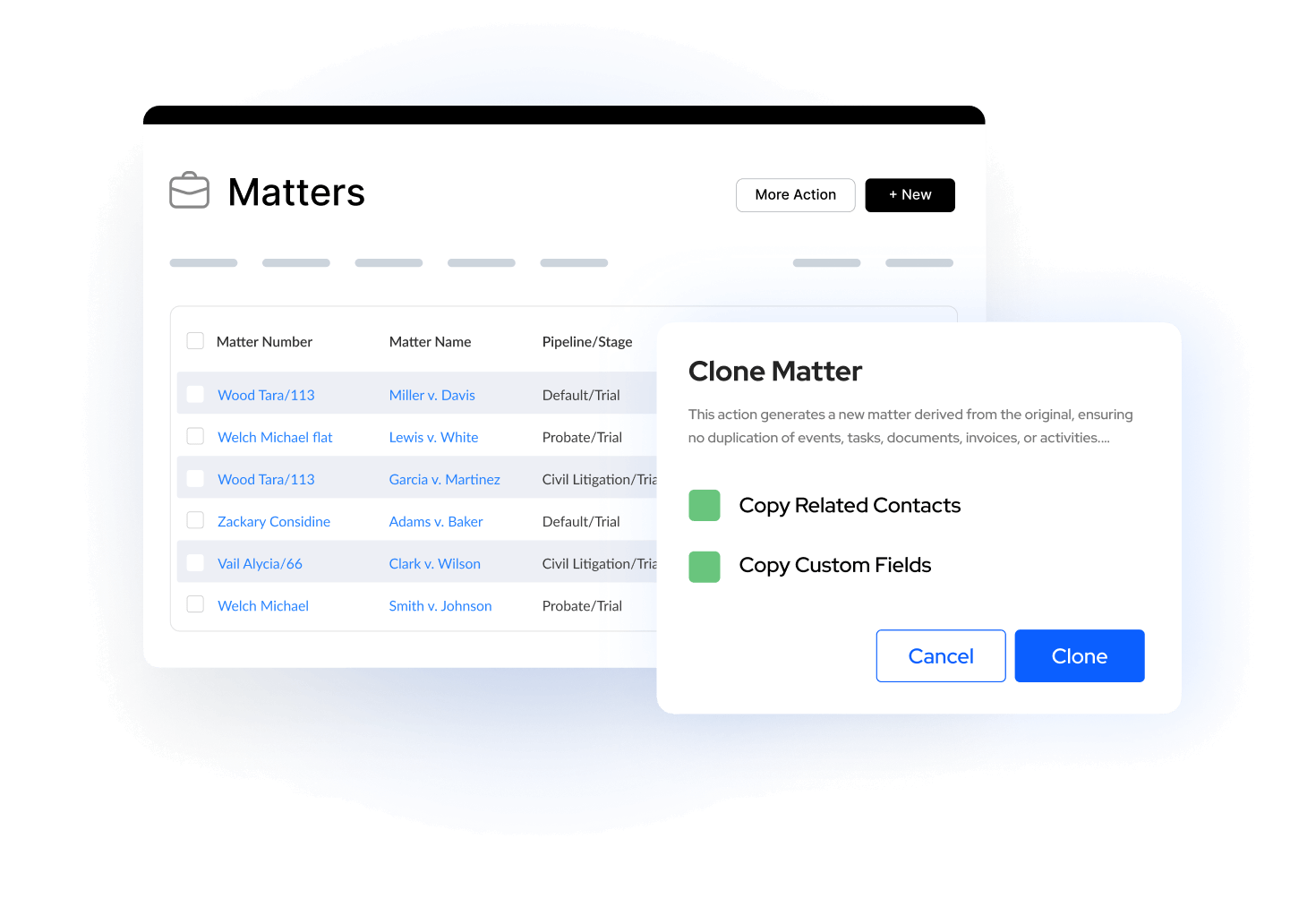
Matter Clone
Duplicate an existing matter and choose which details to carry into the new record. Reuse proven structures without rebuilding common matter setups from scratch.
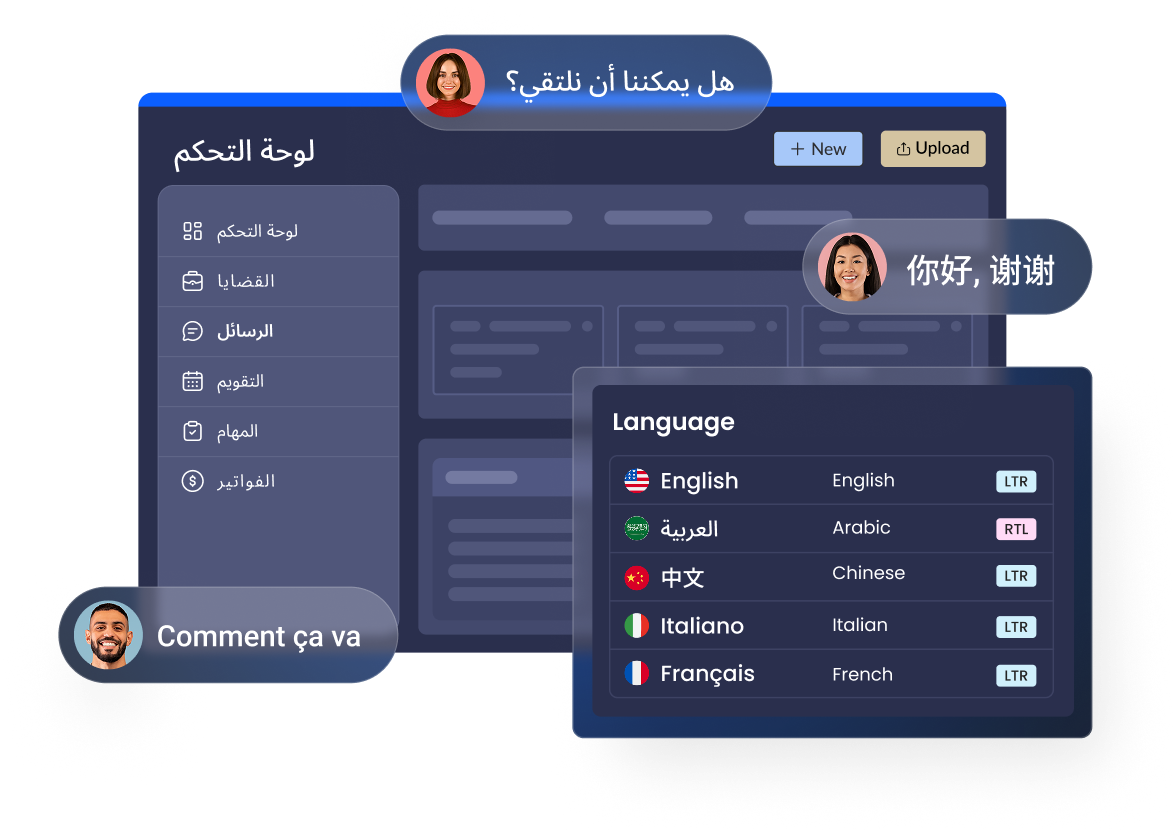
One Legal Platform for Global Law Firms
Serve global clients and collaborate across borders with 12 languages and 21 regional variants. From multilingual teams to international clients, everyone can work in their preferred language while staying connected in one unified workspace.
Customizable, Searchable,
and Built for Collaboration
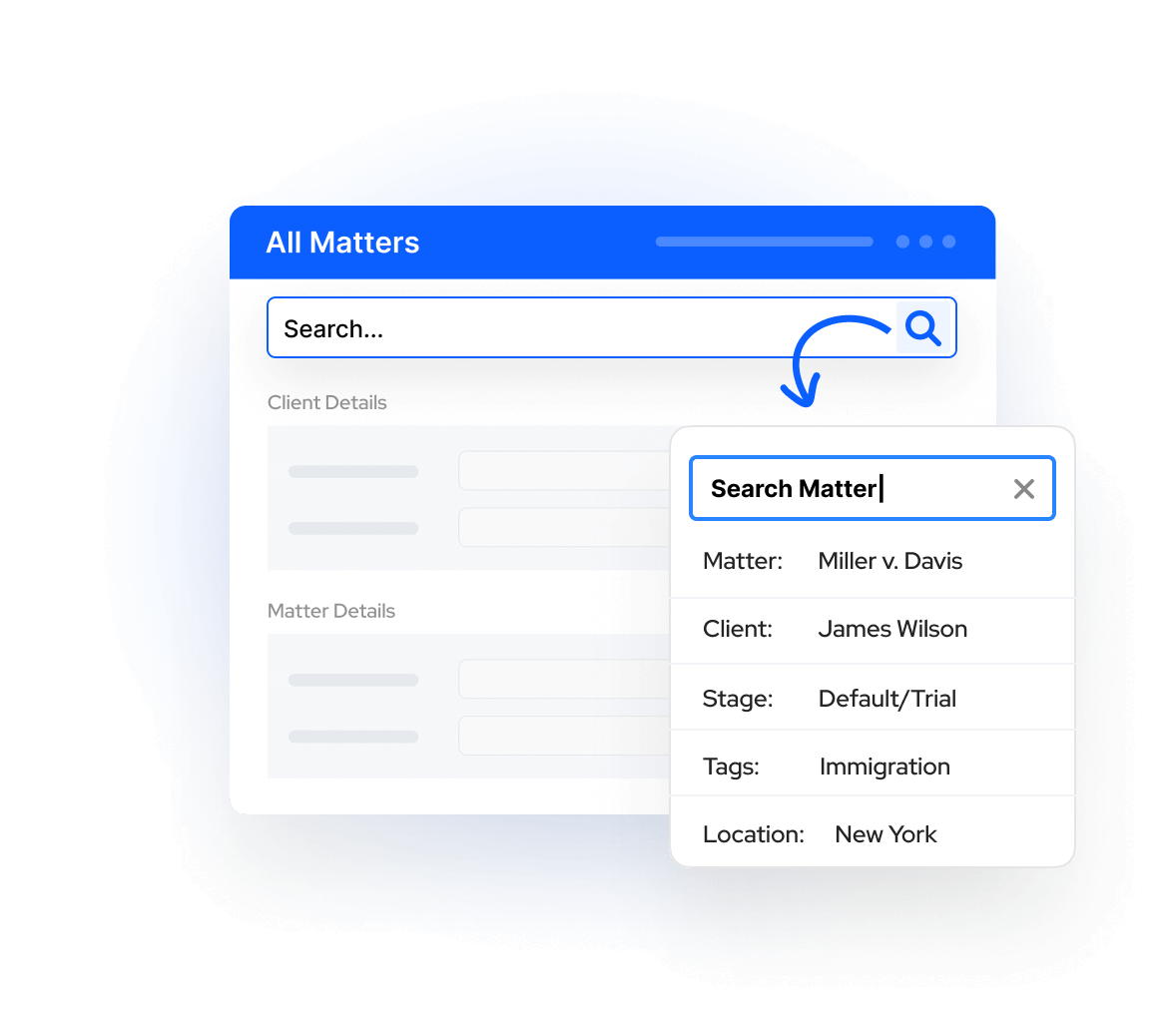
Conflict Search
Search standard and custom fields across matters, contacts, and communications to surface possible name matches and support your firm’s conflicts-review process.
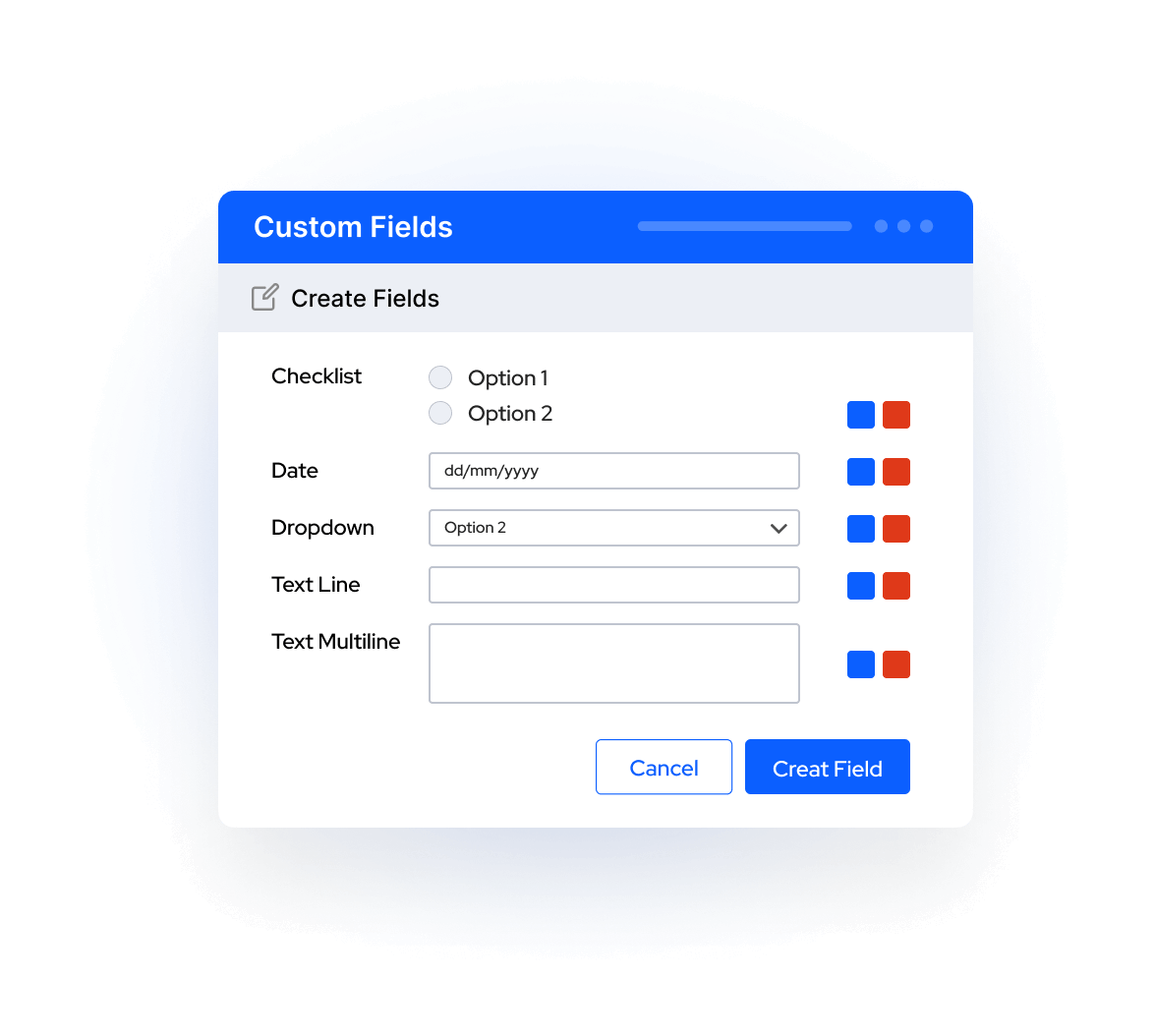
Custom Fields
Lawcus allows you to tailor your workflow with custom fields and field groups for both contacts and matters. Capture the exact data your firm needs, organize it your way, and ensure consistency across your team.
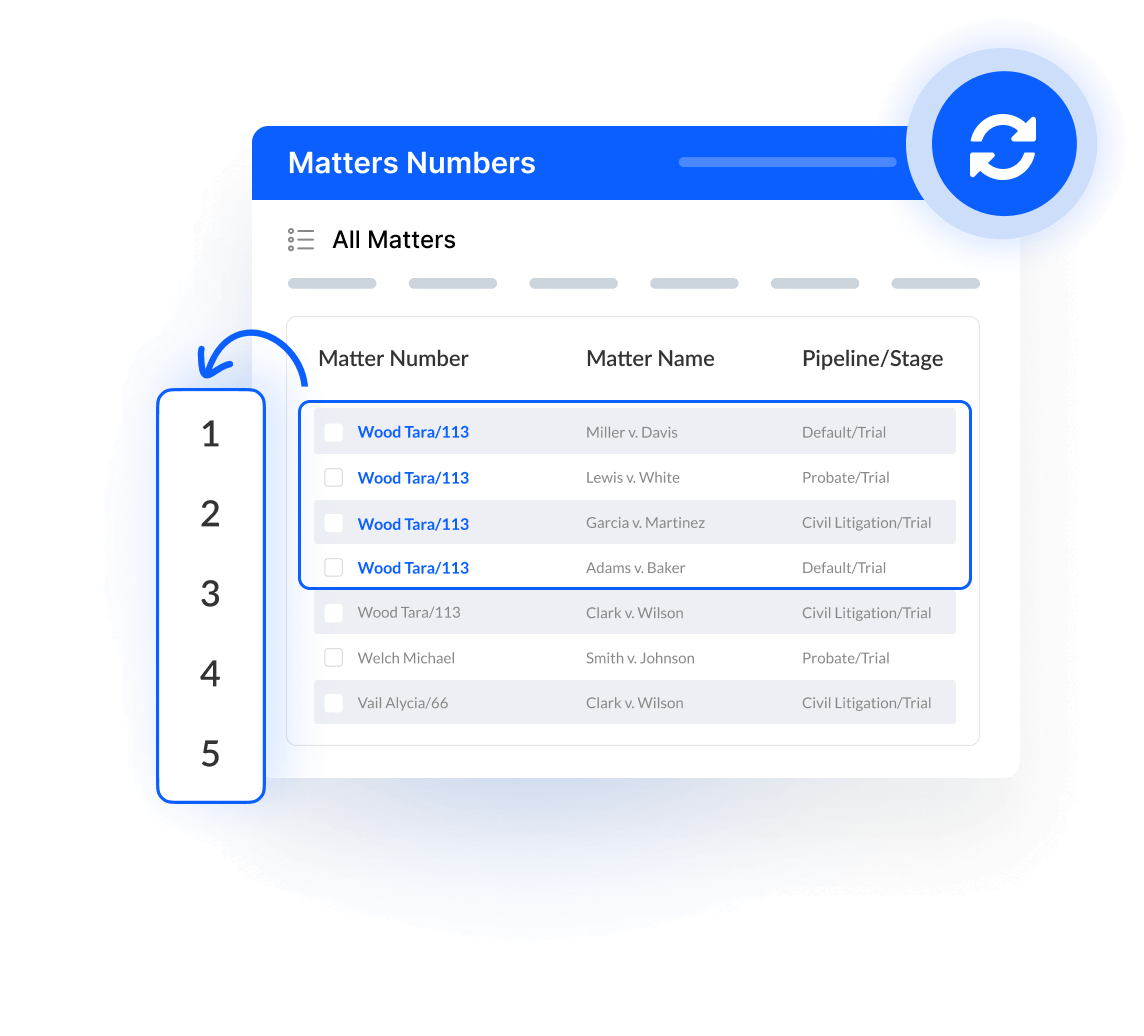
Matter Numbering
Automatically generate matter numbers from a saved numbering scheme so new files follow a consistent naming convention across the firm.
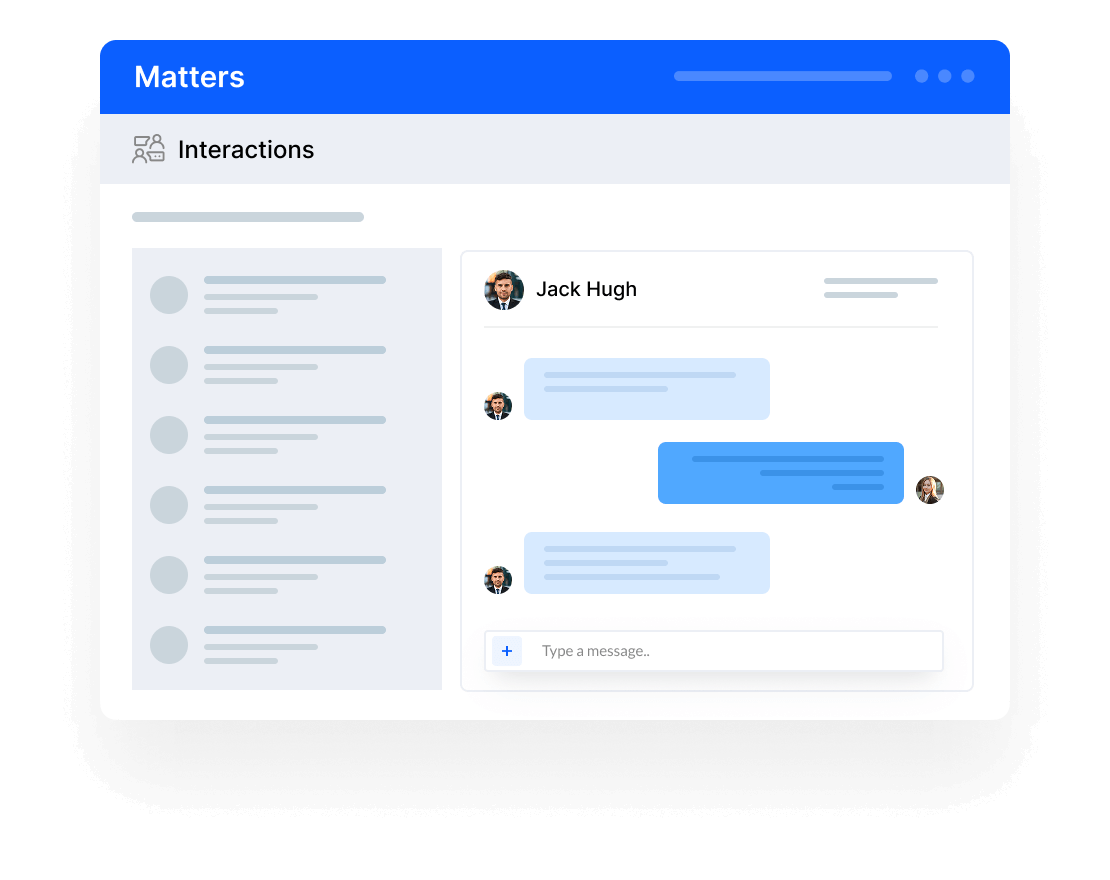
Matter-Centric Collaboration
Keep matter-related conversations alongside the work they reference. Teammates can collaborate in context and pin or star important notes and interactions, while clients can stay connected through the client portal.
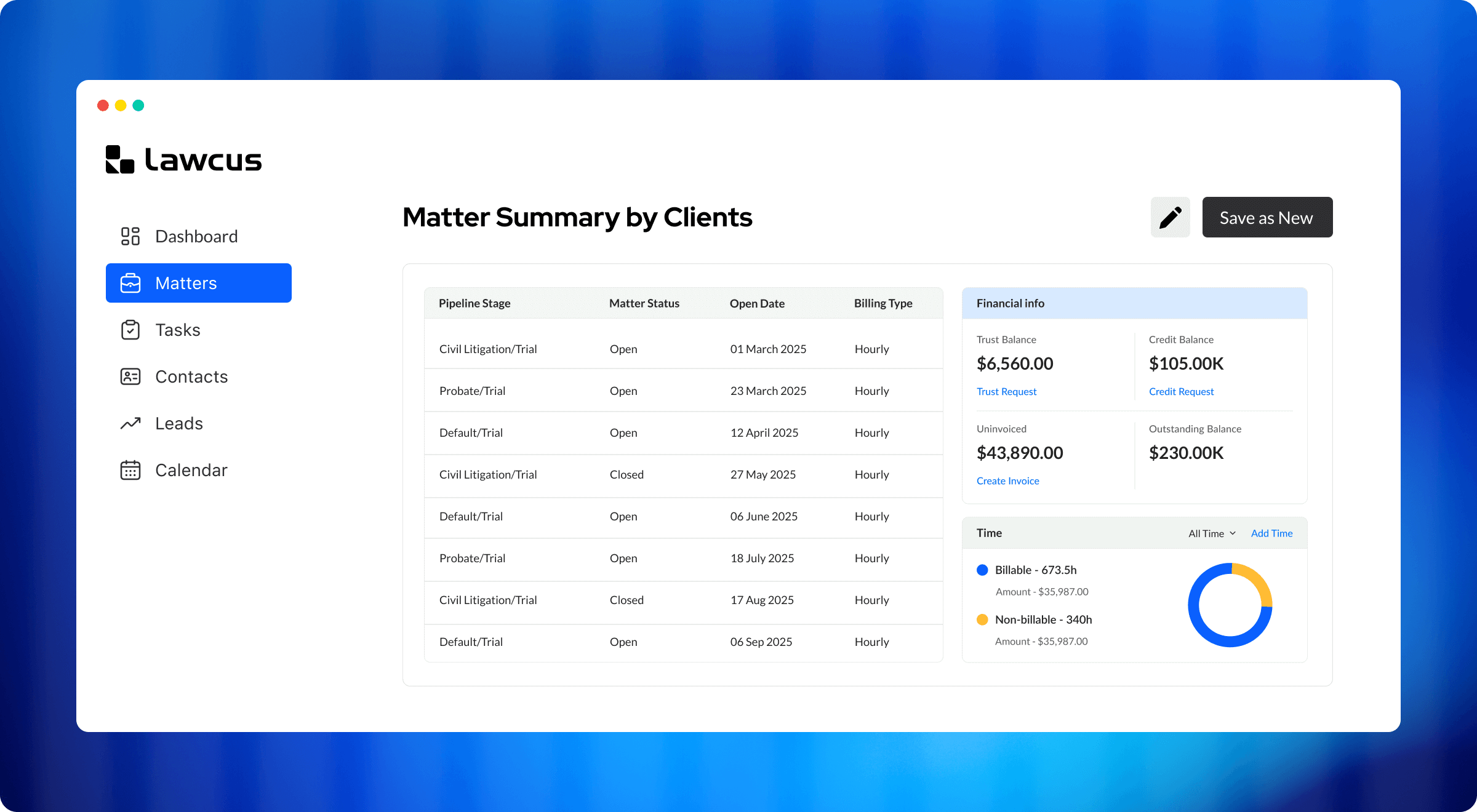
Matter and Client Summary Reports
Review trust balances, outstanding balances, and uninvoiced work in progress
at the matter or client level through Lawcus reporting.
Connected Tools for
Every Matter
Matter-Centric Workflows
Bring task management, matter communication, and workflow automation together so recurring work is easier to assign, track, and complete.
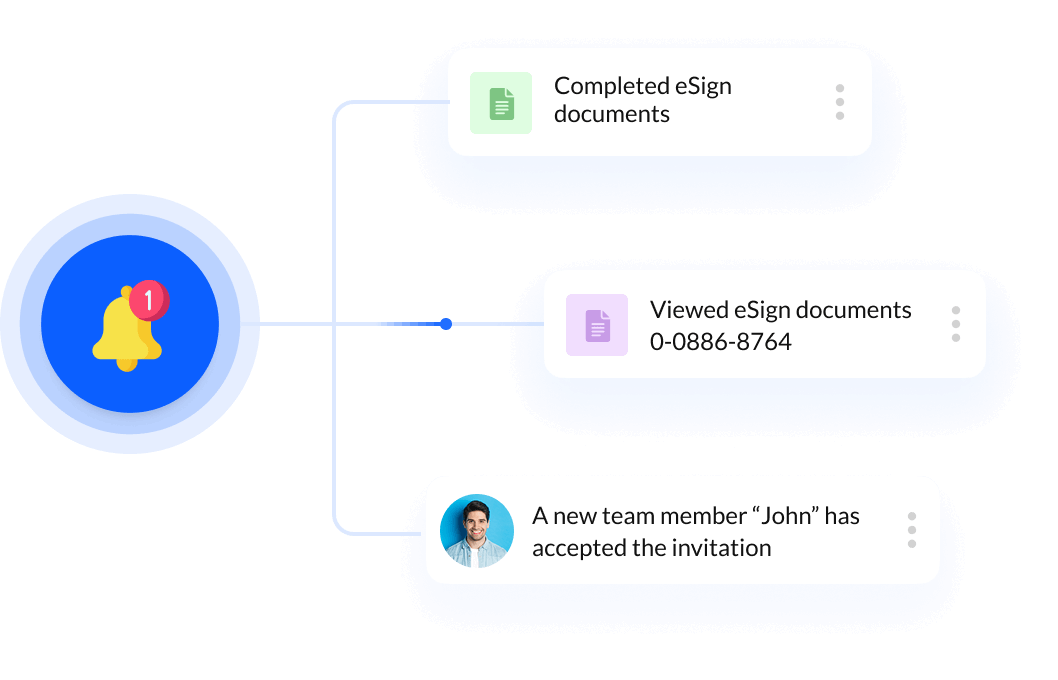
Real-time Notifications
Receive notifications when a matter or task is assigned, a payment is received, an intake form is submitted, or a workflow sends an email or text message.
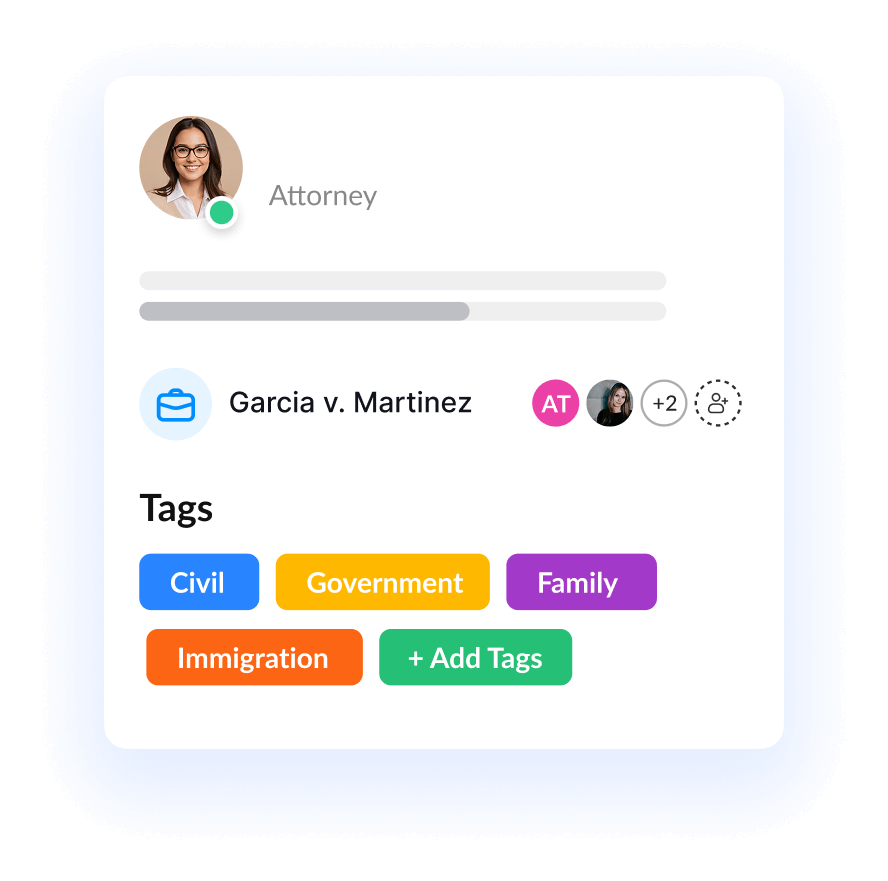
Matter & Contact Tags
Tags give your firm added flexibility to organize matters and contacts beyond standard fields. Use tags as custom labels to group cases by client type, urgency, jurisdiction, or any criteria that fit your workflow.

Matter Timelines
Record key matter events, including calls, meetings, facts, and issues. Use the searchable, filterable activity stream to find entries by type and give the team a clearer history of what happened and what comes next.
Keep the next step connected to the matter
Follow a new matter from setup to its next action. Collect the information your team needs, create the matter, and assign the people responsible for the work. Add documents, tasks, and deadlines to keep the file organized.
As work progresses, update the matter’s stage and use its activity timeline to review calls, meetings, facts, and issues. Keep client communication and billing connected to the same matter so the next person working on the file can find the context they need.
Legal Case Management FAQs
Yes. Use custom fields, field groups, tags, and matter stages to organize the information and processes your firm needs. Keep a consistent structure within each type of matter so the team can find the same details across files.
Yes. Matter Clone lets your team duplicate an existing matter and choose which details to carry into the new record. Review the copied information before using the new matter.
Case management focuses on the information and work within a matter. Practice management also covers firm-wide processes such as intake, billing, reporting, and team coordination. Lawcus connects these areas so matter work can stay linked to the wider practice.
Practice Management
Automation
Client Intake & CRM
Billing & Accounting
Practice Area
Compare
Resources
Lawcus Inc.
4445 Eastgate Mall, Suite 200,
San Diego, CA 92121


